
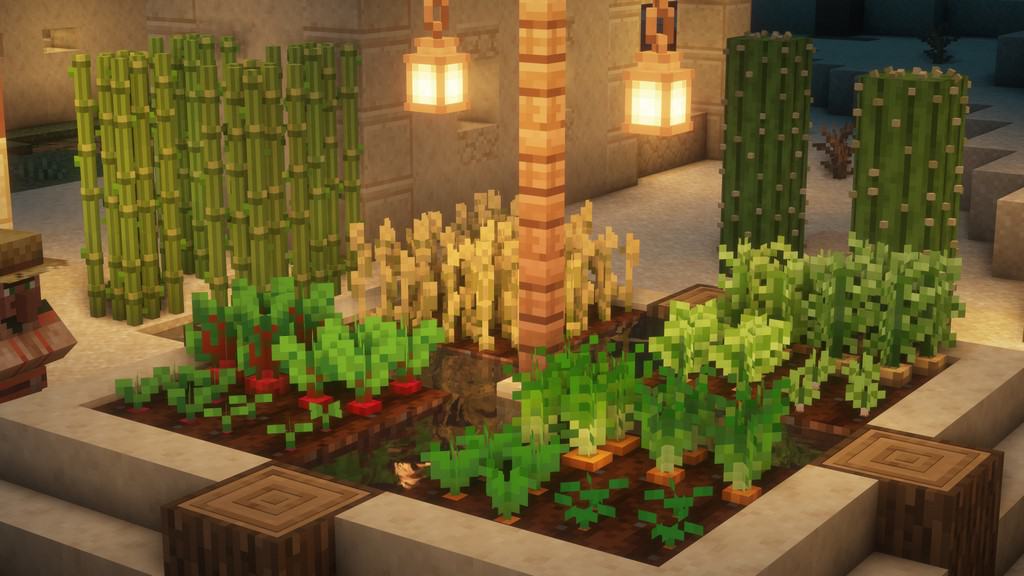
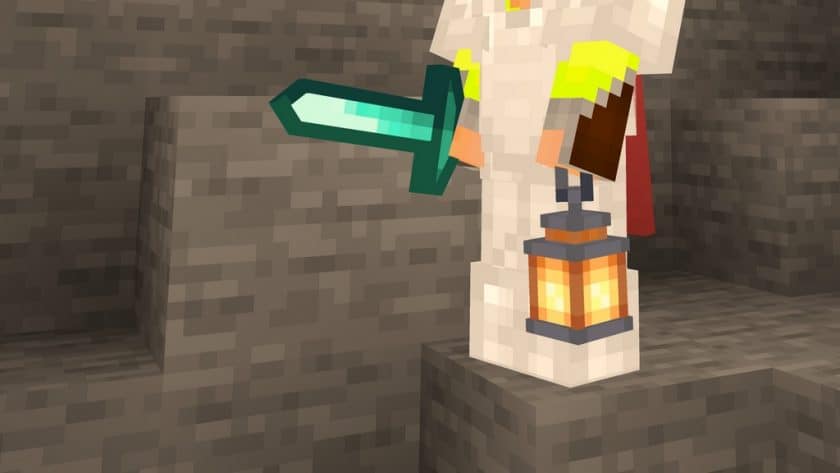
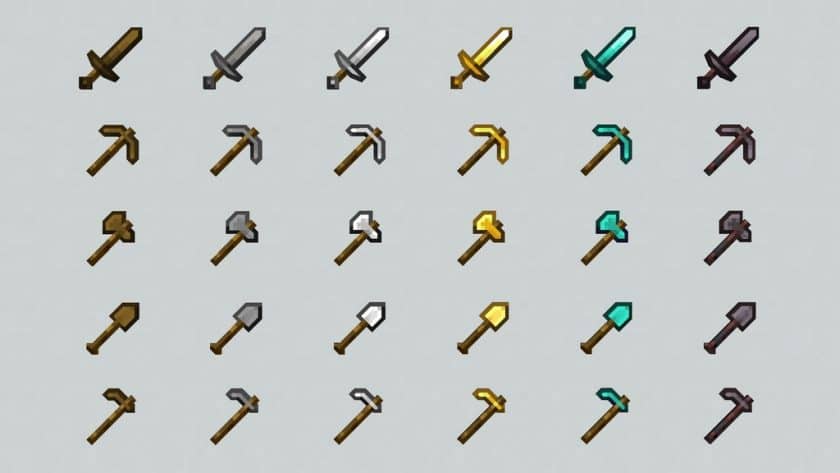
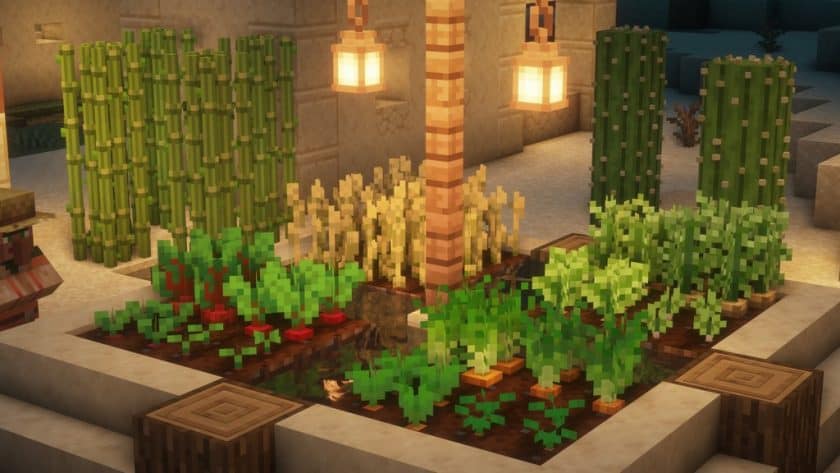
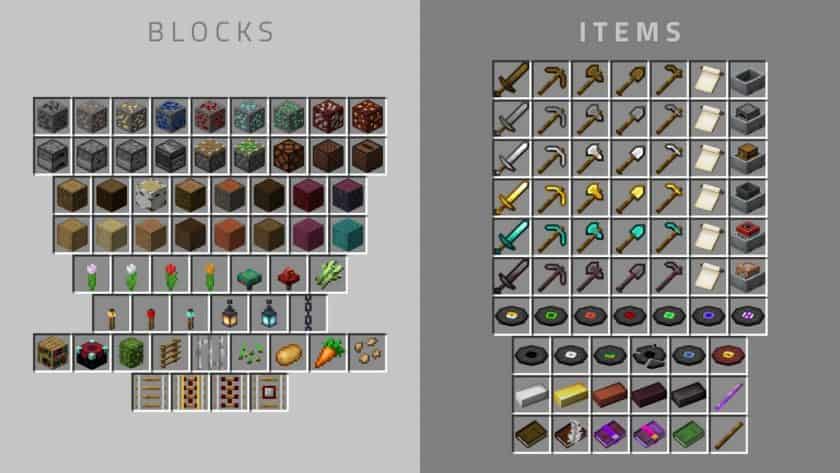
The Slight Depth 3D Resource Pack brings a refreshing take on Minecraft visuals by integrating meticulously crafted three-dimensional artistry without straying from the game’s beloved classic aesthetic. Many resource packs attempt 3D models, but few achieve the balance and quality seen here. This pack stands out by offering well-crafted, appealing 3D elements that genuinely enhance immersion, creating a sense of depth and tangible presence for various in-game objects. It’s a testament to the creator’s attention to detail, transforming ordinary blocks and items into subtly volumetric forms that feel more grounded and interactive. Despite the addition of intricate 3D models, the pack wisely retains Minecraft’s iconic pixelated charm, ensuring that the world you explore remains familiar yet visually upgraded.
What truly makes Slight Depth 3D shine is its ability to introduce simple yet effective 3D models that generate a believable sense of depth across the environment. Instead of making every single entity three-dimensional, which can sometimes overwhelm or detract from the vanilla experience, this resource pack thoughtfully applies 3D enhancements to selected elements. This selective approach maintains a harmonious blend between the rich 3D models and Minecraft’s enduring vintage style, providing an authentic and immersive experience. The pack’s rapid accumulation of 10,000 downloads shortly after its release underscores its high quality and widespread appeal within the community. Visually, every model within this resource bundle is designed with precision and care, complemented by a palette of classic gaming colors that further enhance its aesthetic. Crucially, the Slight Depth 3D Resource Pack operates at a standard 16×16 resolution, which means it runs as smoothly as the vanilla game. This ensures excellent performance even on older hardware or less powerful systems, allowing a broad range of players to enjoy its unique 3D features without compromise. While still under development and not yet entirely complete, the existing 3D content is already robust and highly enjoyable, making it a worthwhile addition for anyone looking to add a touch of subtle realism and depth to their Minecraft adventures.
| Minecraft Version | Compatibility |
|---|---|
| 1.16.5 | ✅ Supported |
| 1.16.4 | ✅ Supported |
| 1.16.3 | ✅ Supported |
| 1.16.2 | ✅ Supported |
| 1.16.1 | ✅ Supported |
| 1.16 | ✅ Supported |
| 1.15.2 | ✅ Supported |
| 1.15.1 | ✅ Supported |
| 1.15 | ✅ Supported |
| 1.14.4 | ✅ Supported |
| 1.14.3 | ✅ Supported |
| 1.14.2 | ✅ Supported |
| 1.14 | ✅ Supported |
| 1.13.2 | ✅ Supported |
| 1.13.1 | ✅ Supported |
| 1.13 | ✅ Supported |
| 1.12.2 | ✅ Supported |
| 1.12 | ✅ Supported |
| 1.11.2 | ✅ Supported |
| 1.11 | ✅ Supported |
| 1.10.2 | ✅ Supported |
| 1.10 | ✅ Supported |
| 1.9.4 | ✅ Supported |
| 1.9 | ✅ Supported |
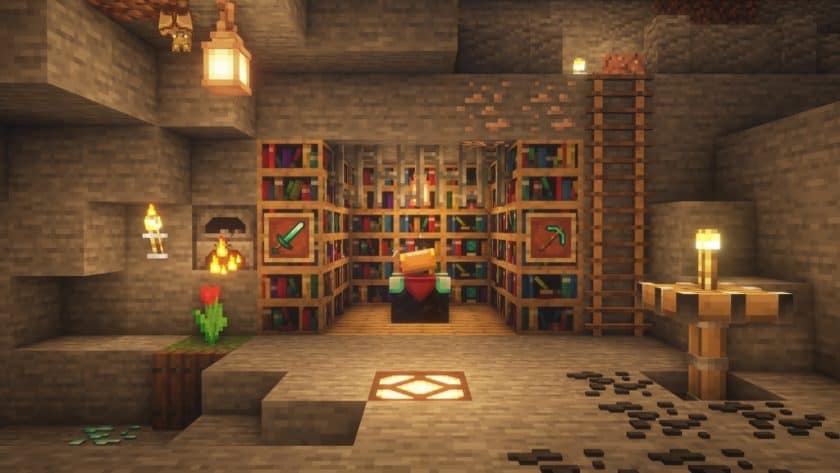
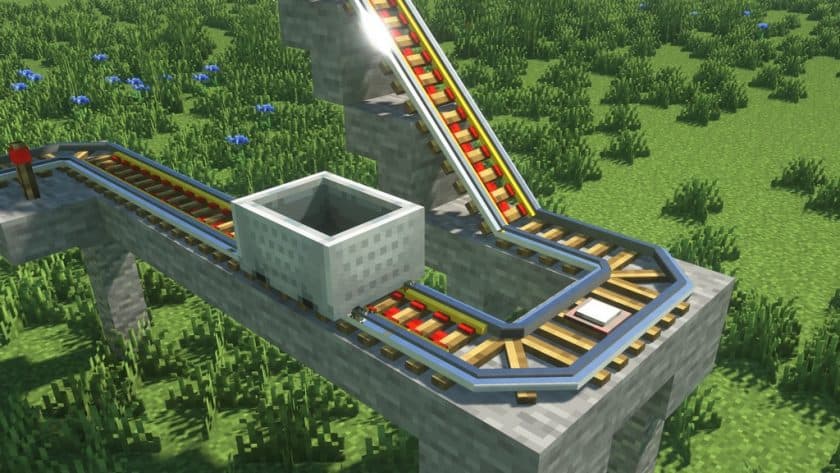
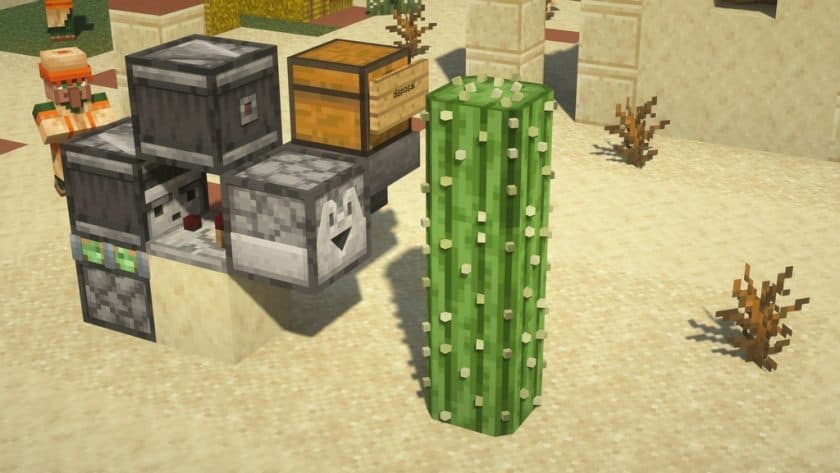
Slight Depth (3D) – Screenshots
How to Install Texture Pack (Simple 10 Steps)
- Download Optifine: Most of the texture packs and shaders need Optifine. That’s why, first download and install Optifine for the version of Minecraft you want to play.
- Download the Texture Pack: Get the texture pack you want from the download section. Choose the version that works with your Minecraft and your PC’s performance.
- Open Minecraft Launcher: Start Minecraft using the official game launcher – or even TLauncher, if you use that.
- Go to Options: From the main menu, click on the “Options” button.
- Open Resource Packs: Inside Options, click on “Resource Packs…”.
- Open the Resource Pack Folder: Click on “Open Resource Pack Folder” – this will open a folder named “resourcepacks”.
- Move the Pack File: Copy or move the .zip file you downloaded into that “resourcepacks” folder. (Don’t unzip the file – Minecraft uses it as-is!)
- Go Back and Refresh: Close the folder and click “Done”, then go back into “Resource Packs…” again.
- Activate the Pack: You’ll see the pack on the left side. Hover over it and click the arrow to move it to the right (active side). Tip: If you get a message that the pack is for a different version, just click “Yes” – it usually works fine.
- Click Done and Enjoy: Click “Done” again. Now your pack is ready to use in-game. It’s that easy!
Download
(16x) (1.16.x – 1.13.x) Download Slight Depth 3D Resource Pack
(16x) (1.12.x – 1.9.x) Download Slight Depth 3D Resource Pack
Official links:
Check out the Slight Depth 3D Resource Pack on the official source
Download Instructions
-
CurseForge: If the pack is hosted on CurseForge, the download will begin automatically after a few seconds. If it does not start, use the “Download” button shown on the page.
-
Modrinth: If the download is from Modrinth, click the file version that matches your Minecraft build, then press the Download button. Modrinth usually offers multiple releases, so make sure you pick the correct version before installing.
-
Mediafire: On Mediafire, click the large blue Download button to start the file download. Avoid any extra pop-ups or buttons that are not related to the direct download.
-
Google Drive: For Google Drive, click the small download icon at the top right corner of the page. It looks like a downward arrow. The file will be saved to your computer immediately.
Disclaimer We do not create or modify any of the texture packs or shader packs shared on this website. All credit goes to the original creators, and every download link we provide is the official link from their page, which keeps all downloads safe. Some links may stop working after updates, so if you find a broken one, let us know in the comments and we will update it quickly. If you like a pack, consider supporting the creator by visiting their official page or website that we have linked below, and feel free to leave a comment or vote to help their work reach more players.
