
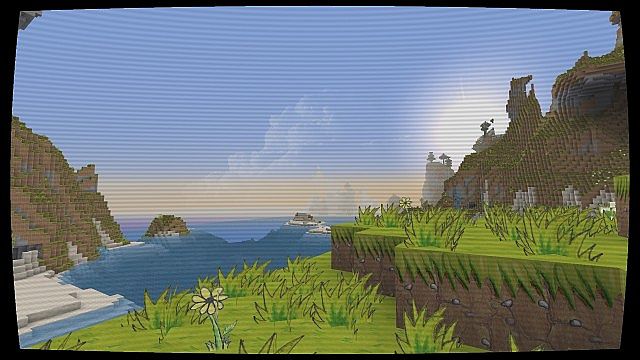
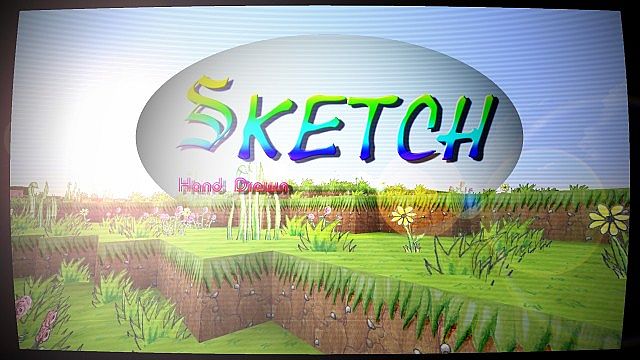
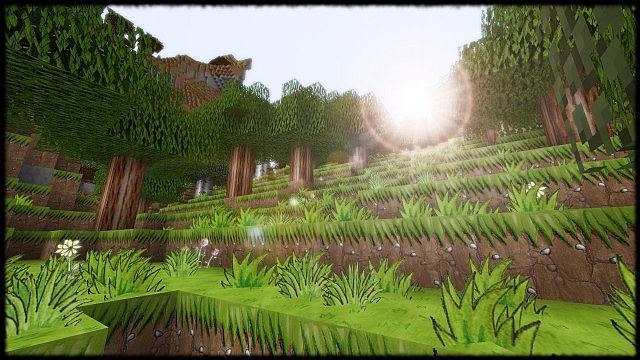
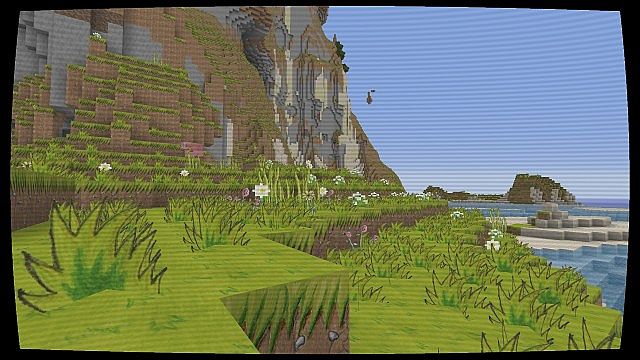
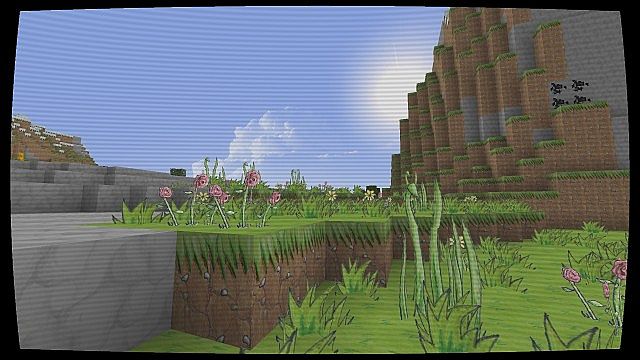
Dropping into a world with the Sketch Hand Drawn Resource Pack honestly feels like someone handed Minecraft a sketchbook and a box of colored pencils. Everything suddenly looks softer, warmer… more human, if that makes sense. The sharp pixel edges you’re used to just fade away, replaced by these hand-drawn lines that feel a little imperfect in the best way. From the first few steps, you can tell this pack isn’t trying to be realistic or flashy. It’s going for charm. And it nails it. Grass feels brighter, water looks painted instead of tiled, and forests straight-up feel like they belong in a storybook.
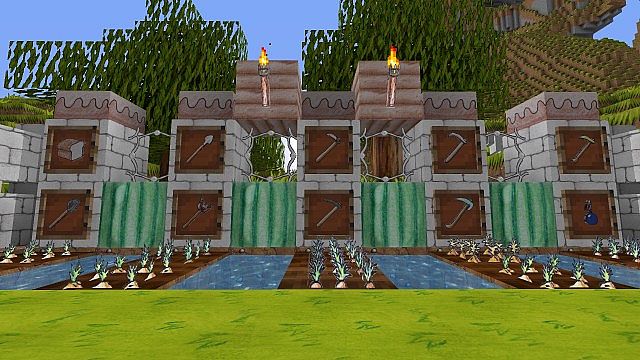
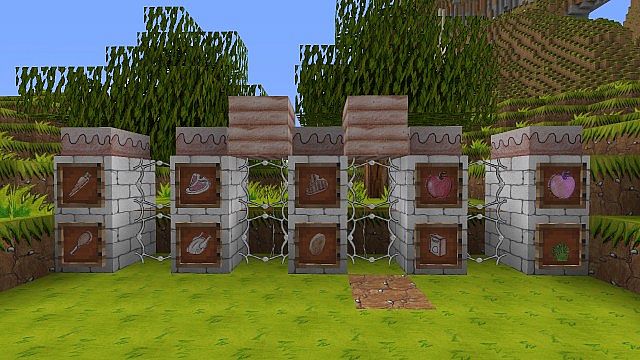
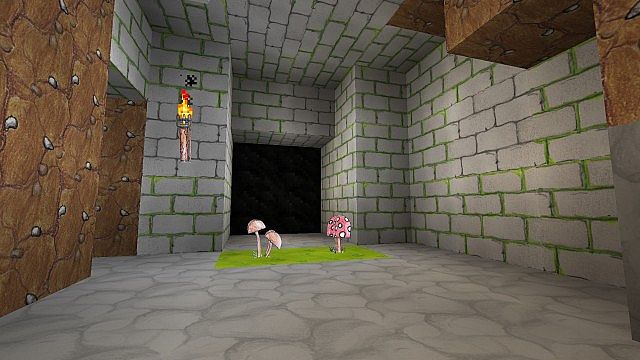
Once you start digging around or building stuff, the Sketch Hand Drawn Resource Pack really shows its personality. Cobblestone isn’t just cobblestone anymore—it has tiny sketchy details, uneven lines, little quirks that make each block feel alive. Crafting tables, tools, even basic blocks all look like they were drawn by hand, not generated. It gives off a playful, creative vibe that reminds me a bit of packs like Mario Hand Drawn Resource Pack, where the art style itself becomes part of the fun.
What’s kinda impressive is that despite all this artistic detail, things stay super readable. You’re never confused about what block is what, which is something a lot of artsy packs mess up. Combat still feels clear, mining is smooth, and performance doesn’t take a hit. If you like creative-looking packs but don’t want visual chaos, this sits in a really nice middle ground. It even pairs well conceptually with lighter styles like CutieCraft Resource Pack, though Sketch definitely leans more “handmade” than “cute.”
After a few hours, you stop noticing the pack as a gimmick and it just becomes… the world. That’s probably the biggest compliment. The Sketch Hand Drawn Resource Pack makes Minecraft feel friendlier and more approachable without turning it into a cartoon mess. If you enjoy packs with personality and warmth, but still want smooth gameplay and clarity, this one fits right in—especially if you’ve enjoyed artistic styles like Happy Charlotte Resource Pack before. It’s creative, cozy, and honestly just fun to exist in.
| Minecraft Version | Compatibility |
|---|---|
| 1.8.1 | ✅ Supported |
| 1.8.6 | ✅ Supported |
| 1.8 | ✅ Supported |
| 1.7.10 | ✅ Supported |
| 1.7.9 | ✅ Supported |
| 1.7.4 | ✅ Supported |
| 1.7 | ✅ Supported |
| 1.6.4 | ✅ Supported |
| 1.6.2 | ✅ Supported |
Sketch Hand Drawn Resource Pack – Screenshots
How to Install Texture Pack (Simple 10 Steps)
- Download Optifine: Most of the texture packs and shaders need Optifine. That’s why, first download and install Optifine for the version of Minecraft you want to play.
- Download the Texture Pack: Get the texture pack you want from the download section. Choose the version that works with your Minecraft and your PC’s performance.
- Open Minecraft Launcher: Start Minecraft using the official game launcher – or even TLauncher, if you use that.
- Go to Options: From the main menu, click on the “Options” button.
- Open Resource Packs: Inside Options, click on “Resource Packs…”.
- Open the Resource Pack Folder: Click on “Open Resource Pack Folder” – this will open a folder named “resourcepacks”.
- Move the Pack File: Copy or move the .zip file you downloaded into that “resourcepacks” folder. (Don’t unzip the file – Minecraft uses it as-is!)
- Go Back and Refresh: Close the folder and click “Done”, then go back into “Resource Packs…” again.
- Activate the Pack: You’ll see the pack on the left side. Hover over it and click the arrow to move it to the right (active side). Tip: If you get a message that the pack is for a different version, just click “Yes” – it usually works fine.
- Click Done and Enjoy: Click “Done” again. Now your pack is ready to use in-game. It’s that easy!
Download
(256x) (1.8) (1.7) Download the Sketch Hand Drawn resource set
Download Instructions
- CurseForge: If the pack is hosted on CurseForge, the download will begin automatically after a few seconds. If it does not start, use the “Download” button shown on the page.
- Modrinth: If the download is from Modrinth, click the file version that matches your Minecraft build, then press the Download button. Modrinth usually offers multiple releases, so make sure you pick the correct version before installing.
- Mediafire: On Mediafire, click the large blue Download button to start the file download. Avoid any extra pop-ups or buttons that are not related to the direct download.
- Google Drive: For Google Drive, click the small download icon at the top right corner of the page. It looks like a downward arrow. The file will be saved to your computer immediately.
Disclaimer We do not create or modify any of the texture packs or shader packs shared on this website. All credit goes to the original creators, and every download link we provide is the official link from their page, which keeps all downloads safe. Some links may stop working after updates, so if you find a broken one, let us know in the comments and we will update it quickly. If you like a pack, consider supporting the creator by visiting their official page or website that we have linked below, and feel free to leave a comment or vote to help their work reach more players.
