
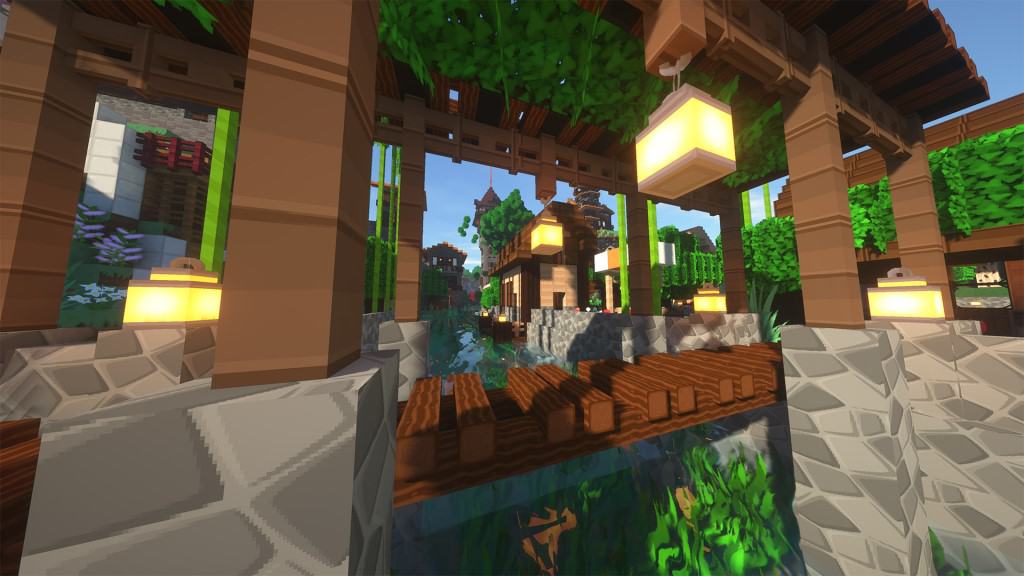
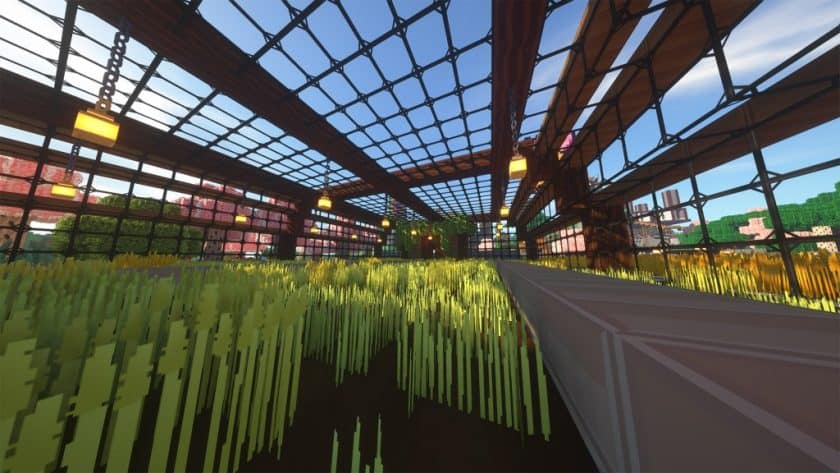
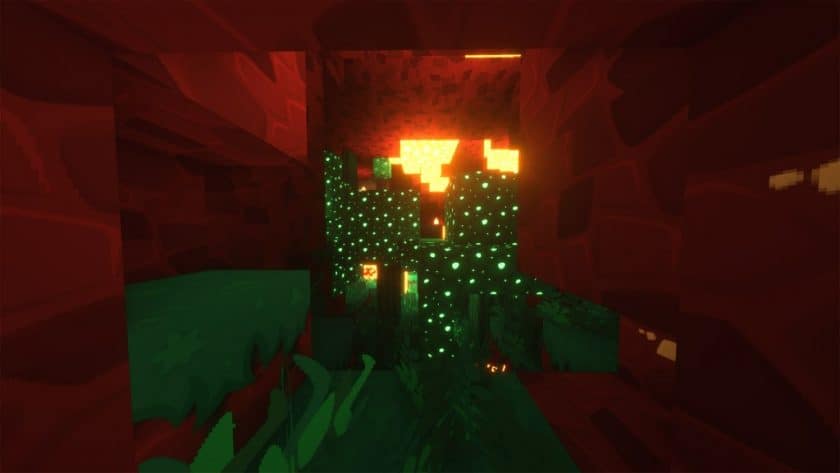
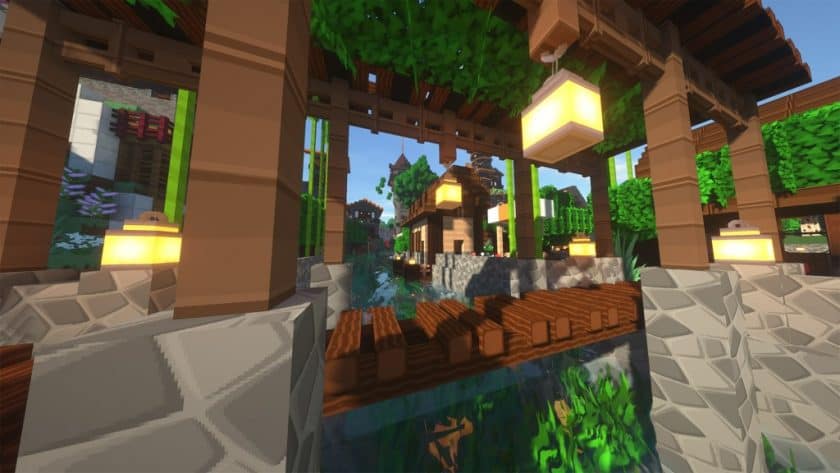
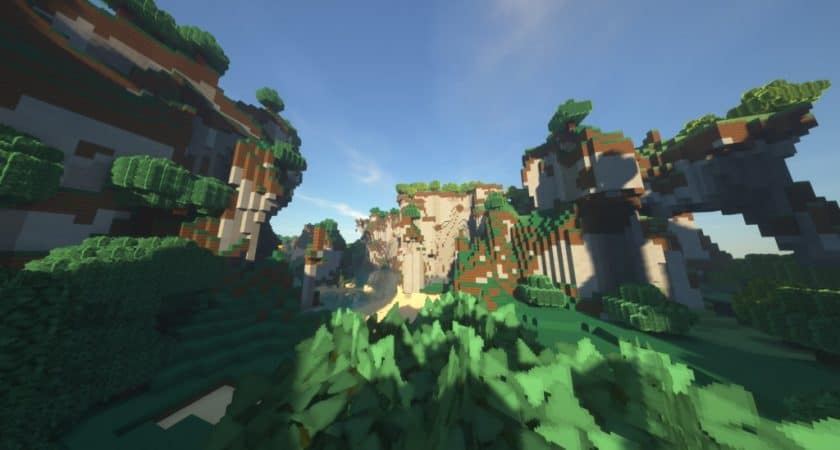
The SimonKraft Resource Pack breathes new life into vanilla Minecraft, transforming familiar landscapes into an immersive and visually enchanting world. From the moment you step into a world with SimonKraft enabled, you’ll notice an immediate sense of clarity and vibrancy. The pack meticulously replaces chaotic and noisy default textures with cleaner, more defined alternatives, simultaneously brightening the entire color palette to create a fresh and inviting atmosphere. A significant achievement of SimonKraft lies in its dedication to reducing texture noise and enhancing visual consistency, making every block feel more cohesive and aesthetically pleasing.
Operating at a crisp 128x resolution, SimonKraft ensures that textures are less pixelated, allowing for a smoother and more detailed appearance across the Minecraft environment. However, simply upping the resolution isn’t enough; the developer, SiMonko, has gone above and beyond, claiming to have modified an impressive 80% of the game’s core textures. This extensive overhaul means that common elements like ores, timber, sand, gravel, bricks, and stone all boast intricate new designs. Even everyday features such as sidewalks, windows, trees, grass, plants, water, crops, bookcases, crates, and tiles have received thoughtful updates, contributing to a truly polished experience.
Beyond the block textures, SimonKraft extends its touch to the user interface, improving both the HUD and GUI. Item icons are upgraded, appearing crisper and more colorful, making navigation and inventory management a delight. The sky and ocean textures have also been redesigned to perfectly complement SimonKraft’s unique style, enhancing the overall environmental immersion. Players often note that many of SimonKraft’s graphical changes evoke a nostalgic, vintage anime aesthetic, a direct inspiration from the renowned Tokyo-based animation studio, Studio Ghibli. Released in 2020, this pack quickly garnered tens of thousands of downloads, a testament to its creativity and meticulous detail. While there isn’t an official shader recommendation, experimenting with different shader packs can further amplify SimonKraft’s beauty, though it’s important to note that running this 128x resolution pack, especially with shaders, demands a robust system, potentially impacting frame rates. Due to its hardware-intensive nature, SimonKraft might not be ideal for competitive PvP scenarios where consistent high frame rates are crucial for minimizing input latency. Nevertheless, for players seeking a deeply engaging and visually stunning single-player or casual multiplayer experience, SimonKraft stands out as a truly exceptional choice.
| Minecraft Version | Compatibility |
|---|---|
| 1.19.4 | ✅ Supported |
| 1.19.3 | ✅ Supported |
| 1.19.2 | ✅ Supported |
| 1.19.1 | ✅ Supported |
| 1.19 | ✅ Supported |
| 1.18.2 | ✅ Supported |
| 1.18.1 | ✅ Supported |
| 1.18 | ✅ Supported |
| 1.17.1 | ✅ Supported |
| 1.17 | ✅ Supported |
| 1.16.5 | ✅ Supported |
| 1.16.4 | ✅ Supported |
| 1.16.3 | ✅ Supported |
| 1.16.2 | ✅ Supported |
| 1.16.1 | ✅ Supported |
| 1.16 | ✅ Supported |
| 1.15.2 | ✅ Supported |
| 1.15.1 | ✅ Supported |
| 1.15 | ✅ Supported |
| Bedrock Edition | ✅ Supported |
| Minecraft PE | ✅ Supported |
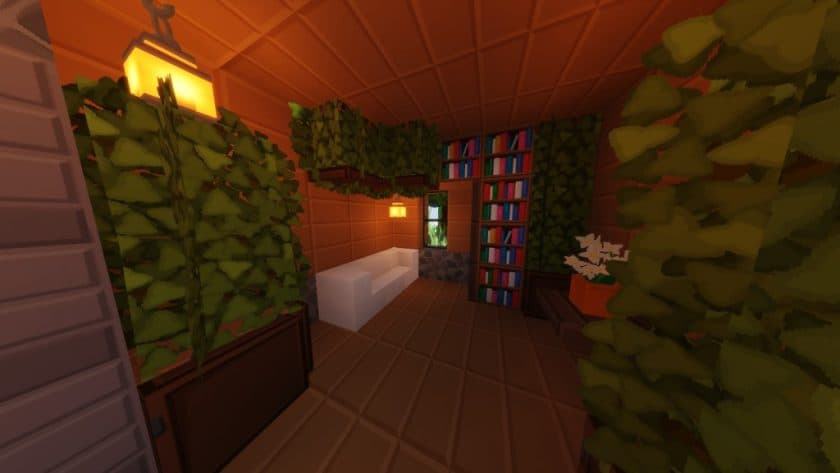
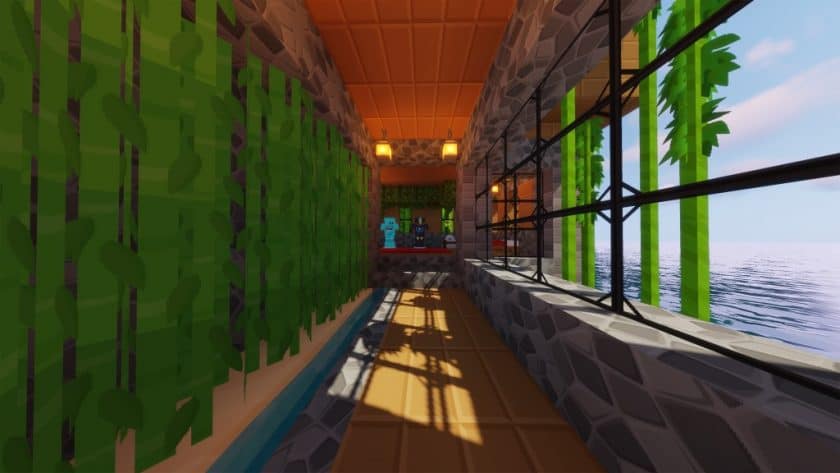
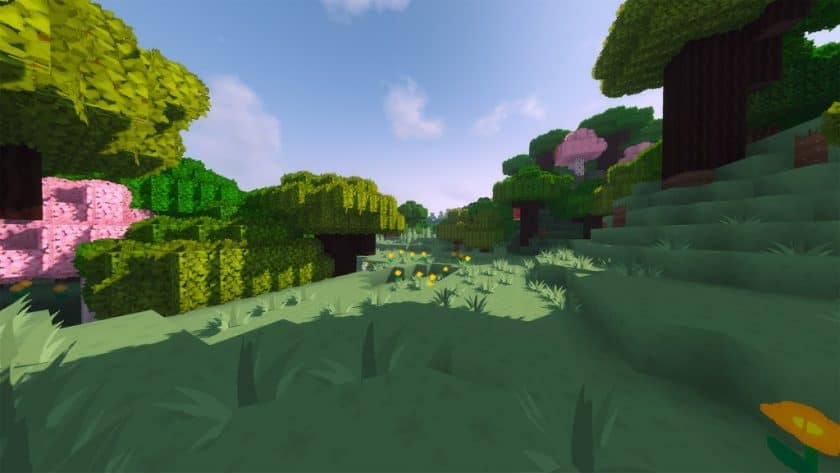
SimonKraft Resource Pack – Screenshots & Videos
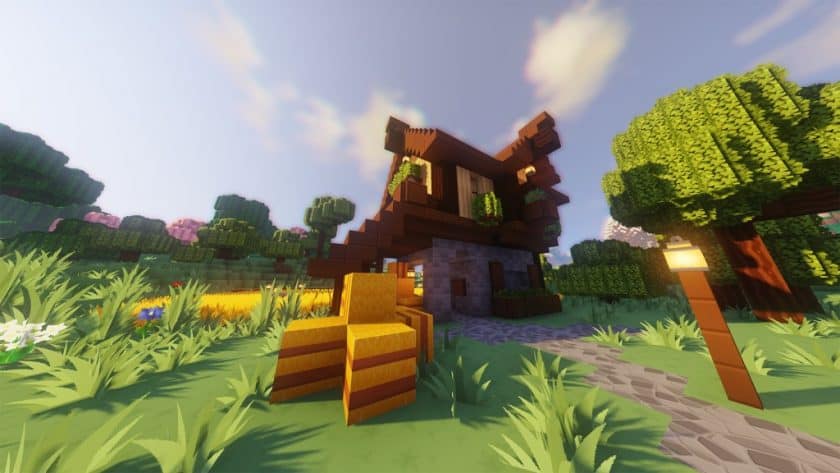
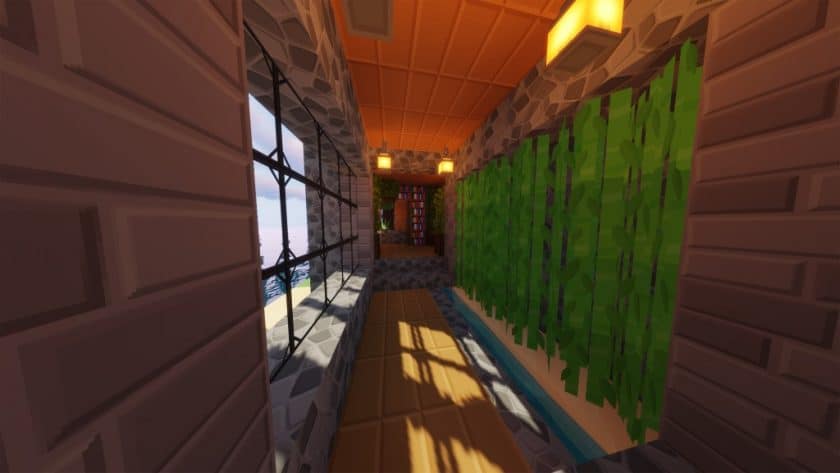
How to Install Texture Pack (Simple 10 Steps)
- Download Optifine: Most of the texture packs and shaders need Optifine. That’s why, first download and install Optifine for the version of Minecraft you want to play.
- Download the Texture Pack: Get the texture pack you want from the download section. Choose the version that works with your Minecraft and your PC’s performance.
- Open Minecraft Launcher: Start Minecraft using the official game launcher – or even TLauncher, if you use that.
- Go to Options: From the main menu, click on the “Options” button.
- Open Resource Packs: Inside Options, click on “Resource Packs…”.
- Open the Resource Pack Folder: Click on “Open Resource Pack Folder” – this will open a folder named “resourcepacks”.
- Move the Pack File: Copy or move the .zip file you downloaded into that “resourcepacks” folder. (Don’t unzip the file – Minecraft uses it as-is!)
- Go Back and Refresh: Close the folder and click “Done”, then go back into “Resource Packs…” again.
- Activate the Pack: You’ll see the pack on the left side. Hover over it and click the arrow to move it to the right (active side). Tip: If you get a message that the pack is for a different version, just click “Yes” – it usually works fine.
- Click Done and Enjoy: Click “Done” again. Now your pack is ready to use in-game. It’s that easy!
Download
Bedrock Edition:
Download SimonKraft Bedrock Edition Resource Pack
Java Edition:
(128x) (1.19.x) Download SimonKraft Resource Pack
(128x) (1.18.x) Download SimonKraft Resource Pack
(128x) (1.17.x) Download SimonKraft Resource Pack
(128x) (1.16.x – 1.15.x) Download SimonKraft Resource Pack
Download Instructions
-
CurseForge: If the pack is hosted on CurseForge, the download will begin automatically after a few seconds. If it does not start, use the “Download” button shown on the page.
-
Modrinth: If the download is from Modrinth, click the file version that matches your Minecraft build, then press the Download button. Modrinth usually offers multiple releases, so make sure you pick the correct version before installing.
-
Mediafire: On Mediafire, click the large blue Download button to start the file download. Avoid any extra pop-ups or buttons that are not related to the direct download.
-
Google Drive: For Google Drive, click the small download icon at the top right corner of the page. It looks like a downward arrow. The file will be saved to your computer immediately.
Disclaimer We do not create or modify any of the texture packs or shader packs shared on this website. All credit goes to the original creators, and every download link we provide is the official link from their page, which keeps all downloads safe. Some links may stop working after updates, so if you find a broken one, let us know in the comments and we will update it quickly. If you like a pack, consider supporting the creator by visiting their official page or website that we have linked below, and feel free to leave a comment or vote to help their work reach more players.
