
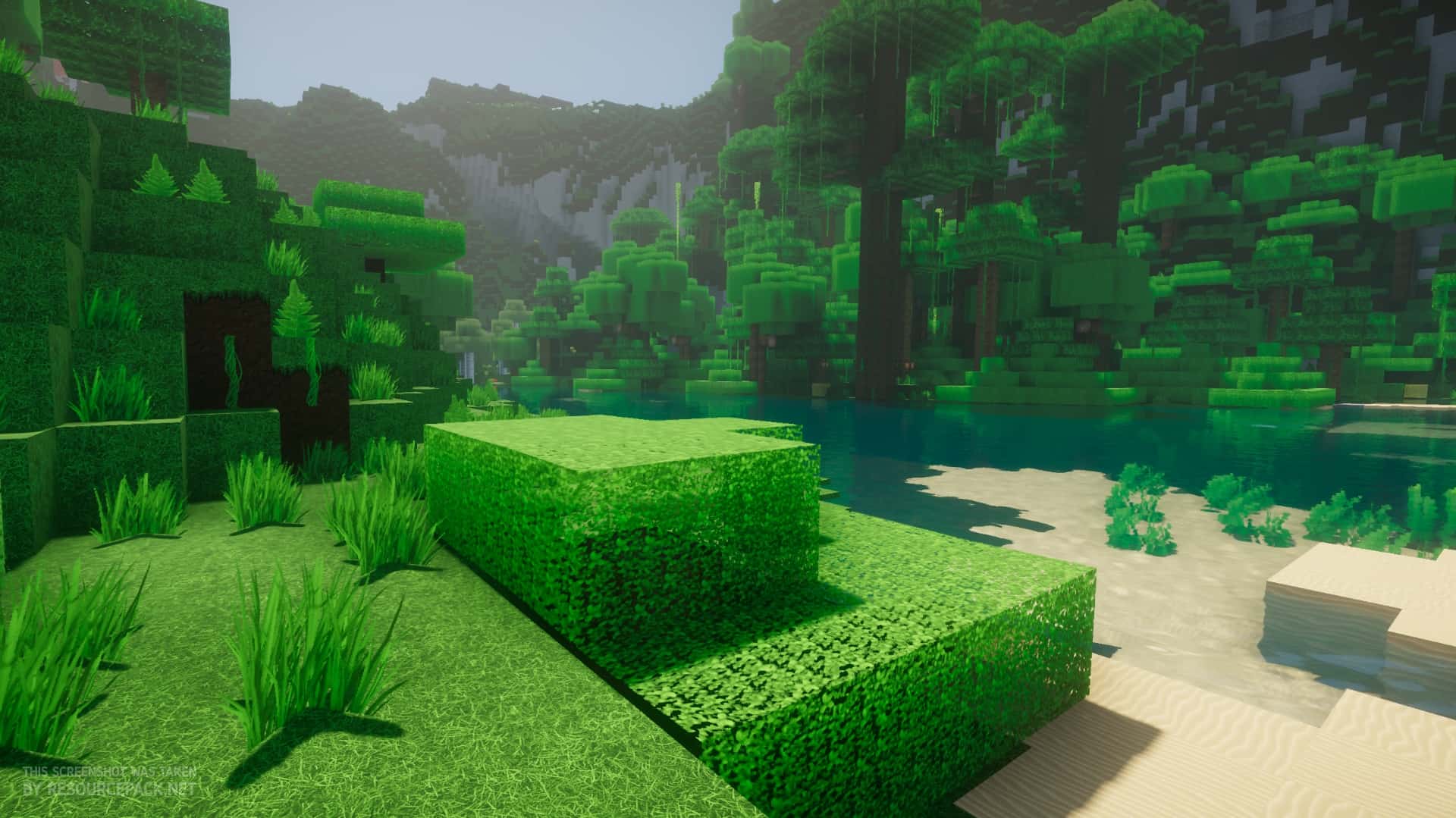
The Oerlis Realistic Photo Pro Resource Pack, crafted by the highly skilled creator DelTaz, brings an unparalleled level of visual fidelity to your Minecraft world. DelTaz, a name well-known in the community for enhancing Minecraft’s inherent beauty, has once again pushed the boundaries with this latest offering. From the moment you load into your world, the transformation is evident, elevating the entire gaming experience. This pack is designed with photorealism at its core, aiming to deliver textures that are both stunning and authentic, even in its ongoing development. Despite being an incomplete project, the sheer scope of improvements already implemented by DelTaz is remarkable, hinting at an even more expansive and detailed future.
Stepping into a world with Oerlis Realistic Photo Pro feels truly immersive. The visual style, which is the primary focus, is top-notch, offering a sophisticated aesthetic without resorting to overly busy or noisy patterns. The darker color palette contributes significantly to its realistic mood, making every block and environment feel more grounded. One of the most striking changes is to the paving blocks; no longer flat, uniform cubes, they now appear as chipped and broken stones, subtly interconnected, adding a layer of rugged authenticity. This particular detail is often one of the first and most impactful a player will encounter, transforming familiar mines, villages, and player-built structures into something far more believable.
The pack also triumphs where many others falter: in its depiction of lava. Vanilla Minecraft’s lava often lacks the menacing intensity of molten rock, appearing more like a glowing liquid. Oerlis Realistic Photo Pro masterfully blends yellows, oranges, and reds with dark, cooling streaks, creating a visually compelling representation of flowing, cooling magma. While the in-game damage remains consistent, the visual upgrade significantly enhances the sense of danger and realism. Not every texture strives for overt ‘wow’ factor; some, like sand, grass, dirt, and mycelium, feature a reduced level of detail, leading to a more monotonous, yet intentionally realistic, appearance. This choice mimics the subtle uniformity found in real-world landscapes, where vast stretches of beach or lawn blend seamlessly. This design choice, while perhaps appearing subdued at first glance, contributes to an overarching sense of realism, particularly for players who prioritize an authentic visual experience.
The Oerlis Realistic Photo Pro textures boast a substantial 128x resolution, a significant leap from Minecraft’s default 16×16. While this increased detail profoundly enhances visuals, it’s important to note that it may impact performance on lower-end devices. Given that the pack is still under development, optimizations may continue to improve, but for now, an average system should manage it reasonably well. For the best experience, quality hardware is recommended. Furthermore, pairing a 128x resolution pack with shaders can intensify FPS drops. However, this shouldn’t deter experimentation; resource packs are easily swapped, allowing players to find their ideal visual balance without commitment.
| Minecraft Version | Compatibility |
|---|---|
| 1.13.2 | ✅ Supported |
| 1.13.1 | ✅ Supported |
| 1.13 | ✅ Supported |
| 1.12.2 | ✅ Supported |
| 1.12 | ✅ Supported |
| 1.11.2 | ✅ Supported |
| 1.11 | ✅ Supported |
| 1.10.2 | ✅ Supported |
| 1.10 | ✅ Supported |
| 1.9.4 | ✅ Supported |
| 1.9 | ✅ Supported |
| 1.8.9 | ✅ Supported |
| 1.8.8 | ✅ Supported |
| 1.8.1 | ✅ Supported |
| 1.8.6 | ✅ Supported |
| 1.8 | ✅ Supported |
Oerlis Realistic Photo Pro Resource Pack – Screenshots
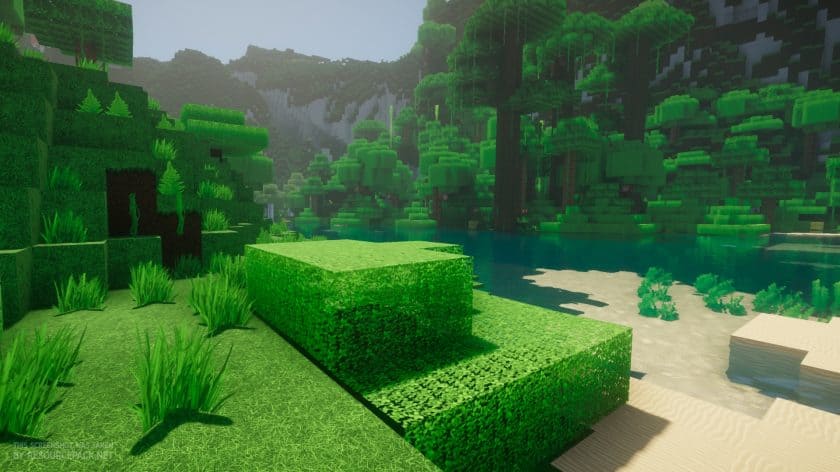
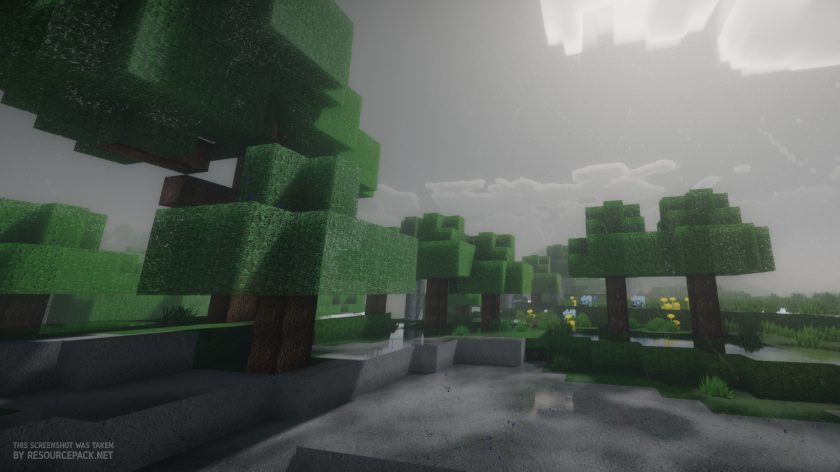
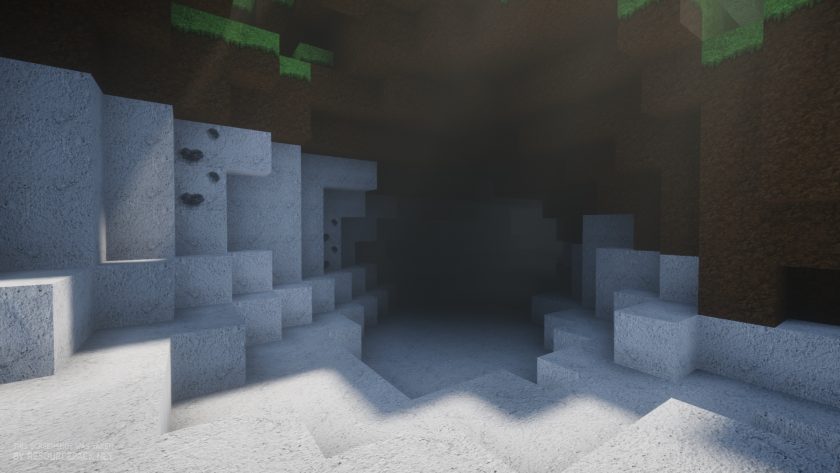
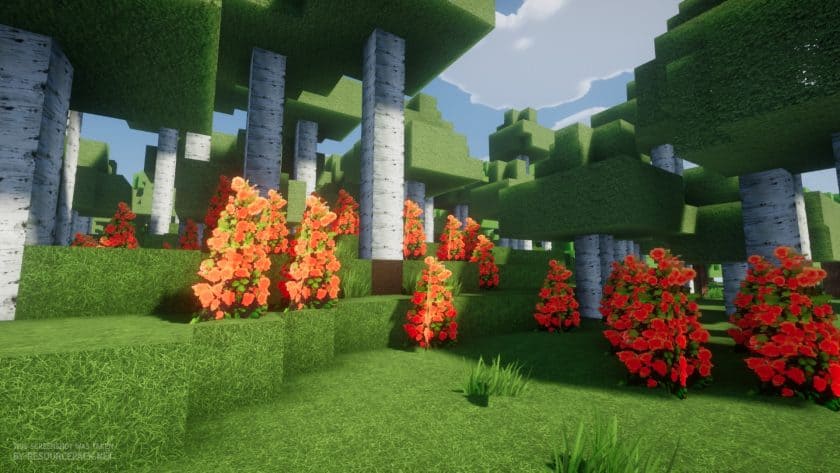
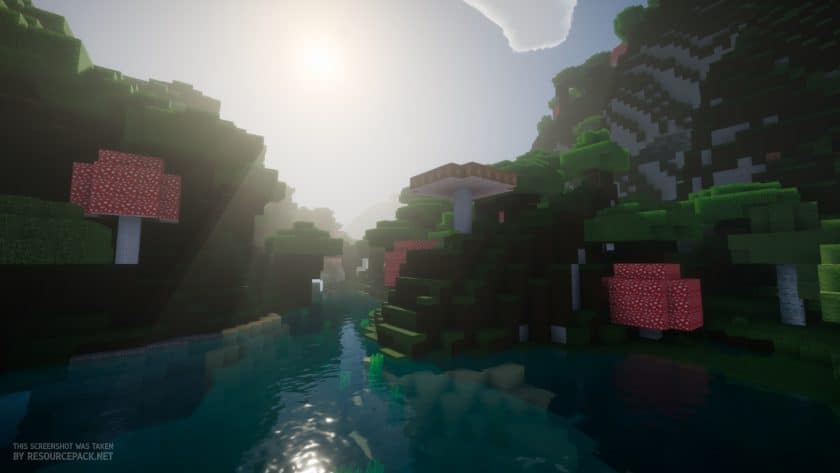
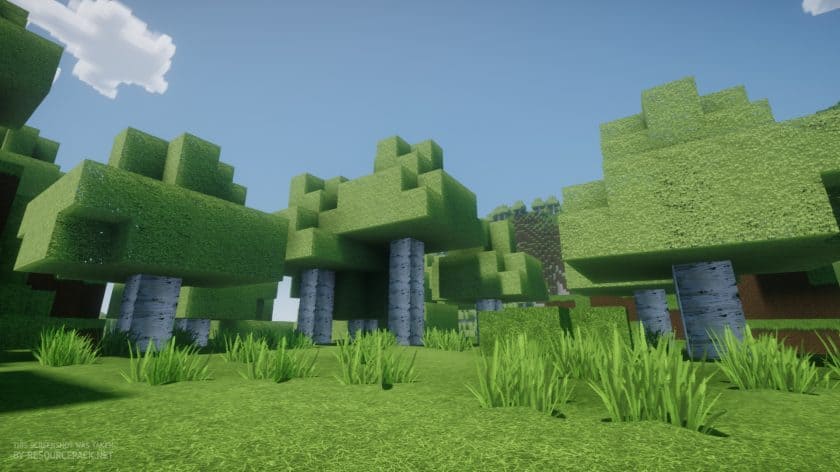
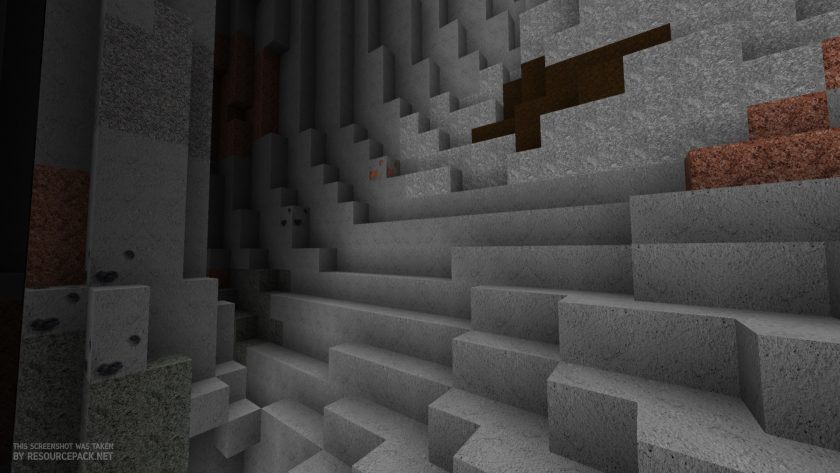
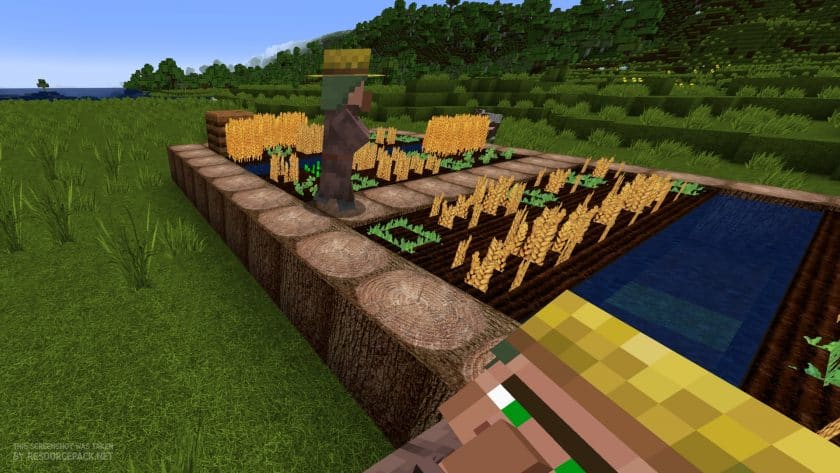
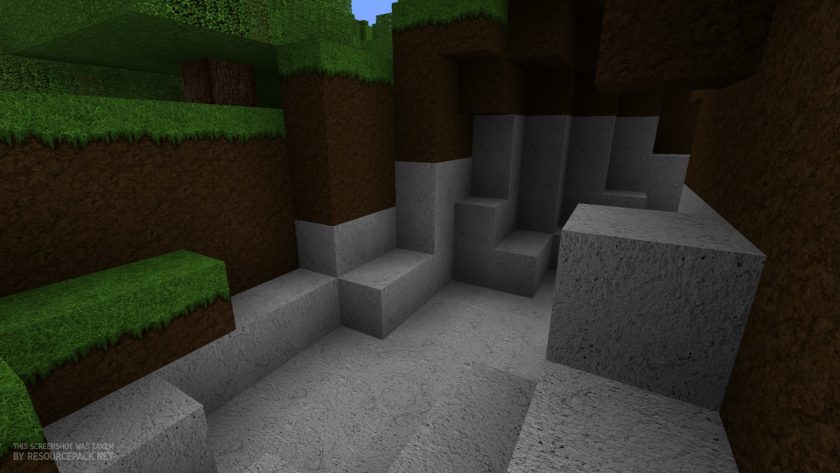
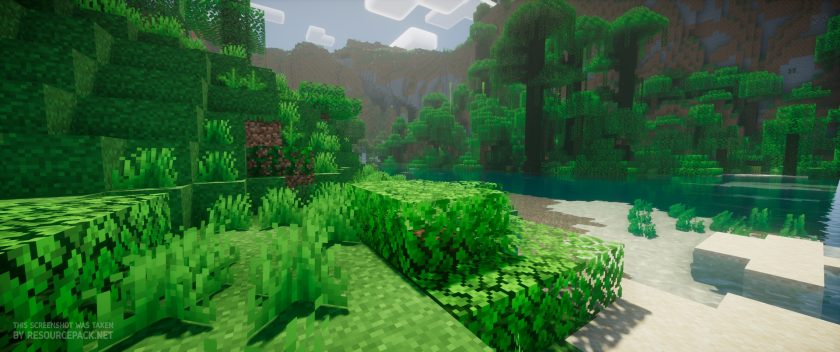 Vanilla (Nostalgia Shaders)
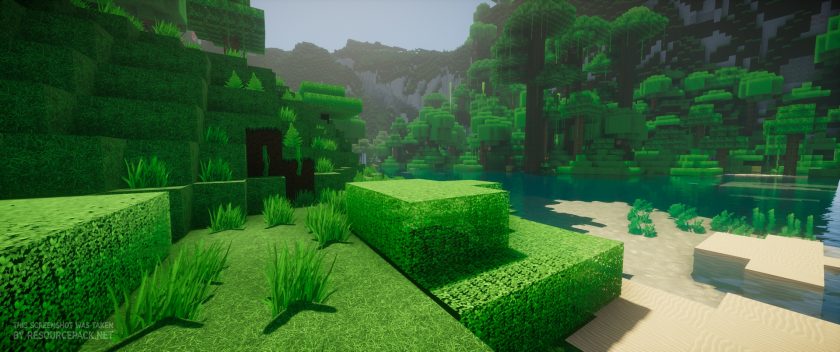 Oerlis Realistic Photo Pro (Nostalgia Shaders)
How to Install Texture Pack (Simple 10 Steps)
- Download Optifine: Most of the texture packs and shaders need Optifine. That’s why, first download and install Optifine for the version of Minecraft you want to play.
- Download the Texture Pack: Get the texture pack you want from the download section. Choose the version that works with your Minecraft and your PC’s performance.
- Open Minecraft Launcher: Start Minecraft using the official game launcher – or even TLauncher, if you use that.
- Go to Options: From the main menu, click on the “Options” button.
- Open Resource Packs: Inside Options, click on “Resource Packs…”.
- Open the Resource Pack Folder: Click on “Open Resource Pack Folder” – this will open a folder named “resourcepacks”.
- Move the Pack File: Copy or move the .zip file you downloaded into that “resourcepacks” folder. (Don’t unzip the file – Minecraft uses it as-is!)
- Go Back and Refresh: Close the folder and click “Done”, then go back into “Resource Packs…” again.
- Activate the Pack: You’ll see the pack on the left side. Hover over it and click the arrow to move it to the right (active side). Tip: If you get a message that the pack is for a different version, just click “Yes” – it usually works fine.
- Click Done and Enjoy: Click “Done” again. Now your pack is ready to use in-game. It’s that easy!
Download
Download Instructions
-
CurseForge: If the pack is hosted on CurseForge, the download will begin automatically after a few seconds. If it does not start, use the “Download” button shown on the page.
-
Modrinth: If the download is from Modrinth, click the file version that matches your Minecraft build, then press the Download button. Modrinth usually offers multiple releases, so make sure you pick the correct version before installing.
-
Mediafire: On Mediafire, click the large blue Download button to start the file download. Avoid any extra pop-ups or buttons that are not related to the direct download.
-
Google Drive: For Google Drive, click the small download icon at the top right corner of the page. It looks like a downward arrow. The file will be saved to your computer immediately.
Disclaimer We do not create or modify any of the texture packs or shader packs shared on this website. All credit goes to the original creators, and every download link we provide is the official link from their page, which keeps all downloads safe. Some links may stop working after updates, so if you find a broken one, let us know in the comments and we will update it quickly. If you like a pack, consider supporting the creator by visiting their official page or website that we have linked below, and feel free to leave a comment or vote to help their work reach more players.
