
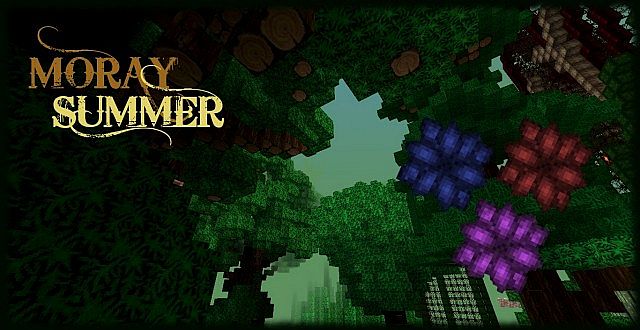
Step into a world transformed by the Moray Summer Resource Pack, a delightful creation by the talented esmirff. This isn’t just another texture pack; it’s the vibrant “Summer Edition” of the acclaimed Moray TP, specifically designed to infuse your Minecraft adventures with the joyous essence of the warmest season. From the moment you load it, you’ll notice a distinct shift in atmosphere, as if a warm, gentle breeze has swept through every block and creature. The pack breathes new life into the environment, focusing on enhanced summer flora and fauna that makes exploration a truly immersive and cheerful experience.
Imagine wandering through fields bursting with brighter, more detailed flowers, or beneath trees adorned with lush, verdant leaves that shimmer in the midday sun. The textures are crafted to evoke a sense of natural beauty and warmth, utilizing a palette that feels both refreshing and inviting. Every animal you encounter, from the smallest chicken to the mightiest cow, seems to revel in this summery makeover, adding to the overall vibrant mood. Performance-wise, the Moray Summer Resource Pack is designed to be accessible, typically offering a smooth experience without demanding excessive resources, making it a fantastic choice for a wide range of players looking to lighten up their Minecraft world with a consistent and charming summer theme.
The attention to detail in transforming the natural elements is remarkable. Water bodies gleam with a clearer, more inviting hue, while skies stretch out in brilliant azure. Even the often-overlooked blocks feel re-energized, contributing to a cohesive aesthetic that makes your builds and landscapes pop with summer cheer. This pack doesn’t just change textures; it changes the very feeling of your game, encouraging long strolls through sun-drenched biomes and lazy afternoons spent admiring the enhanced beauty of your surroundings. It’s an invitation to experience Minecraft through a sunnier lens, making every in-game day feel like a perfect summer day.
| Minecraft Version | Compatibility |
|---|---|
| 1.8.8 | ✅ Supported |
| 1.8.6 | ✅ Supported |
| 1.8.1 | ✅ Supported |
| 1.8 | ✅ Supported |
| 1.7.10 | ✅ Supported |
| 1.7.9 | ✅ Supported |
| 1.7.4 | ✅ Supported |
| 1.7 | ✅ Supported |
| 1.6.4 | ✅ Supported |
| 1.6.2 | ✅ Supported |
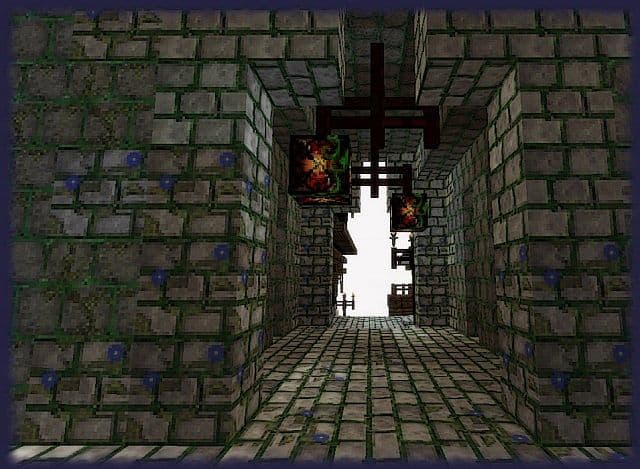
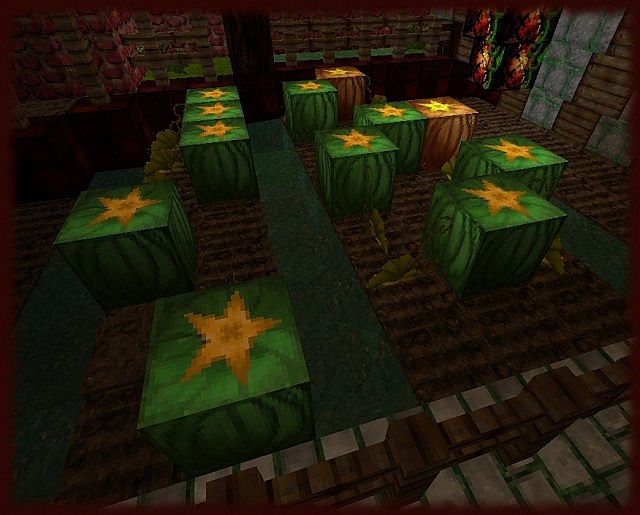
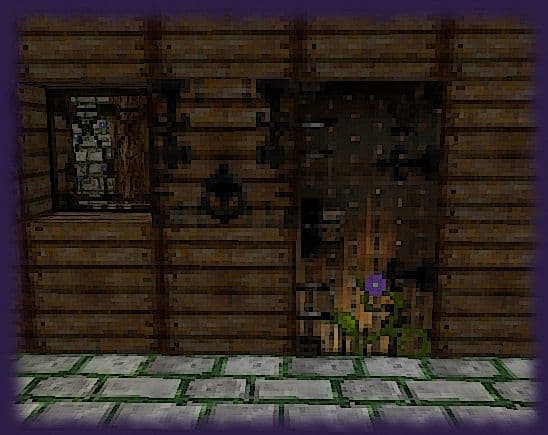
Moray Summer Resource Pack – Screenshots
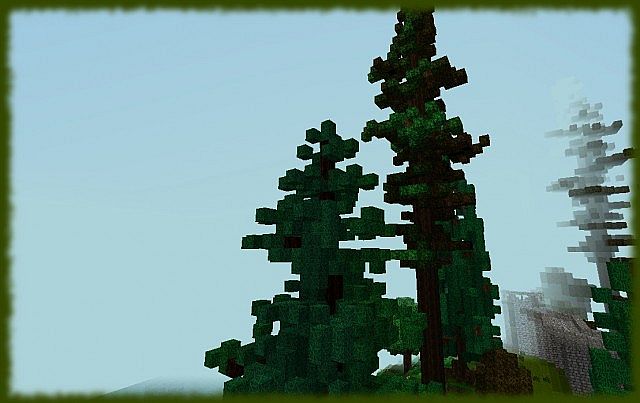
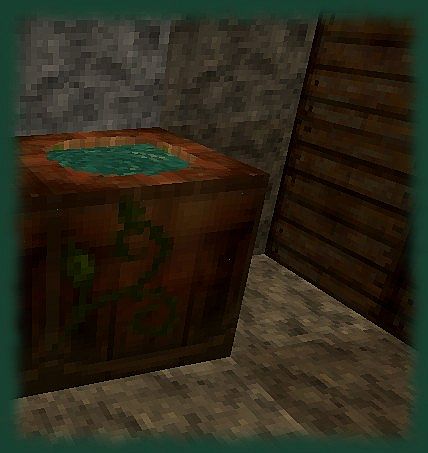
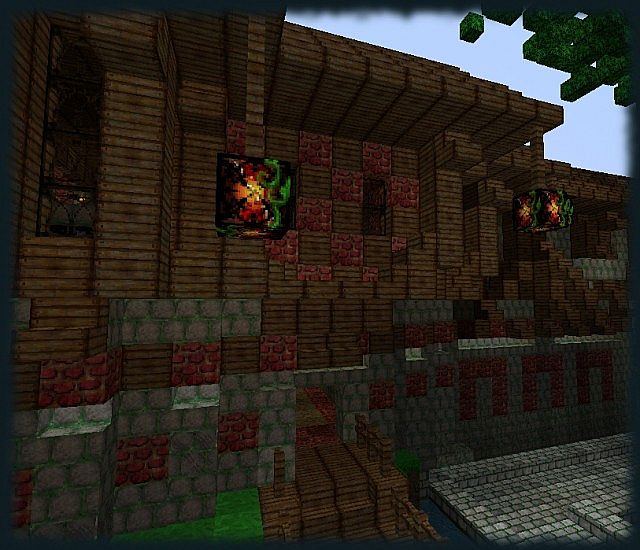
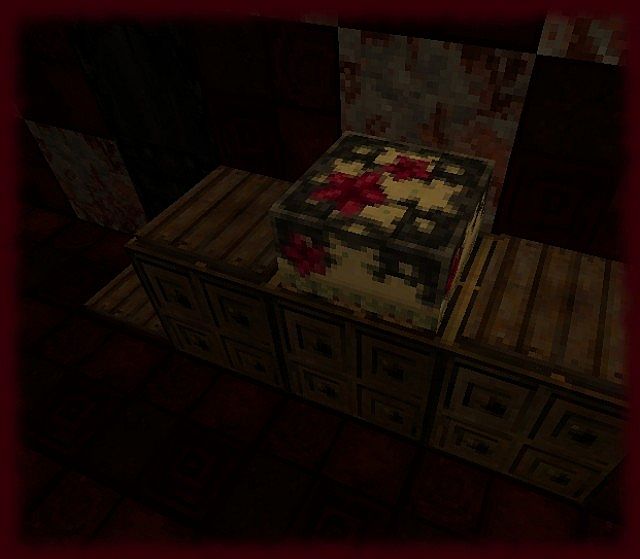
How to Install Texture Pack (Simple 10 Steps)
- Download Optifine: Most of the texture packs and shaders need Optifine. That’s why, first download and install Optifine for the version of Minecraft you want to play.
- Download the Texture Pack: Get the texture pack you want from the download section. Choose the version that works with your Minecraft and your PC’s performance.
- Open Minecraft Launcher: Start Minecraft using the official game launcher – or even TLauncher, if you use that.
- Go to Options: From the main menu, click on the “Options” button.
- Open Resource Packs: Inside Options, click on “Resource Packs…”.
- Open the Resource Pack Folder: Click on “Open Resource Pack Folder” – this will open a folder named “resourcepacks”.
- Move the Pack File: Copy or move the .zip file you downloaded into that “resourcepacks” folder. (Don’t unzip the file – Minecraft uses it as-is!)
- Go Back and Refresh: Close the folder and click “Done”, then go back into “Resource Packs…” again.
- Activate the Pack: You’ll see the pack on the left side. Hover over it and click the arrow to move it to the right (active side). Tip: If you get a message that the pack is for a different version, just click “Yes” – it usually works fine.
- Click Done and Enjoy: Click “Done” again. Now your pack is ready to use in-game. It’s that easy!
Download
(32x) (1.8) Download Moray Summer TP Resource Pack
(32x) (1.7) (1.6) Download Moray Summer TP Resource Pack
Download Instructions
-
CurseForge: If the pack is hosted on CurseForge, the download will begin automatically after a few seconds. If it does not start, use the “Download” button shown on the page.
-
Modrinth: If the download is from Modrinth, click the file version that matches your Minecraft build, then press the Download button. Modrinth usually offers multiple releases, so make sure you pick the correct version before installing.
-
Mediafire: On Mediafire, click the large blue Download button to start the file download. Avoid any extra pop-ups or buttons that are not related to the direct download.
-
Google Drive: For Google Drive, click the small download icon at the top right corner of the page. It looks like a downward arrow. The file will be saved to your computer immediately.
Disclaimer We do not create or modify any of the texture packs or shader packs shared on this website. All credit goes to the original creators, and every download link we provide is the official link from their page, which keeps all downloads safe. Some links may stop working after updates, so if you find a broken one, let us know in the comments and we will update it quickly. If you like a pack, consider supporting the creator by visiting their official page or website that we have linked below, and feel free to leave a comment or vote to help their work reach more players.
