
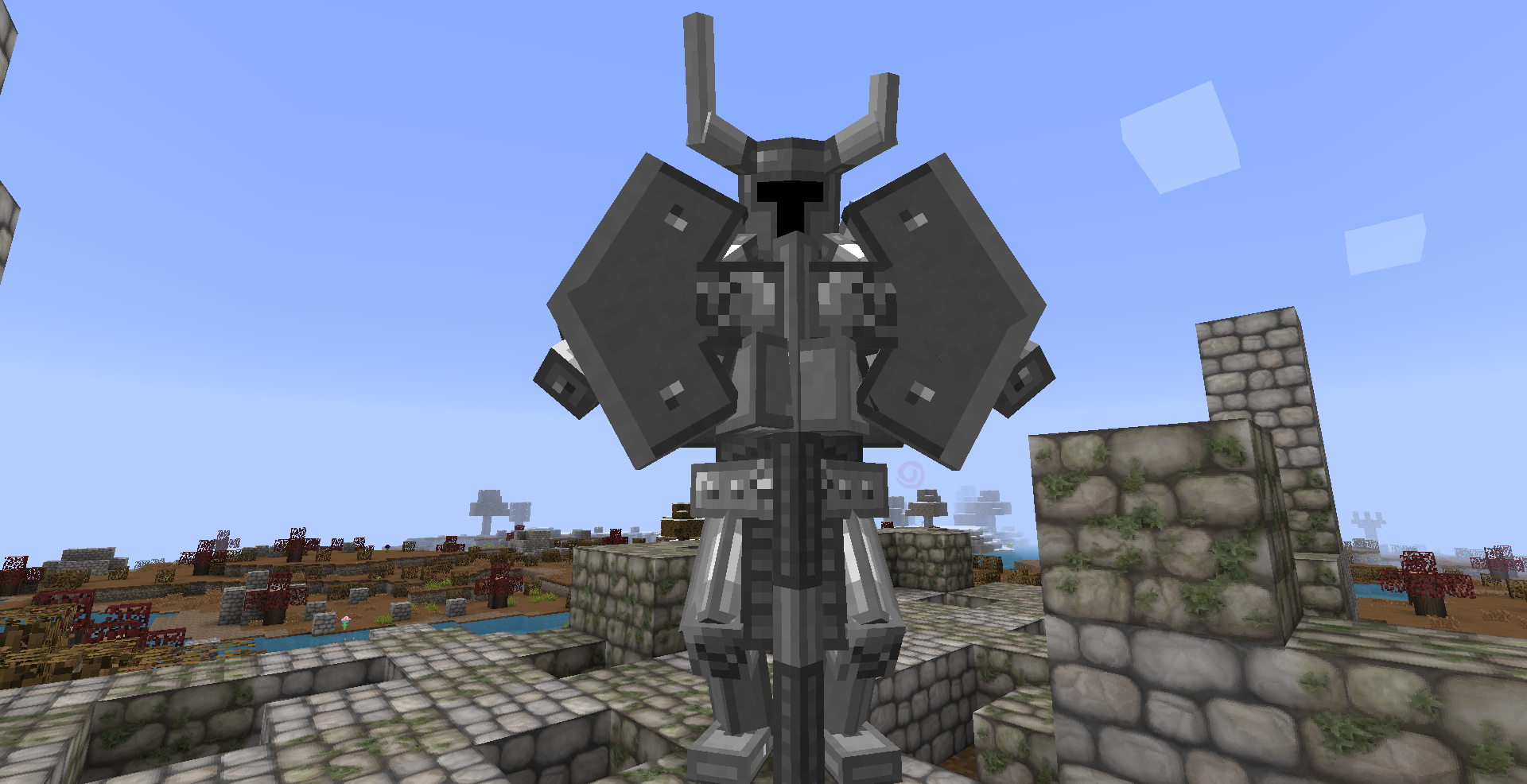
MC Eternal is the kind of modpack you download when you want everything in one world.
Magic, tech, exploration, dimensions, bosses, quests, farming, building, automation. MC Eternal does not focus on just one playstyle. Instead, it tries to give you a little bit of everything, without forcing you into a single path.
This is not a hardcore survival pack like RLCraft. It is not a single-theme modpack either. MC Eternal is a long-term adventure pack designed for players who want freedom, progression, and constant things to do.
And yes, it is big. Very big.
What Is MC Eternal
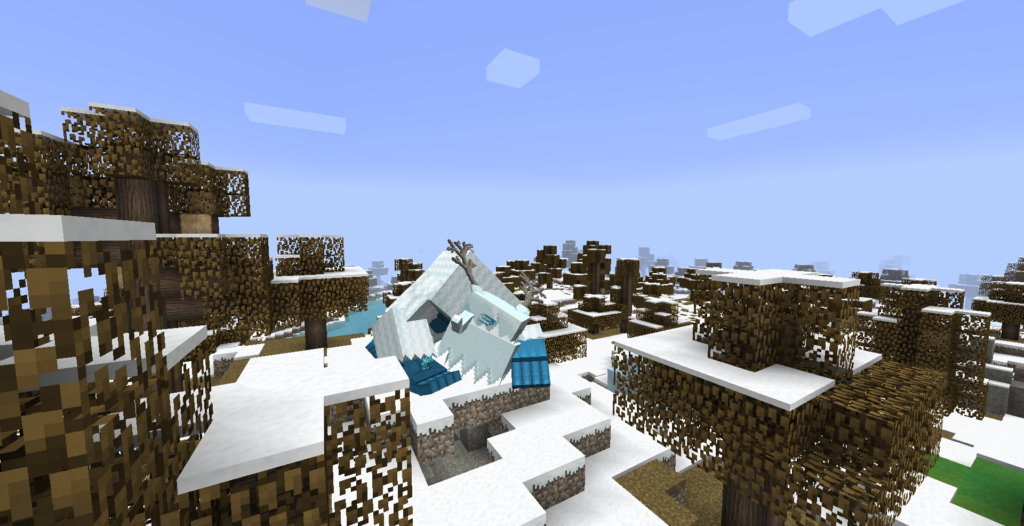
MC Eternal is a large Minecraft modpack built around exploration, quests, and progression. It combines hundreds of mods into one connected experience, guided by a detailed quest system.
The quest book is the backbone of MC Eternal. It does not just tell you what to do, it helps you understand mods, unlock progression paths, and gives you goals without forcing a strict order.
You can focus on magic mods, tech mods, exploration, farming, or combat. Or you can mix everything together. The pack supports all of it.
MC Eternal feels like a sandbox RPG where Minecraft is the engine, not the limitation.
How MC Eternal Feels to Play
The first thing you notice in MC Eternal is how alive the world feels.
There are structures everywhere. New mobs. New biomes. New dimensions. Even simple exploration constantly rewards you with loot, encounters, or quest progress.
Progression feels structured but flexible. If you ever feel lost, the quest book gives direction. If you want to ignore it and do your own thing, the game lets you.
Combat is more interesting than vanilla but not brutally punishing. Building is enhanced with hundreds of blocks and decorations. Automation exists, but you do not need to rush it.
MC Eternal is designed for long play sessions and long-term worlds. This is the kind of modpack you keep installed for months.
Performance Expectations and Hardware Reality
MC Eternal is a heavy modpack. There is no sugarcoating that.
It includes a large number of mods, assets, mobs, and systems running at the same time. Your PC matters here.
Here is a realistic performance breakdown.
For playable performance:
-
CPU: Intel i5 6th gen or Ryzen 5
-
RAM: 6 to 8 GB allocated
-
GPU: GTX 1050 Ti or better
-
Storage: SSD recommended
For smooth performance and shaders:
-
CPU: Intel i5 9th gen or Ryzen 5 3600
-
GPU: GTX 1660, RTX 2060, or RX 6600
-
RAM: 8 to 10 GB allocated
-
SSD: Strongly recommended
Running MC Eternal on a hard drive is possible, but load times will be painful. An SSD makes a huge difference.
FPS Mindset for MC Eternal
MC Eternal is not about high FPS. It is about stability.
A stable 45 to 60 FPS is completely fine. The real enemy is stuttering, especially when exploring or entering new areas.
Lowering render distance to around 8 to 10 chunks helps a lot. Disabling unnecessary visual effects is often better than chasing higher graphics.
This pack rewards patience, not speed.
How to Download and Install MC Eternal (CurseForge Method)
Since MC Eternal is officially hosted on CurseForge, this is the most used and safest way to install it.
Step 1: Install the CurseForge Launcher
Download and install the CurseForge launcher on your PC. This handles the correct Minecraft version, Forge loader, and all required mods automatically.
Step 2: Search for MC Eternal
Open CurseForge, go to the Minecraft modpacks section, and search for MC Eternal.
Make sure you are selecting the official modpack and not a reupload.
Step 3: Install the Modpack
Open the MC Eternal page and click Install.
The download may take some time because this is a large pack. Let it complete fully.
Step 4: Allocate Enough RAM
Before launching, open the profile settings and allocate RAM:
-
Minimum: 6 GB
-
Recommended: 8 GB or more if your system allows
Do not over-allocate. Giving Minecraft more than 10 GB can actually reduce stability.
Step 5: First Launch and Test
Launch MC Eternal once without shaders. This allows the game to generate config files properly and lets you check performance.
After confirming everything works, you can start customizing.
Using Shaders With MC Eternal
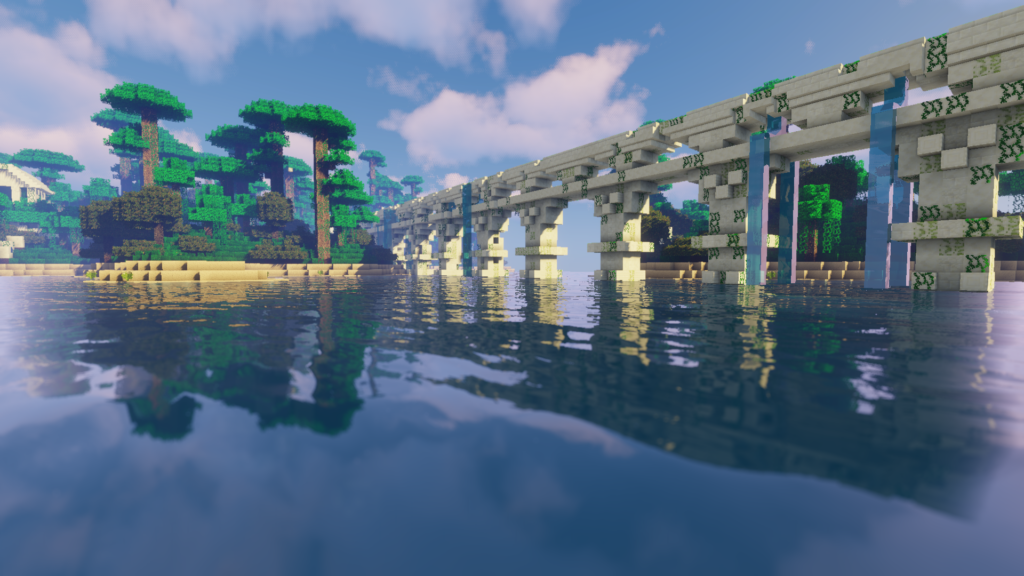
Shaders can work with MC Eternal, but you need to be careful.
This pack already uses a lot of system resources. Heavy shaders can easily push it too far.
Best shader approach:
-
Lightweight or balanced shaders only
-
Soft lighting, basic shadows, minimal post-processing
Good shader styles include:
-
BSL on low settings
-
Complementary on performance profiles
-
Simple atmospheric shaders
Avoid ultra-realistic or cinematic shaders. MC Eternal is about clarity and exploration, not visual realism.
Who MC Eternal Is Made For
MC Eternal is ideal for players who want variety.
It is perfect for:
-
Players who enjoy long-term worlds
-
People who like both magic and tech
-
Explorers who love structures and dimensions
-
Players who want guided progression without restrictions
If you like focusing on just one mechanic, this pack might feel overwhelming. But if you enjoy having options, MC Eternal shines.
My Personal Take on MC Eternal
MC Eternal feels like a Minecraft playground.
It does not push you too hard, but it always gives you something to do. If you get bored of one system, there are five others waiting.
It is one of those modpacks where you never really “finish” the game. You just keep discovering new things and setting new goals.
For players who want a balanced, content-rich modpack without extreme difficulty, MC Eternal is an excellent choice.
Get the MC Eternal Modpack
You can download MC Eternal directly from the official CurseForge page.
This ensures you get the correct version, proper updates, and full modpack support.
Final Thoughts
MC Eternal is not about surviving against the world. It is about exploring everything Minecraft can become when limits are removed.
If you want a modpack that supports every playstyle and keeps giving you new content over time, MC Eternal is worth the download.
Just make sure your PC is ready. Once you start, you might not leave that world for a long time.
