
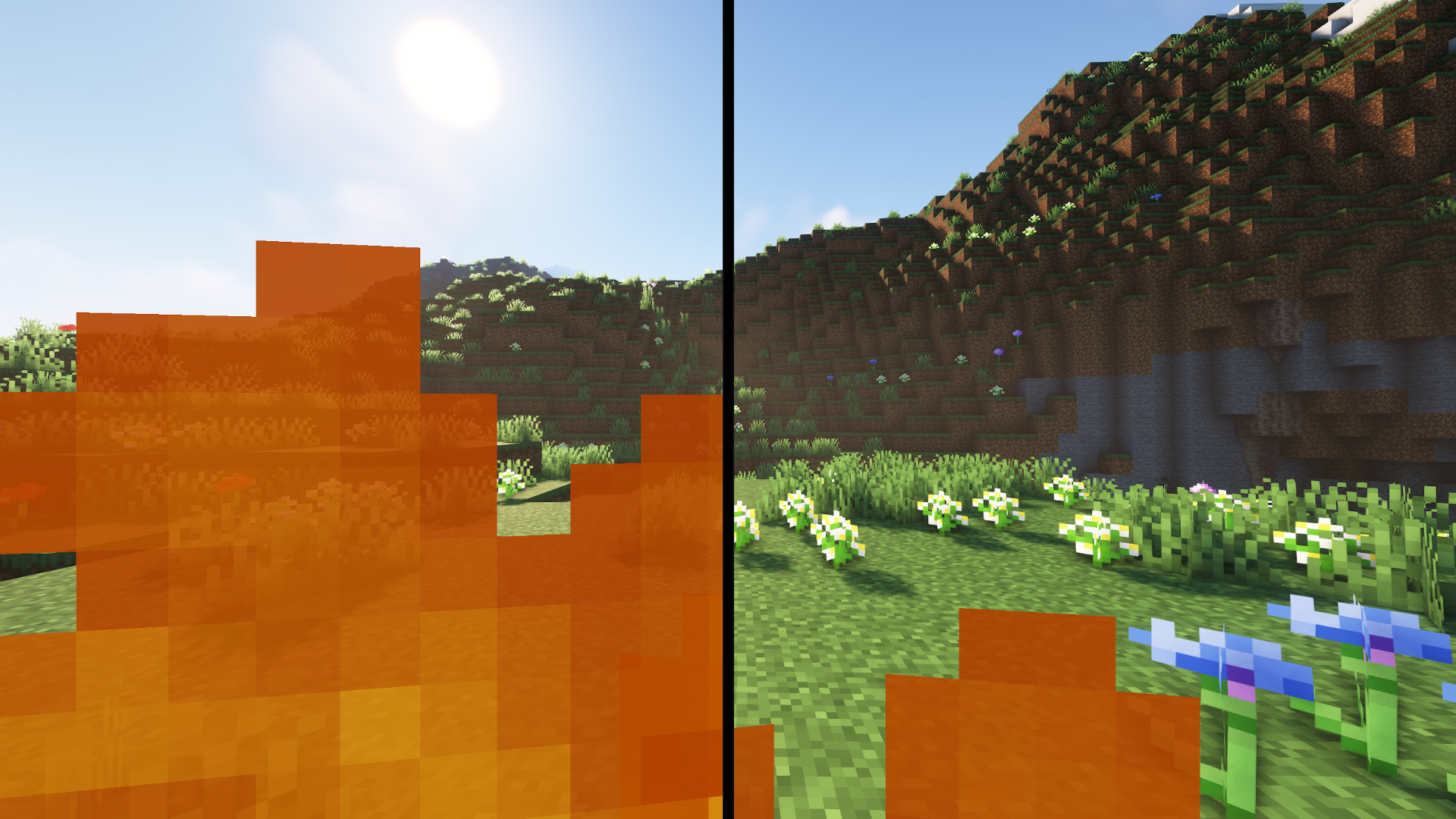
The Low On Fire Resource Pack is designed for players who want maximum visibility during intense gameplay. When you’re on fire in Minecraft, the default first-person fire overlay can block a large part of your screen, making combat and movement frustrating. This pack solves that problem in a clean and lightweight way.
Created by Haikis (also known as Oculie on CurseForge), this resource pack reduces the first-person fire animation without touching the fire effects in the world. The result is a clearer view while fighting, exploring, or surviving — all without breaking immersion. Best of all, no OptiFine is required.
Perfect For
- PvP players who need a clear screen during fights
- Survival players who want better visibility when taking fire damage
- Anyone who prefers clean visuals without removing fire effects completely
If your main reason for using this pack is PvP especially if you play on multiplayer servers. we highly recommend checking out our Top 3 Lightweight PvP Texture Packs for Clear and Smooth Combat for even better performance and visibility.
How It Works
The Low On Fire Resource Pack works by modifying Minecraft’s fire textures in a smart way. It replaces the close-up fire texture (fire_1) with a shortened version that takes up far less screen space, while keeping the original full-size fire texture (fire_2) for fire placed in the world.
This means you still get proper fire visuals on blocks and the ground, but your first-person view stays clear, allowing you to react faster and play more confidently in combat situations.
| Minecraft Version | Compatibility | Recommended Resolution |
|---|---|---|
| 1.21.11 | Supported | 16× |
| 1.21.10 | Supported | 16× |
| 1.21.9 | Supported | 16× |
| 1.21.8 | Supported | 16× |
| 1.21.7 | Supported | 16× |
| 1.21.6 | Supported | 16× |
| 1.21.5 | Supported | 16× |
| 1.21.4 | Supported | 16× |
| 1.21.3 | Supported | 16× |
| 1.21 | Supported | 16× |
| 1.20.6 | Supported | 16× |
| 1.20.4 | Supported | 16× |
| 1.20.1 | Supported | 16× |
| 1.19.4 | Supported | 16× |
| 1.19 | Supported | 16× |
| 1.18.x | Supported | 16× |
| 1.17.x | Supported | 16× |
| 1.16.5 | Supported | 16× |
| 1.14.x | Supported | 16× |
| 1.12.x | Supported | 16× |
| 1.8.x | Supported | 16× |
Why the Low On Fire Resource Pack Is Important
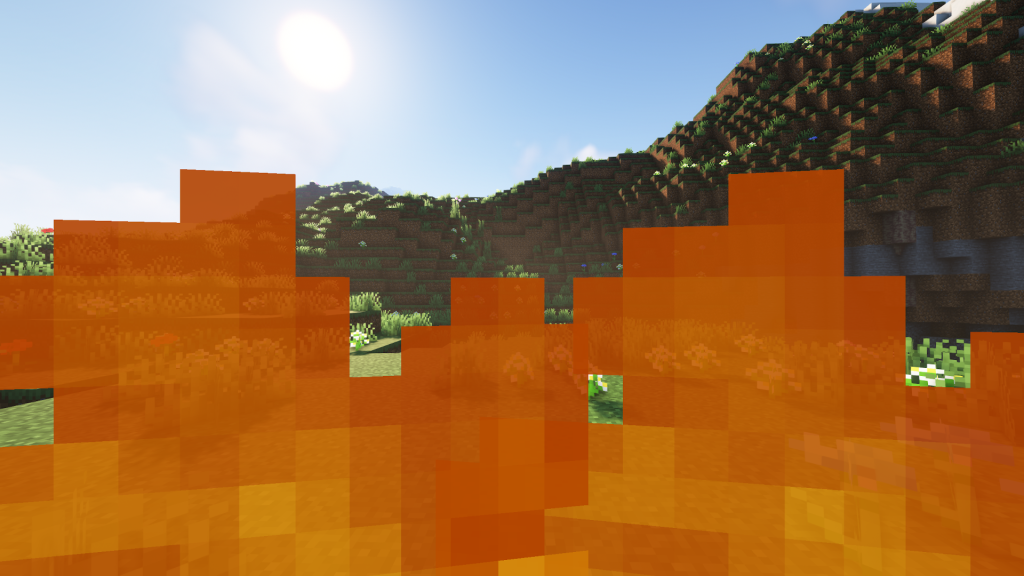
In PvP and high-risk survival gameplay, visibility directly affects performance. Minecraft’s default fire animation takes up a large portion of the screen, which can block enemy movement, terrain awareness, and reaction timing during intense moments. This is especially noticeable in close combat, Nether exploration, or when taking continuous fire damage.
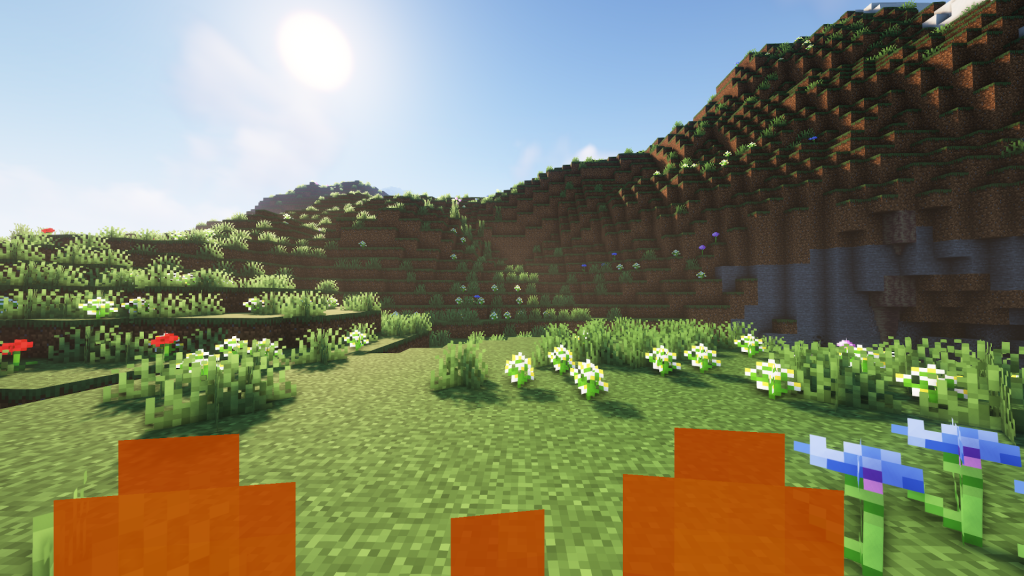
The Low On Fire Resource Pack fixes this issue in seconds. It significantly reduces the first-person fire overlay without removing fire effects entirely. Your screen stays clean and readable, while fire on the ground and in the world remains unchanged, preserving Minecraft’s original look and feel. The pack is lightweight, works instantly, and does not require OptiFine, making it accessible for all players.
To clearly show the difference, we’ve included a short video demonstration below. It compares the default fire animation with the Low On Fire Resource Pack enabled, highlighting how much screen space is recovered. Whether you play PvP on servers or survive in dangerous biomes like the Nether, this pack ensures your vision stays clear when it matters most.
📺 Watch the video below to see the difference in action and understand why this pack is considered essential for PvP and survival players.
Screenshots
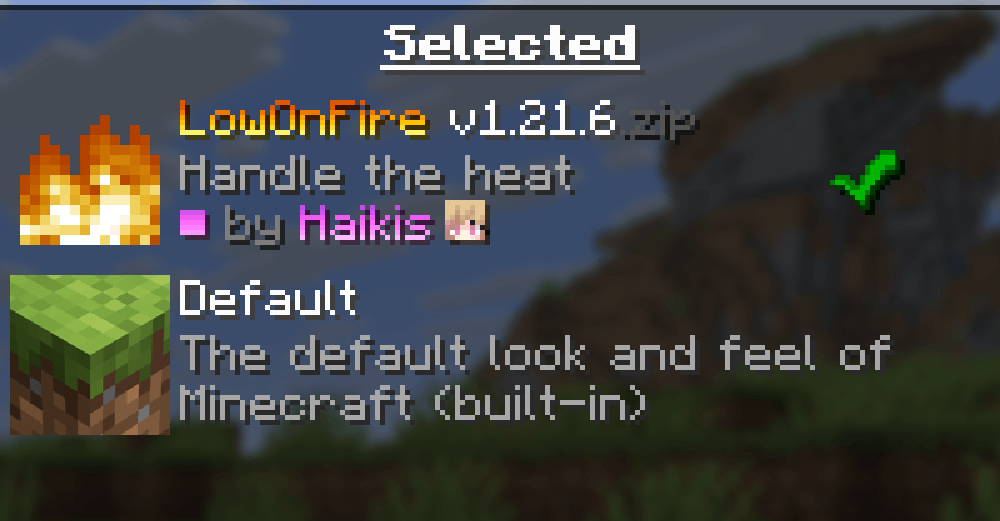
The screenshots below are taken directly from the official Low On Fire Resource Pack page to accurately show how the pack looks and works in-game. 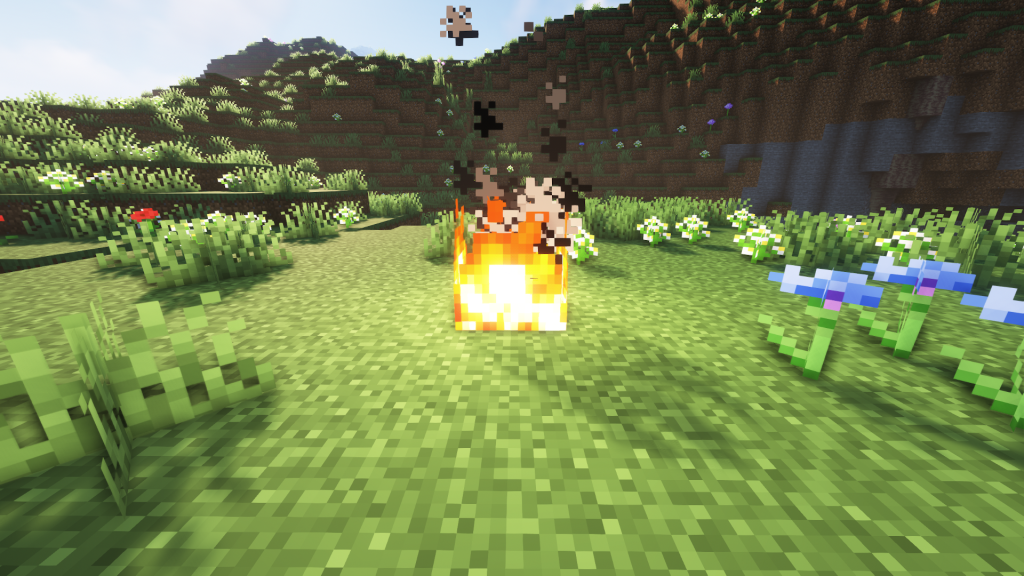
How to Install Low On Fire Resource Pack (Simple 10 Steps)
- Download Optifine: Most of the texture packs and shaders need Optifine. That’s why, first download and install Optifine for the version of Minecraft you want to play.
- Download the Texture Pack: Get the texture pack you want from the download section. Choose the version that works with your Minecraft and your PC’s performance.
- Open Minecraft Launcher: Start Minecraft using the official game launcher — or even TLauncher, if you use that.
- Go to Options: From the main menu, click on the “Options” button.
- Open Resource Packs: Inside Options, click on “Resource Packs…”.
- Open the Resource Pack Folder: Click on “Open Resource Pack Folder”— this will open a folder named “resourcepacks”.
- Move the Pack File: Copy or move the .zip file you downloaded into that “resourcepacks” folder. (Don’t unzip the file—Minecraft uses it as-is!)
- Go Back and Refresh: Close the folder and click “Done”, then go back into “Resource Packs…” again.
- Activate the Pack: You’ll see the pack on the left side. Hover over it and click the ➡️ arrow to move it to the right (active side). ⚙️ Tip: If you get a message that the pack is for a different version, just click “”Yes”—it usually works fine.
- Click Done and Enjoy: Click “Done” again. Now your pack is ready to use in-game. It’s that easy!
Low On Fire Resource Pack Download
You can download the Low On Fire Resource Pack from the official Modrinth page using the link below. We always link directly to the original source to ensure you get the latest and safest version of the pack.
Disclaimer
We do not create or modify any of the texture packs or shader packs shared on this website. All credit goes to the original creators, and every download link we provide is the official link from their original page, which keeps all downloads safe.
Some links may stop working after updates. If you find a broken link, let us know in the comments and we will update it as quickly as possible.
If you like a pack, consider supporting the creator by visiting their official page or website linked above. You can also leave a comment or vote on our site to help their work reach more players.

Way cool! Some very valid points! I appreciate you penning this article and also the rest of the website is extremely good.