
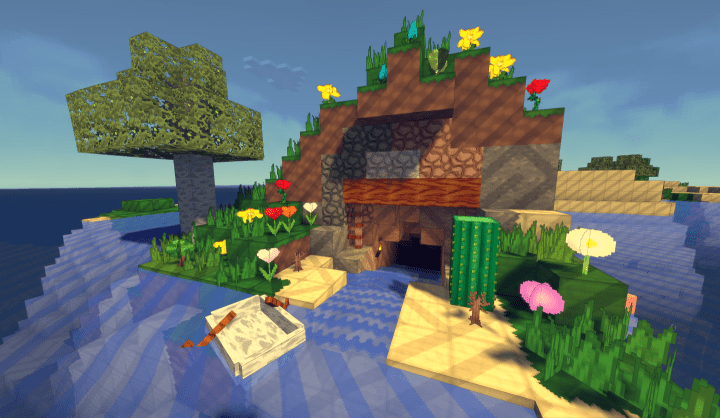
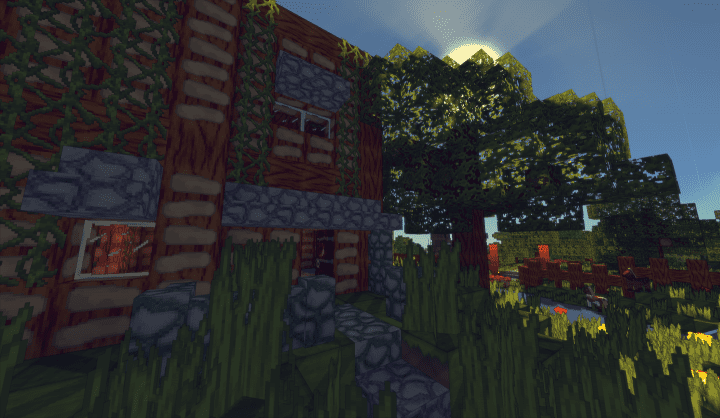
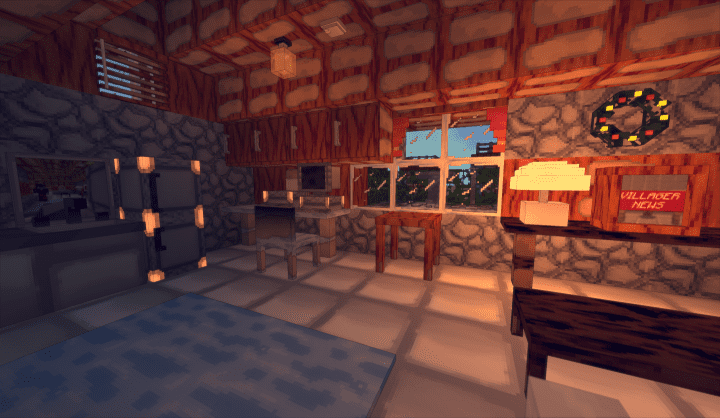
Step into a refreshingly vibrant rendition of Minecraft with the LemonSqueezy resource pack, formerly known as LazyTextures. Crafted by the talented designer Noir-Ness, this pack reimagines your blocky world with an irresistible cartoon aesthetic, drawing profound inspiration from the whimsical and colorful universe of LazyTown. From the moment you load into your game, you’ll be struck by the complete visual overhaul; every block, item, and environmental detail has been meticulously redesigned to evoke a sense of playful charm and polished artistry. This isn’t merely an upgrade in detail, but a transformation into a specific, eye-pleasing color palette that makes every corner of your Minecraft landscape feel fresh and engaging.
The core strength of LemonSqueezy lies in its ability to transport you into a brighter, more fun-filled dimension. It expertly replaces the default Minecraft textures with a cartoonier, yet incredibly refined, version that truly pops. Imagine exploring vast biomes where the sun-drenched fields and bustling villages radiate with a distinctive, cheerful glow. Enhancing this visual spectacle, especially when paired with Optifine, are the pack’s emission textures. These subtle yet impactful details make certain elements emit a beautiful, soft luminescence, inviting you to pause and appreciate the beautifully rendered scenery. From the intricate glow of redstone contraptions to the soft light emanating from natural blocks, every pixel contributes to an immersive experience that feels both familiar and entirely new.
While LemonSqueezy boasts a resolution of 32x – a significant step up from the standard 16×16 – it delivers a noticeably sharper and more detailed look without sacrificing its playful style. This higher resolution naturally offers a more amazing visual experience compared to the vanilla game. However, players with older hardware should be mindful that running a 32x resource pack, particularly one that encourages the use of Optifine for enhanced features like emission textures, might lead to some performance considerations. If you typically encounter stuttering, frame rate drops, or jerky movement in vanilla Minecraft, you might find the LemonSqueezy experience similarly demanding. Nevertheless, for those seeking a unique, highly polished, and thoroughly enjoyable cartoon-style adventure in Minecraft, LemonSqueezy is an absolute must-try that promises to inject a dose of playful magic into your gameplay.
| Minecraft Version | Compatibility |
|---|---|
| 1.12.2 | ✅ Supported |
| 1.12 | ✅ Supported |
| 1.11.2 | ✅ Supported |
| 1.11 | ✅ Supported |
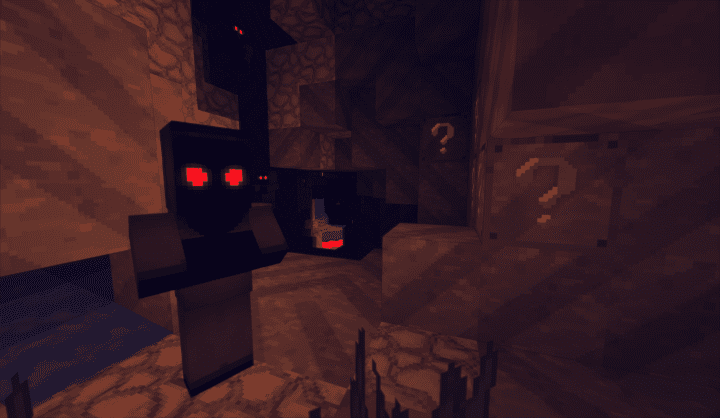
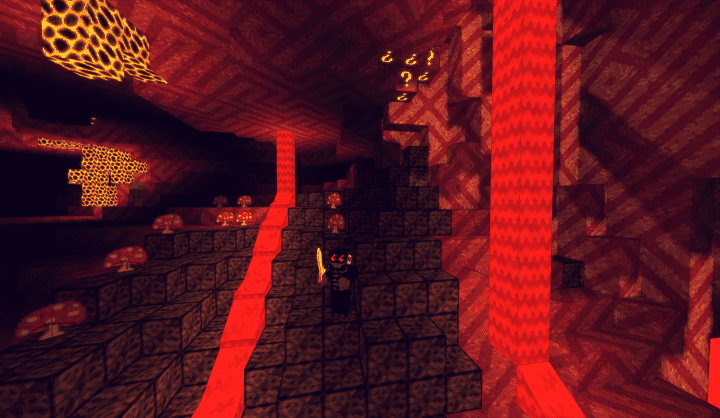
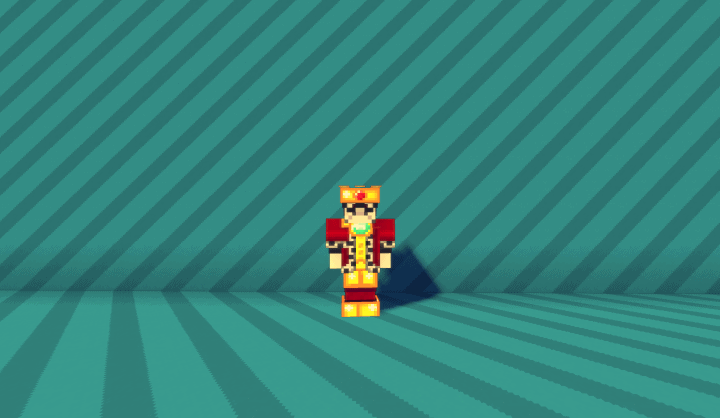
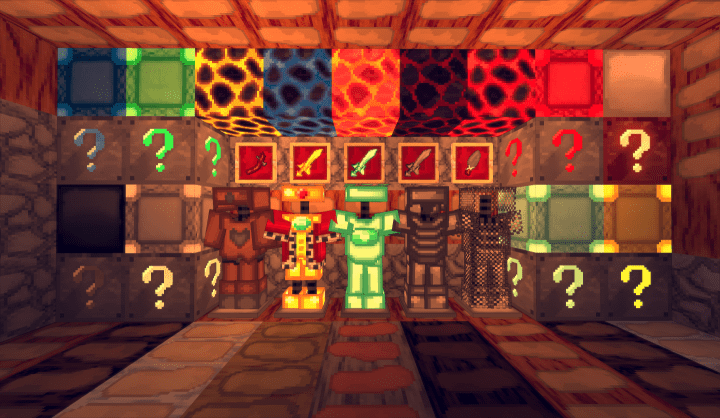
LemonSqueezy (was LazyTextures) – Screenshots
How to Install Texture Pack (Simple 10 Steps)
- Download Optifine: Most of the texture packs and shaders need Optifine. That’s why, first download and install Optifine for the version of Minecraft you want to play.
- Download the Texture Pack: Get the texture pack you want from the download section. Choose the version that works with your Minecraft and your PC’s performance.
- Open Minecraft Launcher: Start Minecraft using the official game launcher – or even TLauncher, if you use that.
- Go to Options: From the main menu, click on the “Options” button.
- Open Resource Packs: Inside Options, click on “Resource Packs…”.
- Open the Resource Pack Folder: Click on “Open Resource Pack Folder” – this will open a folder named “resourcepacks”.
- Move the Pack File: Copy or move the .zip file you downloaded into that “resourcepacks” folder. (Don’t unzip the file – Minecraft uses it as-is!)
- Go Back and Refresh: Close the folder and click “Done”, then go back into “Resource Packs…” again.
- Activate the Pack: You’ll see the pack on the left side. Hover over it and click the arrow to move it to the right (active side). Tip: If you get a message that the pack is for a different version, just click “Yes” – it usually works fine.
- Click Done and Enjoy: Click “Done” again. Now your pack is ready to use in-game. It’s that easy!
Download
(32x) (1.12) (1.11) Download LemonSqueezy (LazyTextures) Resource Pack
Download Instructions
-
CurseForge: If the pack is hosted on CurseForge, the download will begin automatically after a few seconds. If it does not start, use the “Download” button shown on the page.
-
Modrinth: If the download is from Modrinth, click the file version that matches your Minecraft build, then press the Download button. Modrinth usually offers multiple releases, so make sure you pick the correct version before installing.
-
Mediafire: On Mediafire, click the large blue Download button to start the file download. Avoid any extra pop-ups or buttons that are not related to the direct download.
-
Google Drive: For Google Drive, click the small download icon at the top right corner of the page. It looks like a downward arrow. The file will be saved to your computer immediately.
Disclaimer We do not create or modify any of the texture packs or shader packs shared on this website. All credit goes to the original creators, and every download link we provide is the official link from their page, which keeps all downloads safe. Some links may stop working after updates, so if you find a broken one, let us know in the comments and we will update it quickly. If you like a pack, consider supporting the creator by visiting their official page or website that we have linked below, and feel free to leave a comment or vote to help their work reach more players.
