
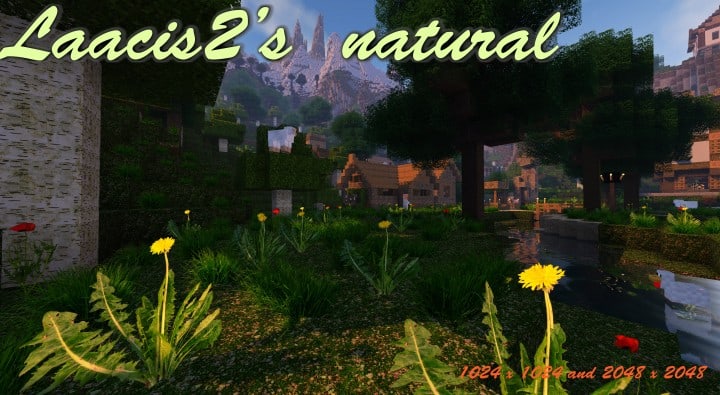
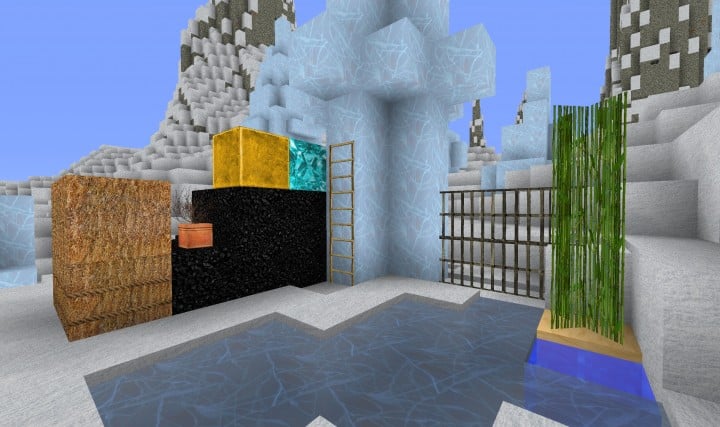
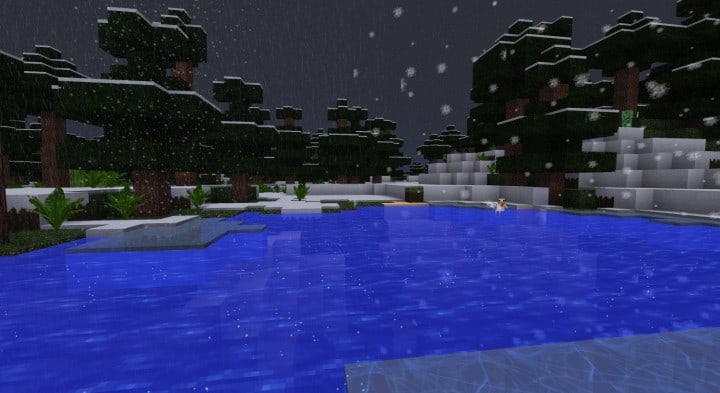
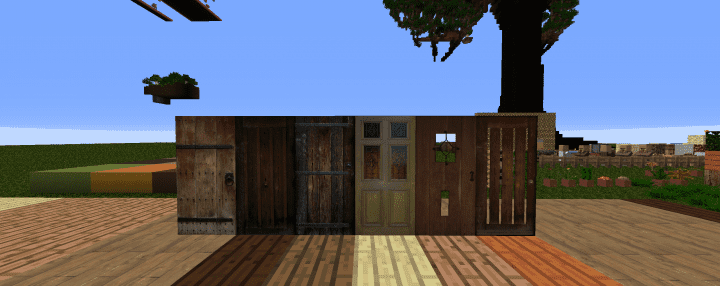
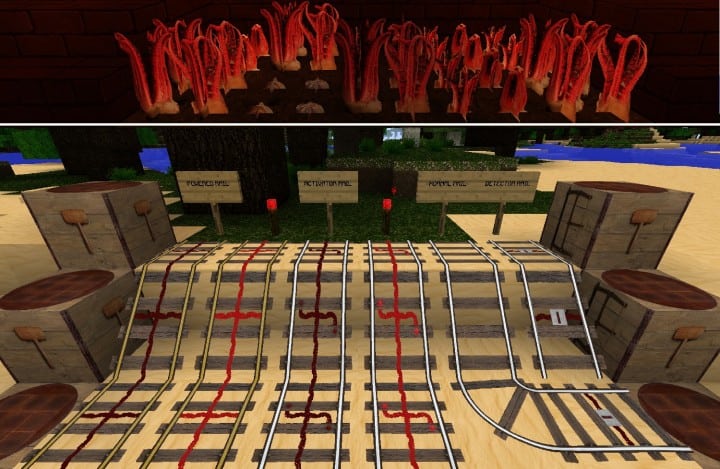
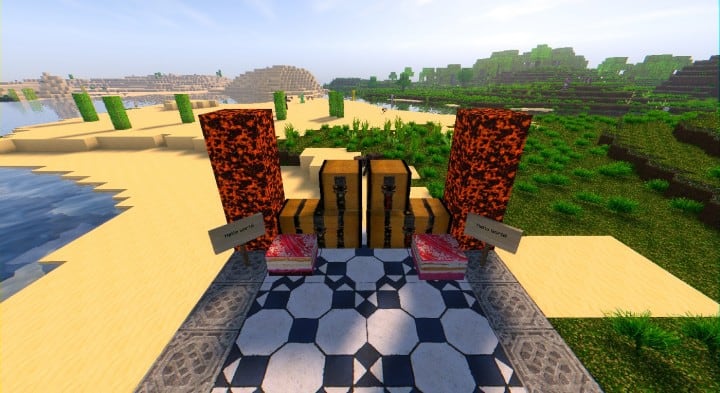
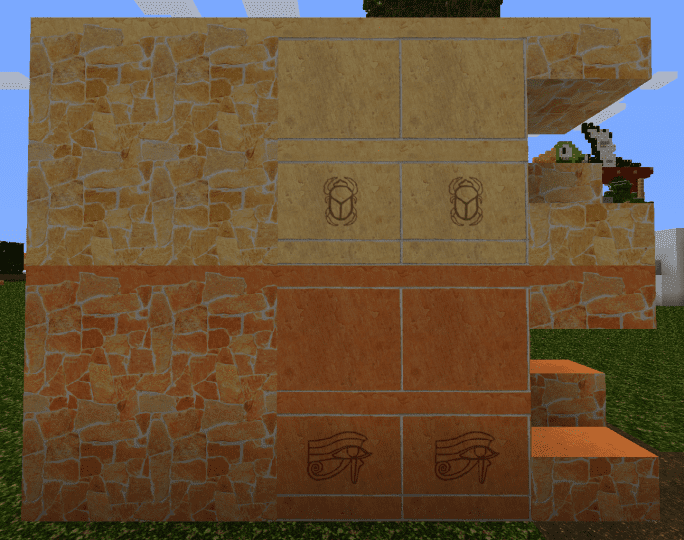
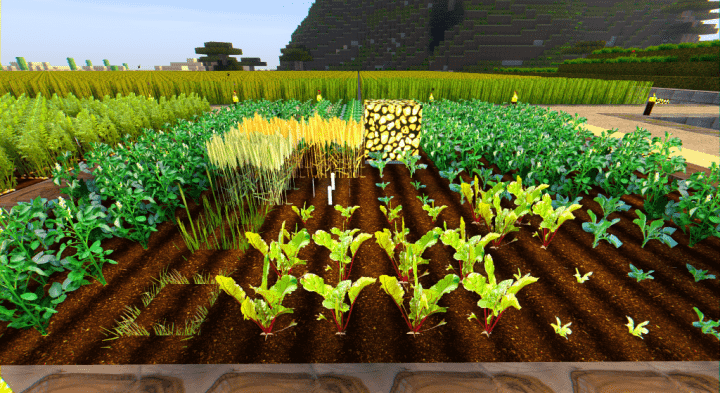
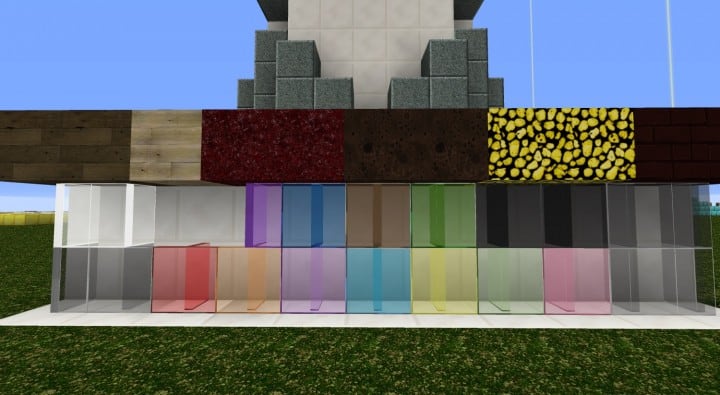
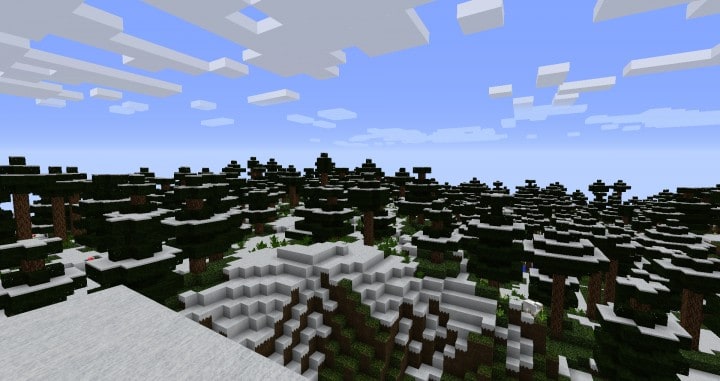
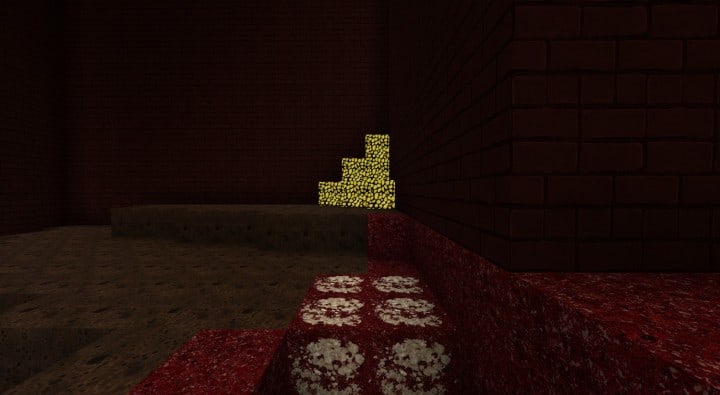
Stepping into a world enhanced by Laacis2’s Natural Pack is an immediate revelation. This isn’t just another texture pack; it’s a profound transformation of the Minecraft experience, pushing the boundaries of visual fidelity beyond anything seen in earlier generations of resource packs. From the moment you load it, the difference is striking. Gone are the low-resolution, blocky textures that once defined Minecraft, replaced by an astonishing level of detail that brings the world to life with unprecedented realism. The developer, Laacis2, drew inspiration from a simple photograph, and that real-world influence is palpable in every pixel, creating an immersive atmosphere that feels genuinely ‘natural’.
This pack isn’t just about higher resolution; it’s about a complete re-imagining of how light interacts with surfaces, how foliage sways, and how landscapes stretch out before you. The visual vibe is one of serene beauty, a world where every block feels carefully considered and crafted to evoke a sense of organic authenticity. Water glistens with newfound clarity, terrain exhibits subtle variations in texture, and even the simplest stone takes on a refined, polished appearance. While some textures might still be in progress, the core experience is incredibly sharp and visually rich, promising even more refinement in future updates.
However, such breathtaking visuals come with a performance consideration. Laacis2’s Natural Pack is available in several high-resolution variants, including x512, x1024, and an astonishing x2048. To truly appreciate the x2048 version and its full glory, a high-end gaming rig is essential. Mid-range systems will still enjoy a significant upgrade with the x512 or x1024 variants, which are more than capable of elevating Minecraft’s aesthetics to a new tier. Regardless of the resolution you choose, this pack excels at creating a deeply immersive and visually stunning environment that makes exploring your Minecraft world a completely fresh and captivating adventure.
| Minecraft Version | Compatibility |
|---|---|
| 1.14.4 | ✅ Supported |
| 1.14.3 | ✅ Supported |
| 1.14.2 | ✅ Supported |
| 1.14 | ✅ Supported |
| 1.13.2 | ✅ Supported |
| 1.13.1 | ✅ Supported |
| 1.13 | ✅ Supported |
| 1.12.2 | ✅ Supported |
| 1.12 | ✅ Supported |
| 1.11.2 | ✅ Supported |
| 1.11 | ✅ Supported |
| 1.10.2 | ✅ Supported |
| 1.10 | ✅ Supported |
| 1.9.4 | ✅ Supported |
| 1.9 | ✅ Supported |
| 1.8.9 | ✅ Supported |
| 1.8.8 | ✅ Supported |
| 1.8.1 | ✅ Supported |
| 1.8 | ✅ Supported |
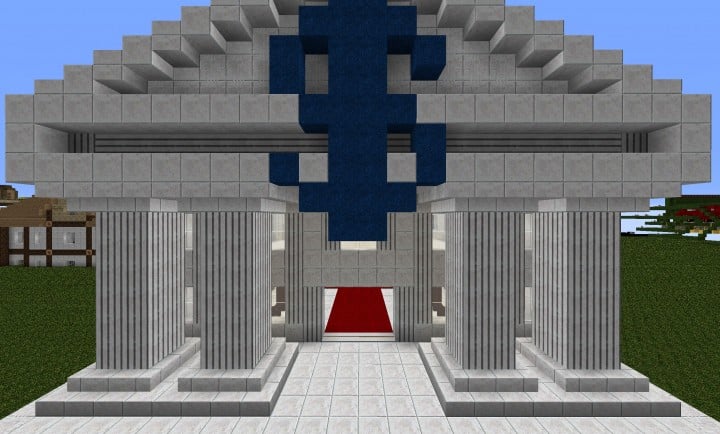
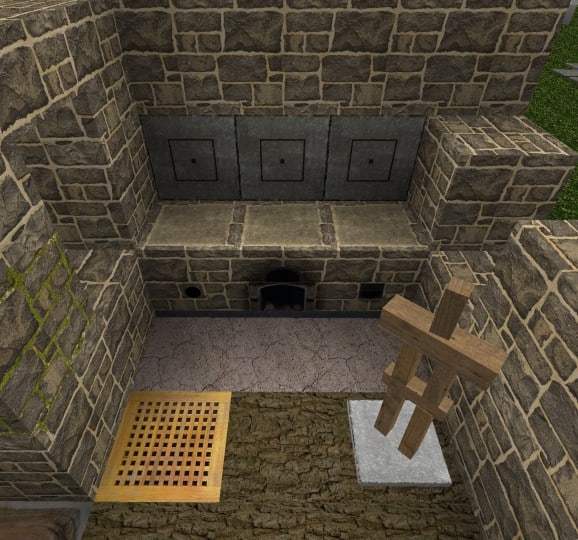
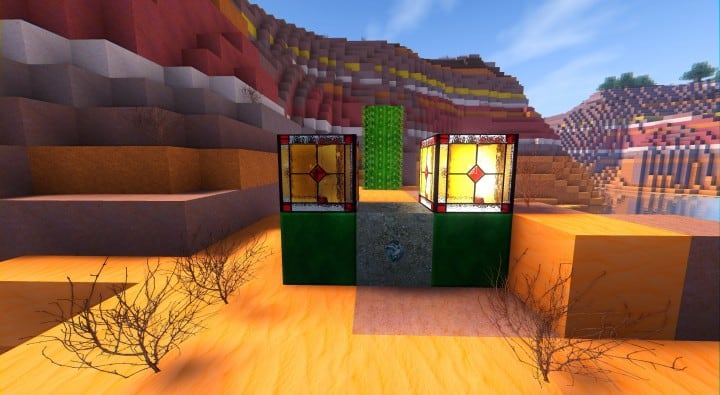
Laacis2’s Natural – Screenshots
How to Install Texture Pack (Simple 10 Steps)
- Download Optifine: Most of the texture packs and shaders need Optifine. That’s why, first download and install Optifine for the version of Minecraft you want to play.
- Download the Texture Pack: Get the texture pack you want from the download section. Choose the version that works with your Minecraft and your PC’s performance.
- Open Minecraft Launcher: Start Minecraft using the official game launcher – or even TLauncher, if you use that.
- Go to Options: From the main menu, click on the “Options” button.
- Open Resource Packs: Inside Options, click on “Resource Packs…”.
- Open the Resource Pack Folder: Click on “Open Resource Pack Folder” – this will open a folder named “resourcepacks”.
- Move the Pack File: Copy or move the .zip file you downloaded into that “resourcepacks” folder. (Don’t unzip the file – Minecraft uses it as-is!)
- Go Back and Refresh: Close the folder and click “Done”, then go back into “Resource Packs…” again.
- Activate the Pack: You’ll see the pack on the left side. Hover over it and click the arrow to move it to the right (active side). Tip: If you get a message that the pack is for a different version, just click “Yes” – it usually works fine.
- Click Done and Enjoy: Click “Done” again. Now your pack is ready to use in-game. It’s that easy!
Download
Java Edition:
(512x) (1.14.x – 1.13.x) Download Laacis2’s Natural Resource Pack
(1024x) (1.14.x – 1.13.x) Download Laacis2’s Natural Resource Pack
Older version (Java Edition):
(512x) (1.12.x – 1.8.x) Download Laacis2’s Natural Resource Pack
(1024x) (1.12.x – 1.8.x) Download Laacis2’s Natural Resource Pack
(2048x) (1.12.x – 1.8.x) Download Laacis2’s Natural Resource Pack – plants only;
Download Instructions
-
CurseForge: If the pack is hosted on CurseForge, the download will begin automatically after a few seconds. If it does not start, use the “Download” button shown on the page.
-
Modrinth: If the download is from Modrinth, click the file version that matches your Minecraft build, then press the Download button. Modrinth usually offers multiple releases, so make sure you pick the correct version before installing.
-
Mediafire: On Mediafire, click the large blue Download button to start the file download. Avoid any extra pop-ups or buttons that are not related to the direct download.
-
Google Drive: For Google Drive, click the small download icon at the top right corner of the page. It looks like a downward arrow. The file will be saved to your computer immediately.
Disclaimer We do not create or modify any of the texture packs or shader packs shared on this website. All credit goes to the original creators, and every download link we provide is the official link from their page, which keeps all downloads safe. Some links may stop working after updates, so if you find a broken one, let us know in the comments and we will update it quickly. If you like a pack, consider supporting the creator by visiting their official page or website that we have linked below, and feel free to leave a comment or vote to help their work reach more players.
