
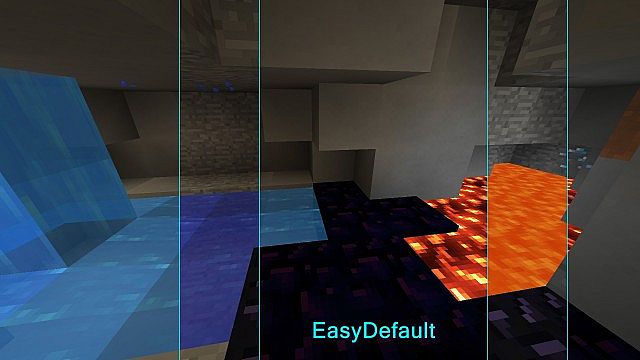
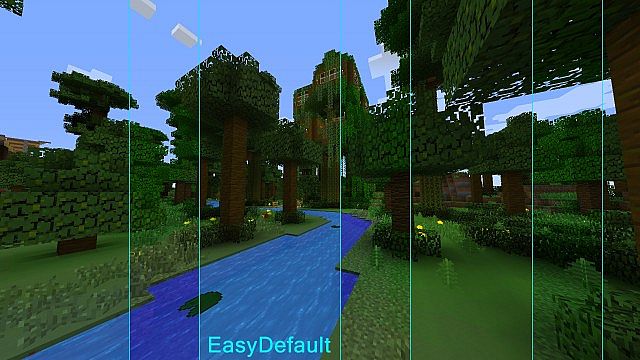
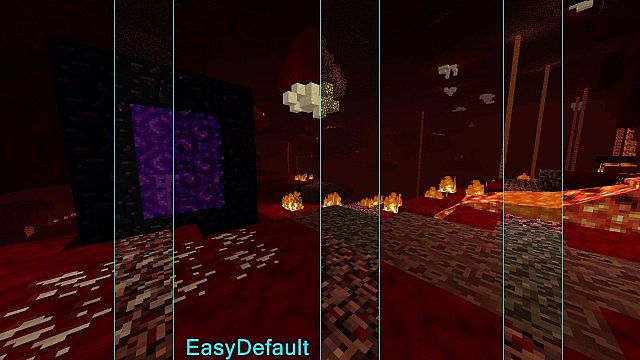
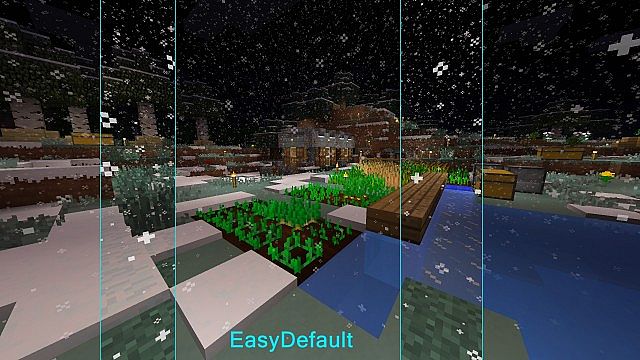
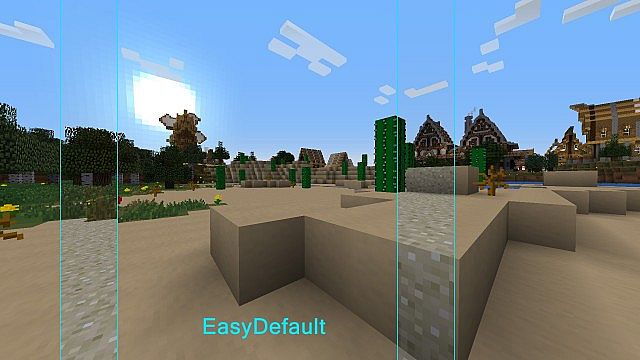
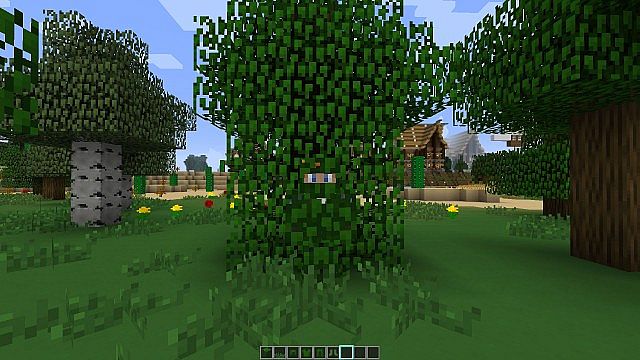
The EasyDefault Resource Pack, masterfully crafted by lead designer Blizard72, emerges as a refreshing vision for Minecraft’s aesthetic. Driven by a desire to create a visual experience that is both familiar and profoundly gentle on the eyes, Blizard72 has succeeded in transforming the default Minecraft textures into something smoother, more refined, and ultimately, more pleasing to behold. Upon stepping into a world with EasyDefault active, players will immediately sense a subtle yet impactful shift. The sharp edges and sometimes stark contrasts of vanilla Minecraft are softened, giving way to a more fluid and less visually demanding environment.
This pack isn’t about dramatic overhauls or introducing entirely new art styles; rather, it’s a meticulous enhancement of what already exists. It retains the iconic charm and blocky essence that defines Minecraft, ensuring that your beloved game still feels like home, but with an added layer of visual comfort. The textures, while clearly derived from the original game, possess a polished quality that eliminates any potential visual fatigue during long building sessions or extensive explorations. Every block, item, and environmental detail has been re-rendered with a delicate touch, preserving its identity while imparting a fresh, clean look.
One of the significant strengths of the EasyDefault Resource Pack is its commitment to accessibility and ease of use. It boasts full compatibility with a wide range of Minecraft versions, ensuring that many players can seamlessly integrate it into their preferred game setup without a hitch. Furthermore, it operates flawlessly without requiring any additional modifications or complex installations, meaning you won’t need to juggle Optifine or other third-party mods just to enjoy its benefits. This straightforward approach allows players to simply drop the pack into their resource pack folder and instantly dive into a visually upgraded Minecraft adventure, making it an ideal choice for those who appreciate simplicity alongside aesthetic improvement. The mood it cultivates is one of understated beauty, a gentle upgrade that respects the game’s origins while offering a more serene and engaging visual journey.
| Minecraft Version | Compatibility |
|---|---|
| 1.8.1 | ✅ Supported |
| 1.8.6 | ✅ Supported |
| 1.8 | ✅ Supported |
| 1.7.10 | ✅ Supported |
| 1.7.9 | ✅ Supported |
| 1.7.4 | ✅ Supported |
| 1.7 | ✅ Supported |
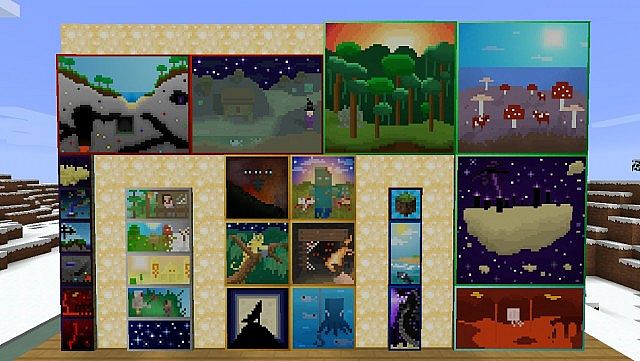
EasyDefault Resource Pack – Screenshots
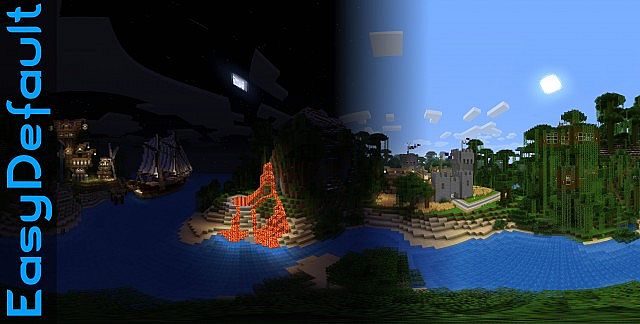
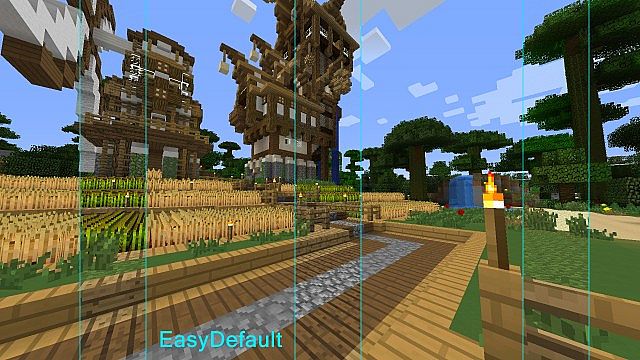
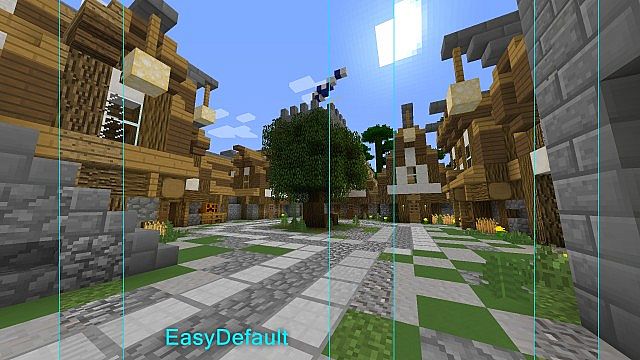
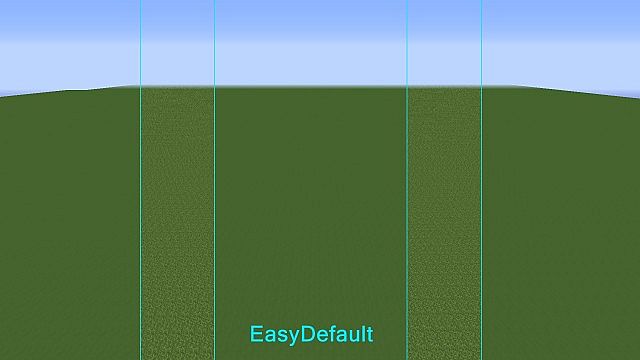
How to Install Texture Pack (Simple 10 Steps)
- Download Optifine: Most of the texture packs and shaders need Optifine. That’s why, first download and install Optifine for the version of Minecraft you want to play.
- Download the Texture Pack: Get the texture pack you want from the download section. Choose the version that works with your Minecraft and your PC’s performance.
- Open Minecraft Launcher: Start Minecraft using the official game launcher – or even TLauncher, if you use that.
- Go to Options: From the main menu, click on the “Options” button.
- Open Resource Packs: Inside Options, click on “Resource Packs…”.
- Open the Resource Pack Folder: Click on “Open Resource Pack Folder” – this will open a folder named “resourcepacks”.
- Move the Pack File: Copy or move the .zip file you downloaded into that “resourcepacks” folder. (Don’t unzip the file – Minecraft uses it as-is!)
- Go Back and Refresh: Close the folder and click “Done”, then go back into “Resource Packs…” again.
- Activate the Pack: You’ll see the pack on the left side. Hover over it and click the arrow to move it to the right (active side). Tip: If you get a message that the pack is for a different version, just click “Yes” – it usually works fine.
- Click Done and Enjoy: Click “Done” again. Now your pack is ready to use in-game. It’s that easy!
Download
(16x) (1.8) (1.7) Download EasyDefault Resource Pack
Download Instructions
-
CurseForge: If the pack is hosted on CurseForge, the download will begin automatically after a few seconds. If it does not start, use the “Download” button shown on the page.
-
Modrinth: If the download is from Modrinth, click the file version that matches your Minecraft build, then press the Download button. Modrinth usually offers multiple releases, so make sure you pick the correct version before installing.
-
Mediafire: On Mediafire, click the large blue Download button to start the file download. Avoid any extra pop-ups or buttons that are not related to the direct download.
-
Google Drive: For Google Drive, click the small download icon at the top right corner of the page. It looks like a downward arrow. The file will be saved to your computer immediately.
Disclaimer We do not create or modify any of the texture packs or shader packs shared on this website. All credit goes to the original creators, and every download link we provide is the official link from their page, which keeps all downloads safe. Some links may stop working after updates, so if you find a broken one, let us know in the comments and we will update it quickly. If you like a pack, consider supporting the creator by visiting their official page or website that we have linked below, and feel free to leave a comment or vote to help their work reach more players.
