
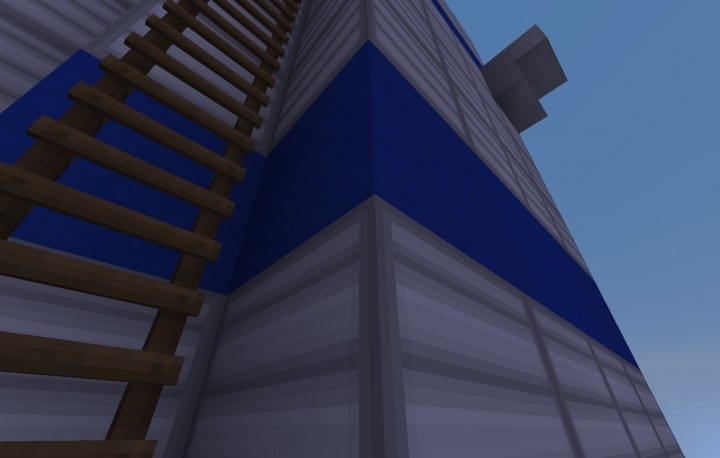
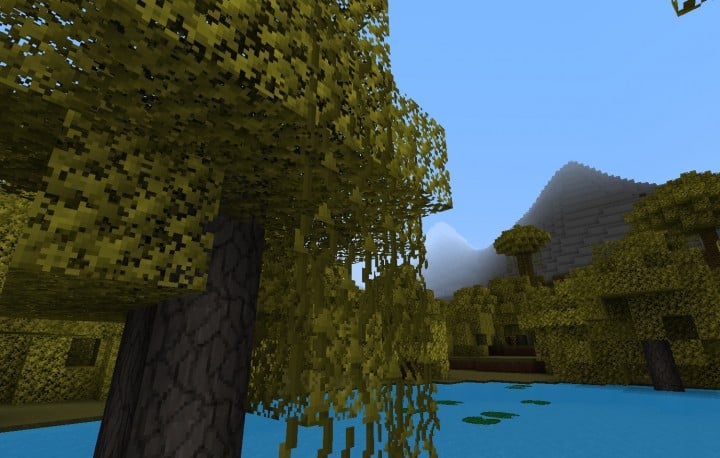
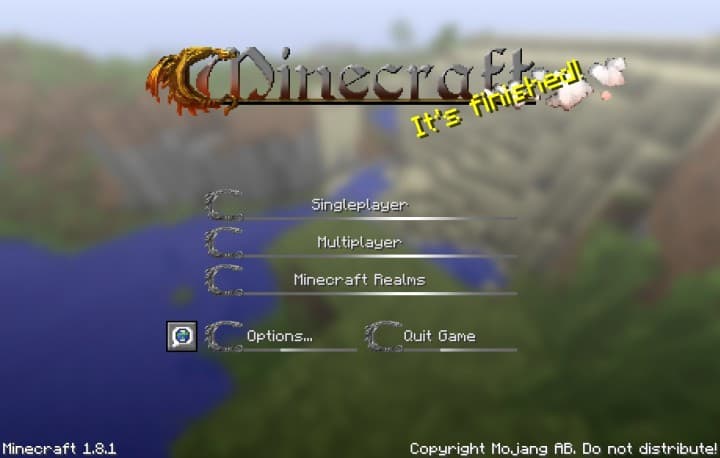
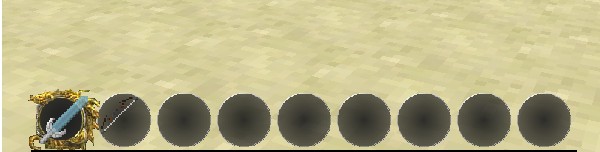
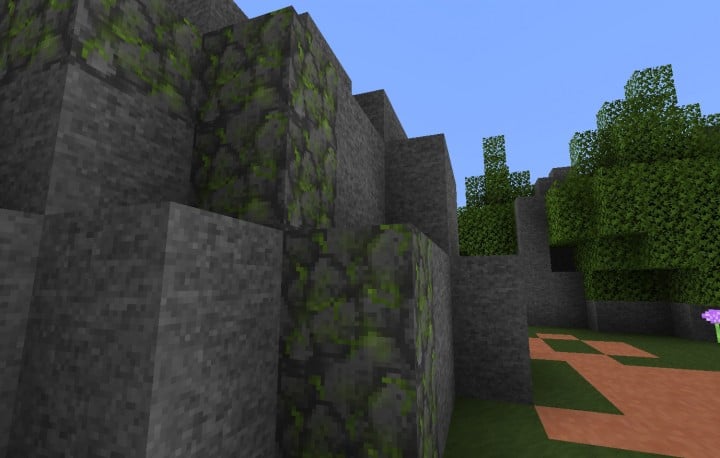
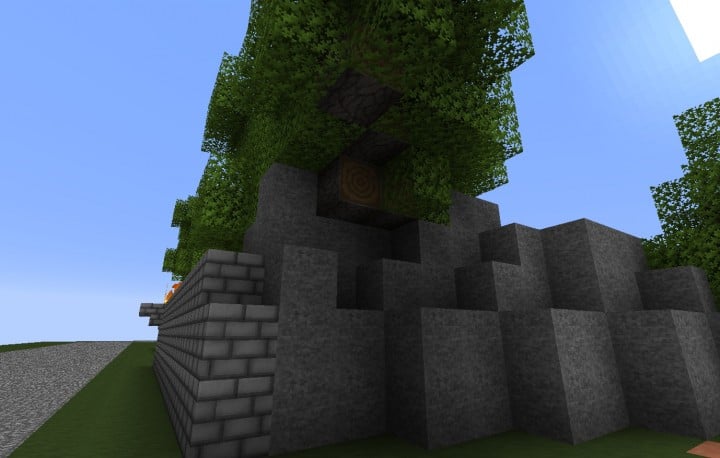
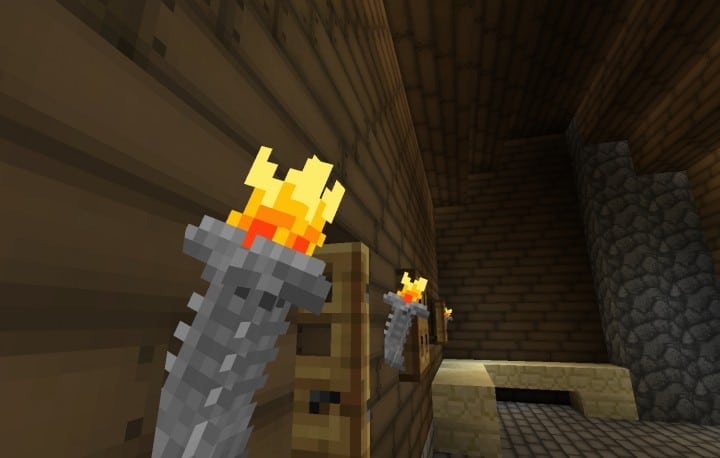
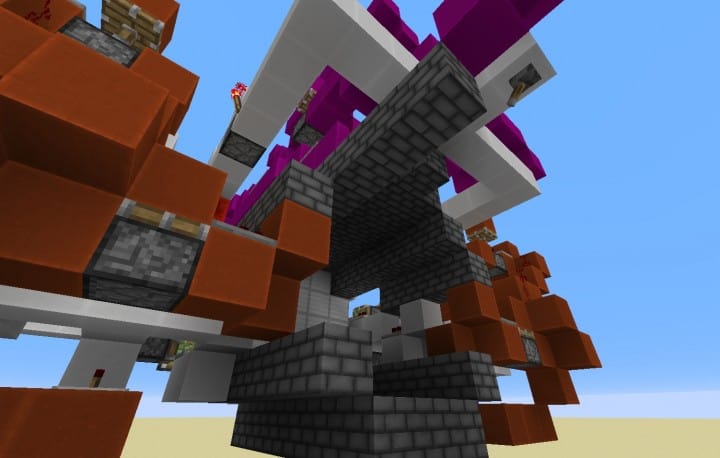
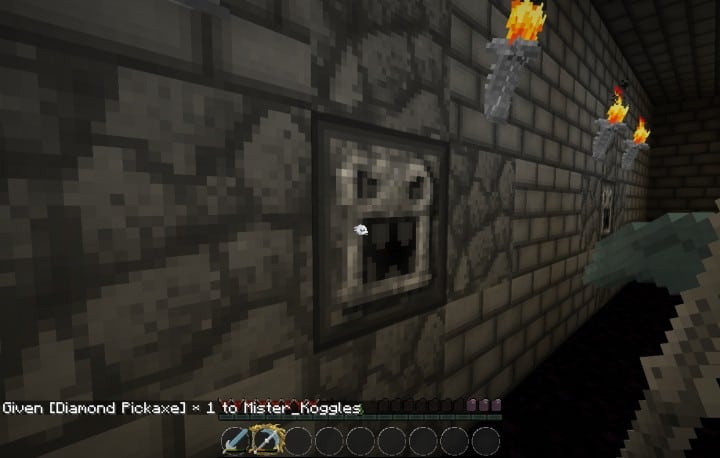
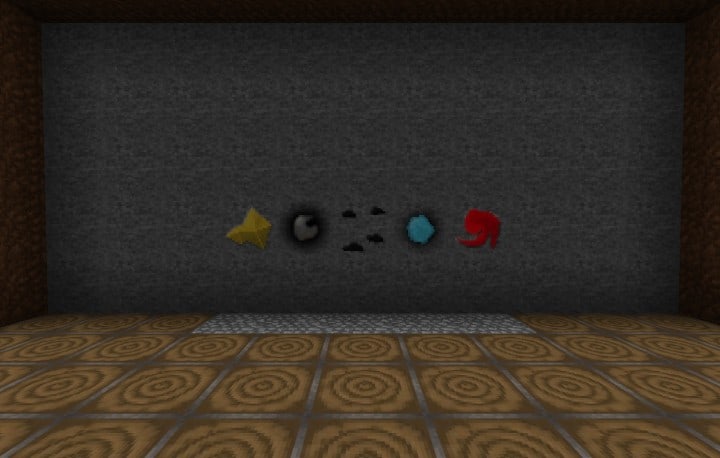
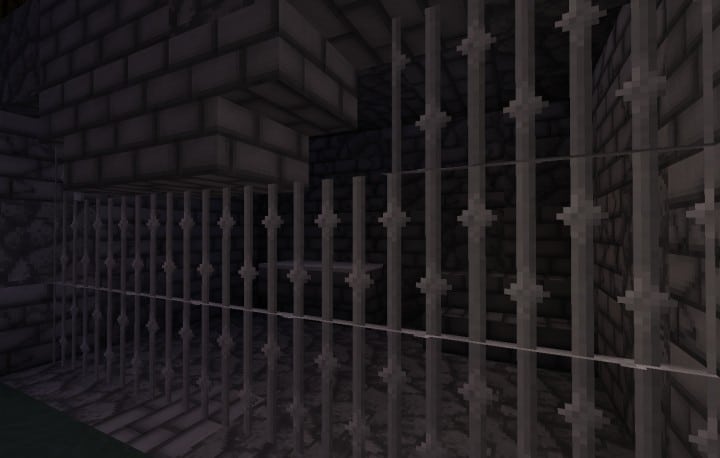
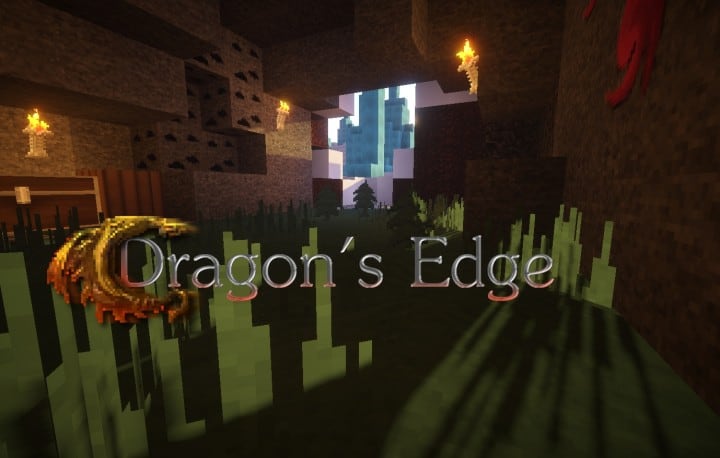
Step into a realm forged in fire and scale with the Dragon’s Edge texture pack, an epic transformation for your Minecraft world. From the moment you load it, you’ll feel an immediate shift towards a grand, dragon-centric fantasy. The entire game environment, including the intricate in-game menus, is reimagined with motifs of ancient dragons and the fierce glow of their elemental fire. Every block, item, and interface element whispers tales of mythical beasts and legendary battles, immersing you deeper into a world where primal power reigns supreme.
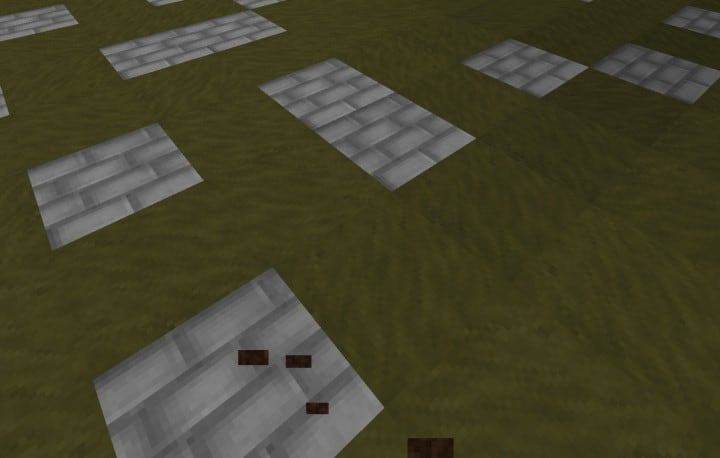
This pack isn’t just a visual overhaul; it’s an invitation to an adventure. The meticulous detail, rendered in a crisp 32x resolution, brings a refined yet robust aesthetic that perfectly complements its theme. It strikes an excellent balance, offering enhanced clarity without being overly demanding on your system. Beyond the fiery dragon designs, Dragon’s Edge infuses a palpable medieval flair, reminiscent of classic RPG adventures. Exploring vast landscapes feels more purposeful, combat encounters more heroic, and even simple crafting becomes a part of a larger, unfolding saga. If you’ve ever dreamt of building a dragon’s hoard, navigating ancient ruins, or embarking on a quest in a world steeped in mythical lore, this pack will undoubtedly elevate your Minecraft experience, making it feel less like a sandbox and more like a true role-playing epic.
| Minecraft Version | Compatibility |
|---|---|
| 1.8.1 | ✅ Supported |
| 1.8.6 | ✅ Supported |
| 1.8 | ✅ Supported |
| 1.7.10 | ✅ Supported |
| 1.7.9 | ✅ Supported |
| 1.7.4 | ✅ Supported |
| 1.7 | ✅ Supported |
Dragon’s Edge – Screenshots
How to Install Texture Pack (Simple 10 Steps)
- Download Optifine: Most of the texture packs and shaders need Optifine. That’s why, first download and install Optifine for the version of Minecraft you want to play.
- Download the Texture Pack: Get the texture pack you want from the download section. Choose the version that works with your Minecraft and your PC’s performance.
- Open Minecraft Launcher: Start Minecraft using the official game launcher – or even TLauncher, if you use that.
- Go to Options: From the main menu, click on the “Options” button.
- Open Resource Packs: Inside Options, click on “Resource Packs…”.
- Open the Resource Pack Folder: Click on “Open Resource Pack Folder” – this will open a folder named “resourcepacks”.
- Move the Pack File: Copy or move the .zip file you downloaded into that “resourcepacks” folder. (Don’t unzip the file – Minecraft uses it as-is!)
- Go Back and Refresh: Close the folder and click “Done”, then go back into “Resource Packs…” again.
- Activate the Pack: You’ll see the pack on the left side. Hover over it and click the arrow to move it to the right (active side). Tip: If you get a message that the pack is for a different version, just click “Yes” – it usually works fine.
- Click Done and Enjoy: Click “Done” again. Now your pack is ready to use in-game. It’s that easy!
Download
(32x) (1.8) (1.7) Download Dragon’s Edge Resource Pack
Download Instructions
-
CurseForge: If the pack is hosted on CurseForge, the download will begin automatically after a few seconds. If it does not start, use the “Download” button shown on the page.
-
Modrinth: If the download is from Modrinth, click the file version that matches your Minecraft build, then press the Download button. Modrinth usually offers multiple releases, so make sure you pick the correct version before installing.
-
Mediafire: On Mediafire, click the large blue Download button to start the file download. Avoid any extra pop-ups or buttons that are not related to the direct download.
-
Google Drive: For Google Drive, click the small download icon at the top right corner of the page. It looks like a downward arrow. The file will be saved to your computer immediately.
Disclaimer We do not create or modify any of the texture packs or shader packs shared on this website. All credit goes to the original creators, and every download link we provide is the official link from their page, which keeps all downloads safe. Some links may stop working after updates, so if you find a broken one, let us know in the comments and we will update it quickly. If you like a pack, consider supporting the creator by visiting their official page or website that we have linked below, and feel free to leave a comment or vote to help their work reach more players.
