
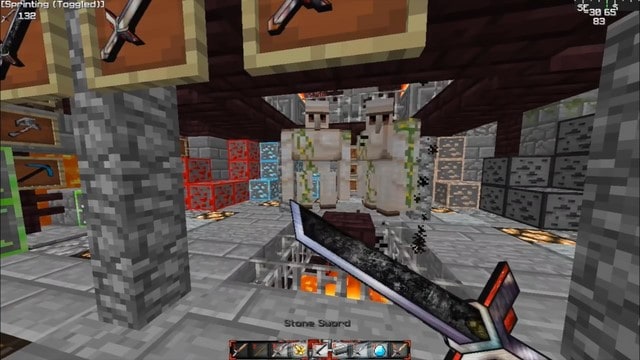
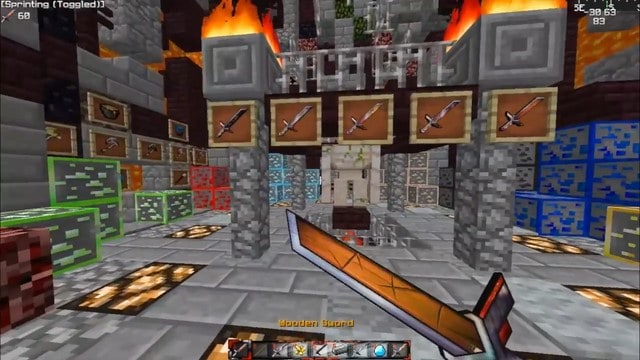
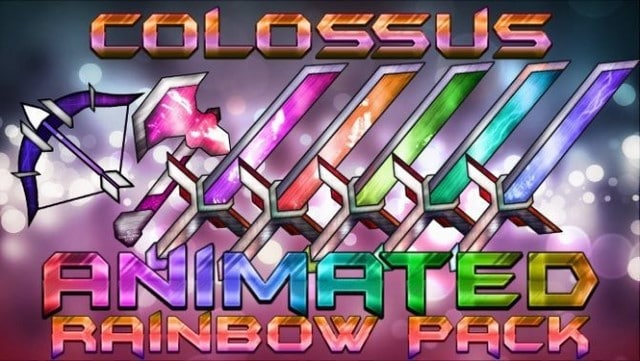
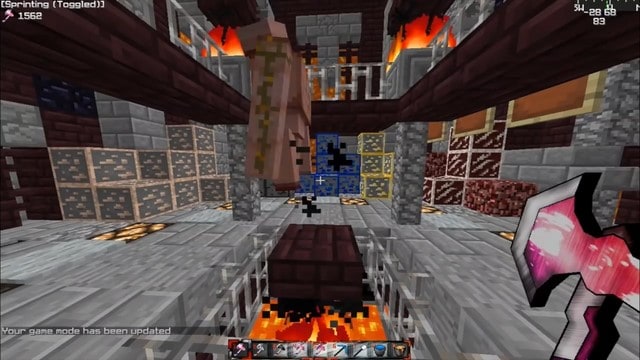
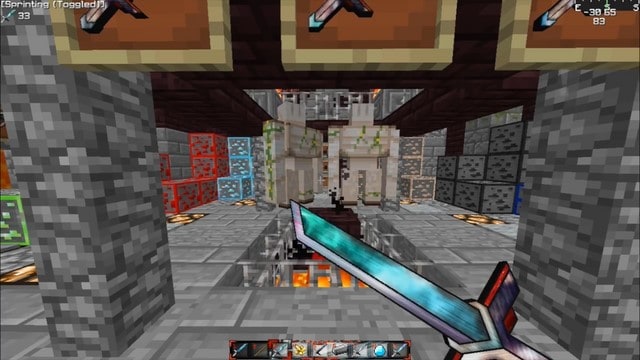
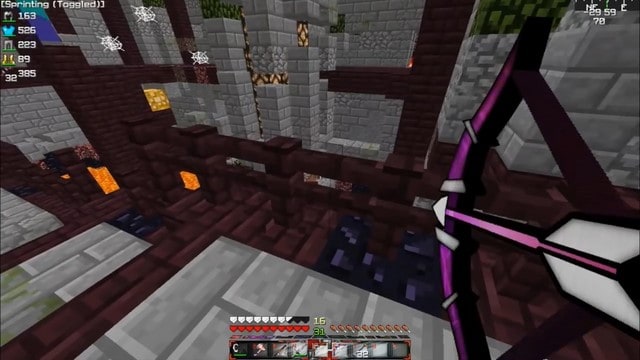
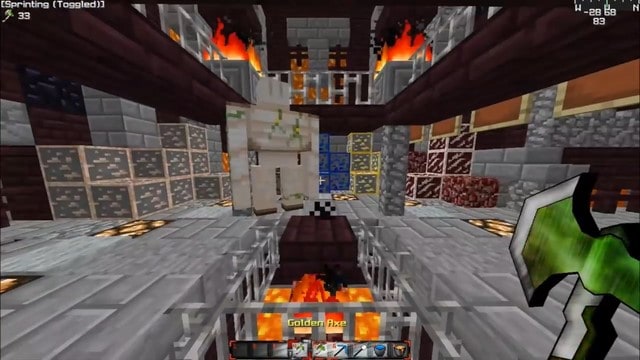
Step into a world redefined by the Colossus Animated Resource Pack, a vibrant and dynamic addition to your Minecraft experience, especially crafted for PvP and UHC enthusiasts. This pack isn’t just about new textures; it’s an immersive visual overhaul that breathes life into your gameplay with its signature animated elements. Prepare to wield weapons that don’t just sit statically in your hand, but instead glow with an electrifying rainbow of colors, changing and shifting as you engage in intense combat. This unique animation style adds an incredible layer of excitement, making every swing and block feel truly impactful and visually stunning.
The brilliance of the Colossus Animated pack extends beyond just its dazzling weaponry. It offers a strategic advantage in Ultra Hardcore (UHC) and player-versus-player (PvP) scenarios by thoughtfully highlighting crucial ores. No longer will you struggle to spot those vital resources in the dim depths of a cave; they’ll stand out, making your mining expeditions more efficient and your rush for essential gear significantly faster. This subtle yet powerful feature perfectly aligns with the high-stakes nature of competitive Minecraft.
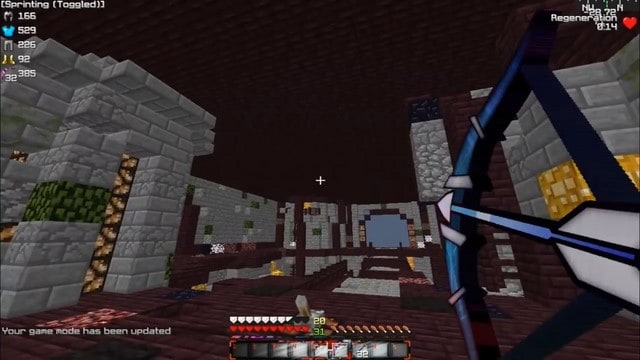
Furthermore, the pack meticulously redesigns various elements of the Heads-Up Display (HUD), infusing them with a sleek, enhanced visual style. These updated HUD visuals contribute to a more cohesive and professional aesthetic, ensuring your in-game interface looks as polished and cool as your animated gear. While the Colossus Animated Resource Pack focuses primarily on PvP and UHC elements, meaning most environmental blocks remain true to vanilla, the changes it does implement are impactful and designed to elevate the core gameplay loop of these modes. The resolution of this pack is 32x, offering a crisp, clean look that balances detail with performance, ensuring a smooth experience even during the most frantic battles. To unlock the full potential and enjoy the pack’s advanced graphical enhancements, it is highly recommended to use Optifine HD, which can optimize your game and render these vibrant animations flawlessly. Dive in and let the Colossus Animated pack transform your competitive Minecraft journey into an unforgettable, visually spectacular adventure.
| Minecraft Version | Compatibility |
|---|---|
| 1.12.2 | ✅ Supported |
| 1.12 | ✅ Supported |
| 1.11.2 | ✅ Supported |
| 1.11 | ✅ Supported |
| 1.10.2 | ✅ Supported |
| 1.10 | ✅ Supported |
| 1.9.4 | ✅ Supported |
| 1.9 | ✅ Supported |
| 1.8.1 | ✅ Supported |
| 1.8.6 | ✅ Supported |
| 1.8 | ✅ Supported |
Colossus Animated Resource Pack – Screenshots & Videos
How to Install Texture Pack (Simple 10 Steps)
- Download Optifine: Most of the texture packs and shaders need Optifine. That’s why, first download and install Optifine for the version of Minecraft you want to play.
- Download the Texture Pack: Get the texture pack you want from the download section. Choose the version that works with your Minecraft and your PC’s performance.
- Open Minecraft Launcher: Start Minecraft using the official game launcher – or even TLauncher, if you use that.
- Go to Options: From the main menu, click on the “Options” button.
- Open Resource Packs: Inside Options, click on “Resource Packs…”.
- Open the Resource Pack Folder: Click on “Open Resource Pack Folder” – this will open a folder named “resourcepacks”.
- Move the Pack File: Copy or move the .zip file you downloaded into that “resourcepacks” folder. (Don’t unzip the file – Minecraft uses it as-is!)
- Go Back and Refresh: Close the folder and click “Done”, then go back into “Resource Packs…” again.
- Activate the Pack: You’ll see the pack on the left side. Hover over it and click the arrow to move it to the right (active side). Tip: If you get a message that the pack is for a different version, just click “Yes” – it usually works fine.
- Click Done and Enjoy: Click “Done” again. Now your pack is ready to use in-game. It’s that easy!
Download
(32x) (1.12 – 1.8) Download Colossus Animated Resource Pack
Download Instructions
-
CurseForge: If the pack is hosted on CurseForge, the download will begin automatically after a few seconds. If it does not start, use the “Download” button shown on the page.
-
Modrinth: If the download is from Modrinth, click the file version that matches your Minecraft build, then press the Download button. Modrinth usually offers multiple releases, so make sure you pick the correct version before installing.
-
Mediafire: On Mediafire, click the large blue Download button to start the file download. Avoid any extra pop-ups or buttons that are not related to the direct download.
-
Google Drive: For Google Drive, click the small download icon at the top right corner of the page. It looks like a downward arrow. The file will be saved to your computer immediately.
Disclaimer We do not create or modify any of the texture packs or shader packs shared on this website. All credit goes to the original creators, and every download link we provide is the official link from their page, which keeps all downloads safe. Some links may stop working after updates, so if you find a broken one, let us know in the comments and we will update it quickly. If you like a pack, consider supporting the creator by visiting their official page or website that we have linked below, and feel free to leave a comment or vote to help their work reach more players.
