
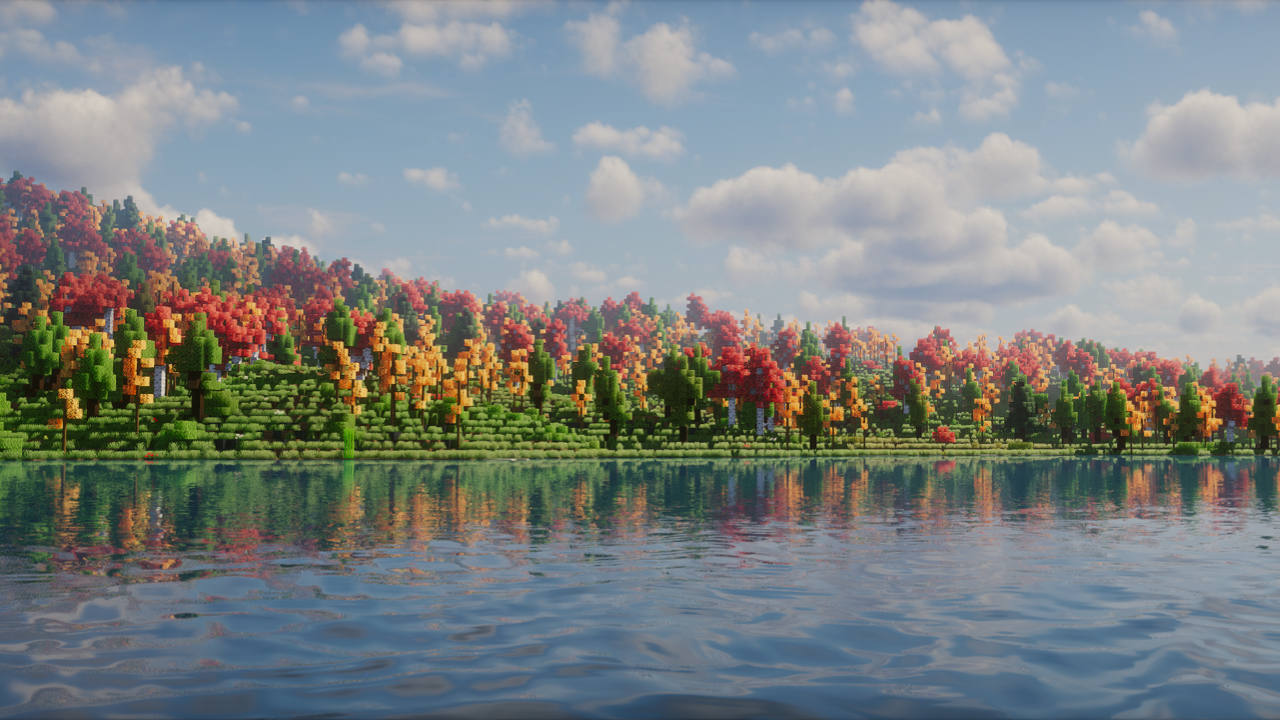
Minecraft shaders are often shown with ultra-realistic lighting, heavy clouds, and reflections that look amazing in screenshots but completely destroy FPS on weaker systems. If you are playing on a low-end PC, an older laptop, or an integrated GPU, most popular shaders are simply not an option. That does not mean you are stuck with vanilla visuals forever.
This article is a curated list of the best free Minecraft shaders that actually make sense for low-end hardware. These are packs you can realistically use on systems with Intel HD Graphics, older AMD APUs, or entry-level GPUs like the GT 710, GT 730, or RX 550. The focus here is not on extreme realism. It is about lighting improvements, atmosphere, and visual clarity while keeping the game playable. Performance always comes first, visuals second.
Before getting into the list, remember that your CPU, RAM, and settings matter just as much as the shader itself. A system with an i5 4th gen, Ryzen 3 2200G, or even an i3 10th gen paired with 8 GB RAM will behave very differently depending on render distance, shadow quality, and whether you are using Sodium with Iris or OptiFine. All performance impressions mentioned here are based on real low-end usage patterns and shader behavior documented across multiple setups
1. Mellow Shaders
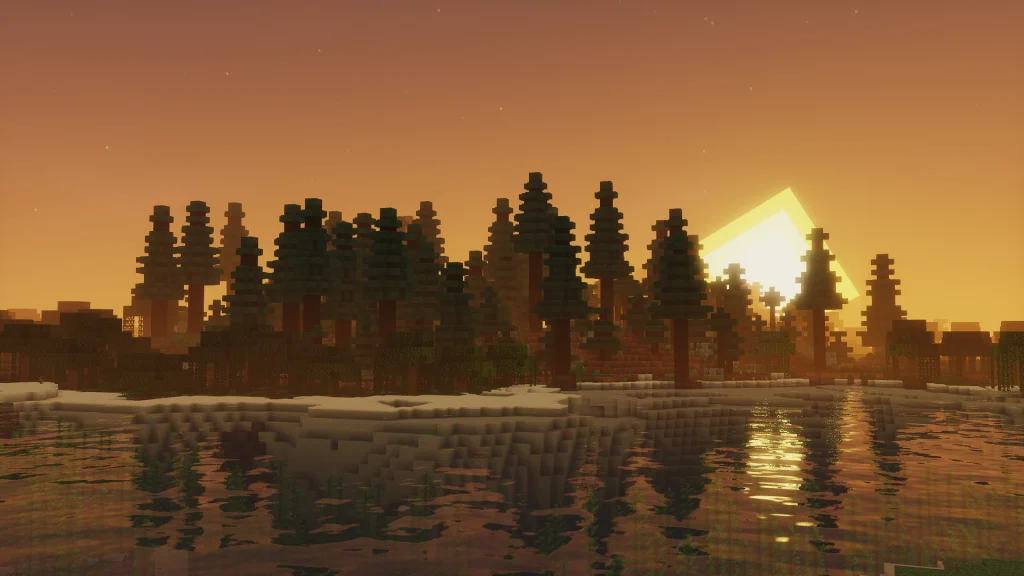
Mellow Shaders is one of the rare shader packs that feels like it was made specifically for low-end PCs rather than being a stripped-down version of something heavier. The lighting is soft, natural, and easy on the eyes, with gentle bloom and subtle color correction that makes Minecraft feel calmer without looking washed out. It does not try to push realism. Instead, it improves what is already there.
Performance is where Mellow truly stands out. On systems with GPUs like the GT 710 or integrated graphics such as Intel UHD 630, it can still deliver playable FPS when paired with reasonable settings. This shader is best for players who want a clean visual upgrade while keeping their CPU and GPU usage low. If your goal is stable gameplay on budget hardware like an i5 4570 with 8 GB RAM, this is one of the safest choices.
2. Tea Shaders
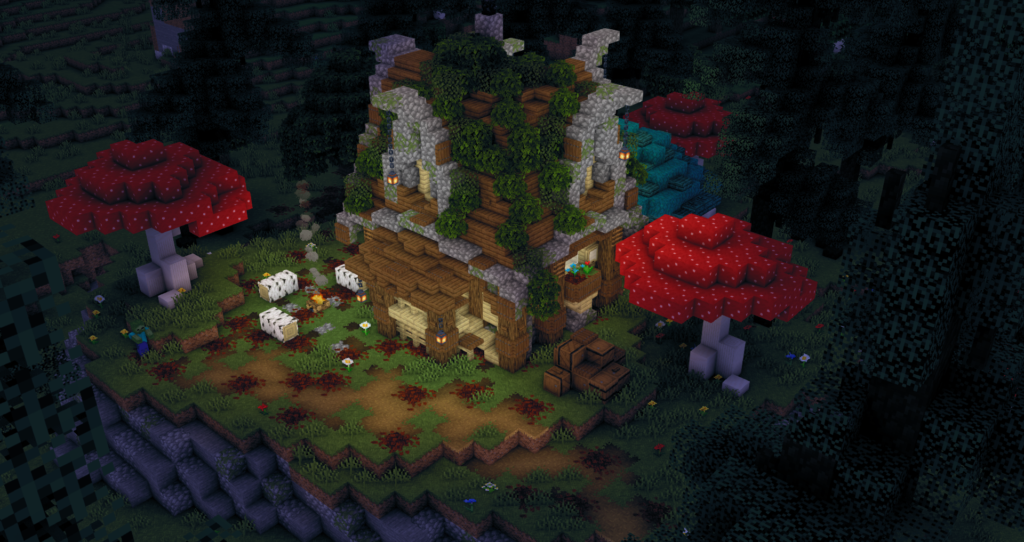
Tea Shaders is often recommended as the first shader for potato PCs, and for good reason. Visually, it stays very close to vanilla Minecraft, adding slightly better lighting, mild saturation, and improved sky colors. There are no heavy shadows or advanced effects, which helps keep the game feeling familiar.
Performance impact is extremely low. On systems where even lightweight shaders struggle, Tea Shaders usually works without major FPS drops. This makes it ideal for older laptops, office PCs, or systems running on integrated GPUs with limited VRAM. If you are running Minecraft on something like a Pentium processor or an older i3 with Intel HD Graphics, this shader is built for you.
3. Sildur’s Enhanced Default
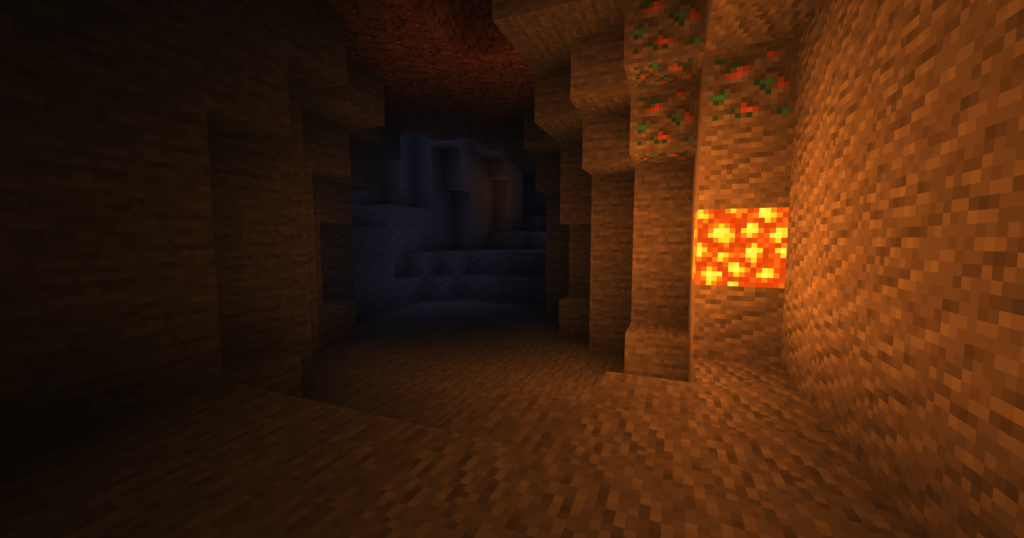
Sildur’s Enhanced Default is designed to look like Minecraft’s default graphics but slightly better. Lighting is cleaner, shadows are soft, and water looks more alive without becoming reflective or heavy. It keeps the original Minecraft color palette intact, which many players prefer.
In terms of performance, this shader sits in the low to medium-low category. It runs well on GPUs like the GT 730, RX 550, and integrated Vega graphics when settings are kept reasonable. This shader is best for players who want a clear visual improvement but still care about smooth gameplay on modest hardware such as Ryzen 5 APUs or older quad-core CPUs.
4. DrDestens (Low Profile)
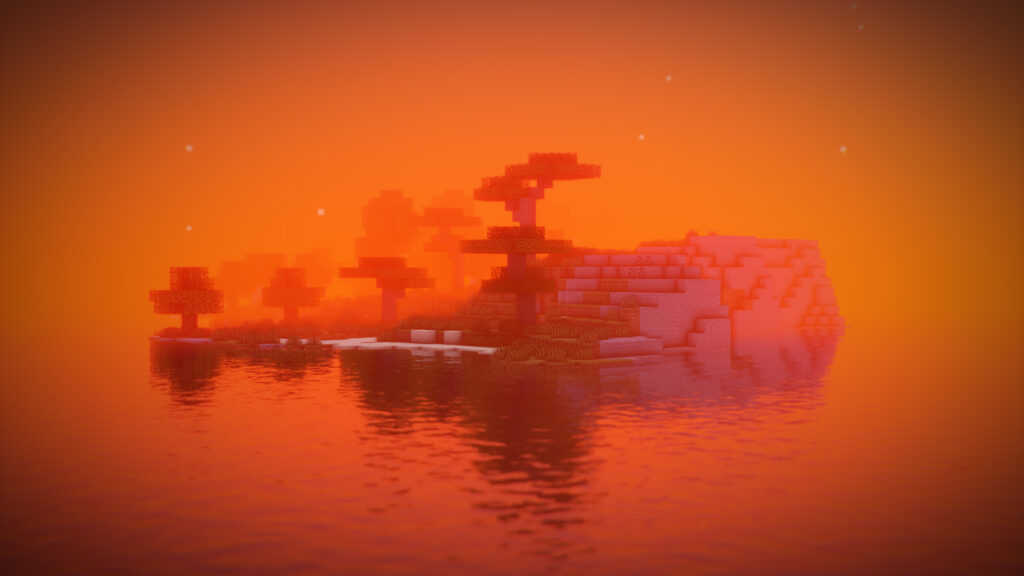
DrDestens in its low profile configuration is an underrated option for low-end systems. The shader adds clean lighting, mild shadows, and slightly enhanced atmosphere while staying far away from heavy effects like volumetric clouds or reflections.
When used with low settings, it can run on surprisingly modest hardware. This shader is best for players who want a modern look but still need stable performance on CPUs like i3 8th gen or older Ryzen chips with limited GPU power.
5. YoFPS Shaders
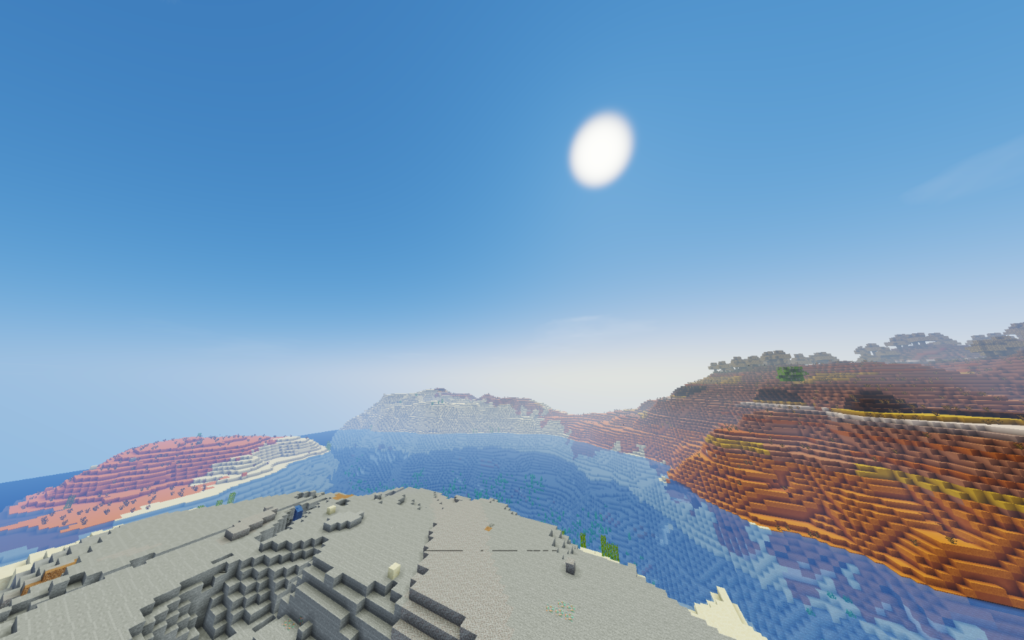
YoFPS Shaders is all about efficiency. The visuals are subtle, but noticeable enough to justify using a shader at all. You get better sky gradients, improved lighting behavior, and a slightly smoother overall look.
Performance is the main selling point here. This shader is designed for systems where FPS stability matters more than visuals. It is well-suited for integrated graphics, older AMD APUs, and budget builds using CPUs like the i5 3470 or Ryzen 3 1200. It works especially well when combined with Sodium and Iris for maximum efficiency.
6. Vanilla Plus Shader Packs
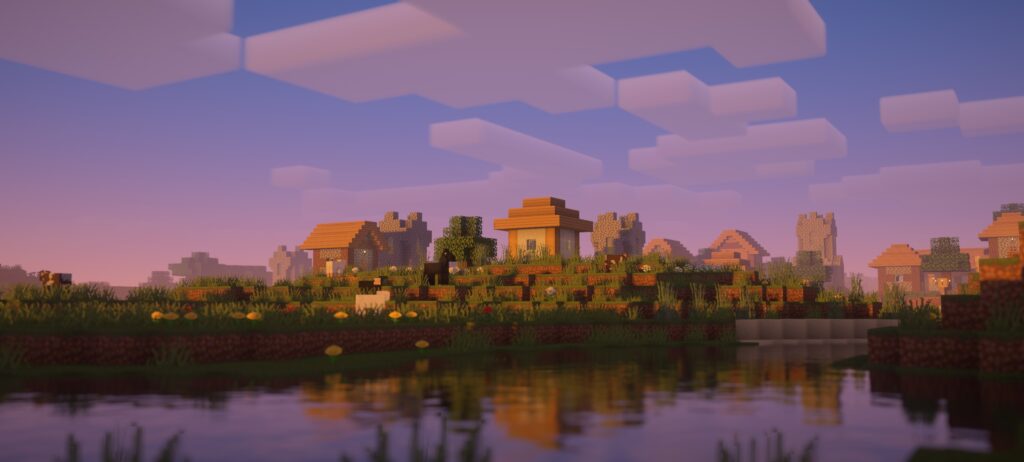
Vanilla Plus style shaders focus on enhancing Minecraft without changing its identity. Lighting becomes softer, shadows are subtle, and the world feels more natural while still looking unmistakably Minecraft. These shaders avoid heavy effects like volumetric clouds or advanced reflections.
Performance varies depending on the specific pack, but most Vanilla Plus shaders are playable on low to mid-range hardware. They are best for players who want a polished vanilla experience on systems like an i3 10th gen with UHD graphics or a low-power discrete GPU. This category is perfect if you value consistency and clarity over visual spectacle.
7. MakeUp Ultra Fast Shaders
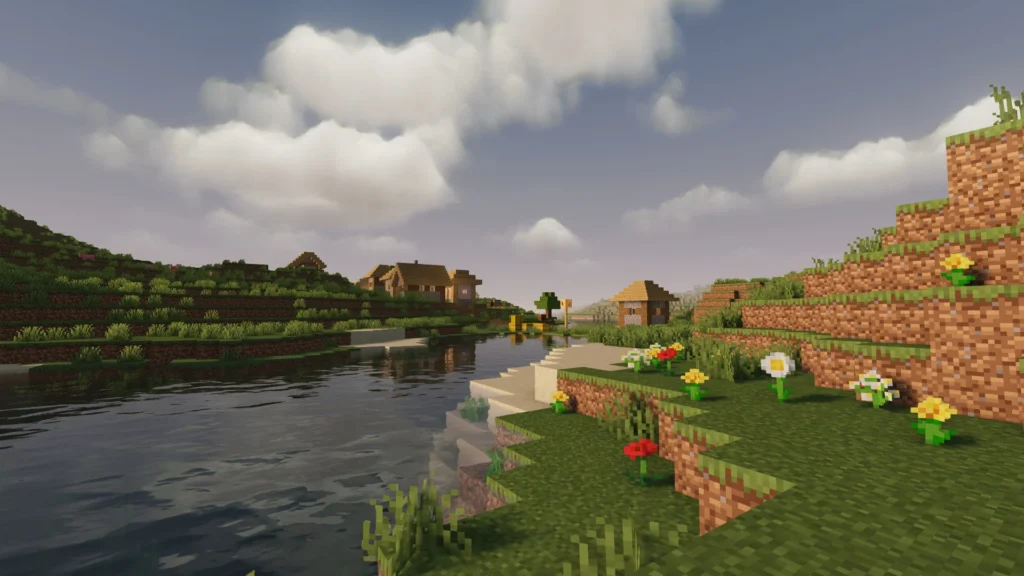
MakeUp Ultra Fast Shaders is highly configurable, which is both its strength and weakness. Visually, it can look very clean and modern if tuned correctly, with soft lighting and controlled contrast. Out of the box, it may feel heavy, but profiles exist that make it surprisingly efficient.
Performance depends heavily on settings. On low-end systems, disabling extra effects makes it viable even on weaker GPUs. This shader is best for players who enjoy tweaking and experimenting, especially those with CPUs like Ryzen 5 1600 or older i7 models paired with modest GPUs.
8. BSL Classic
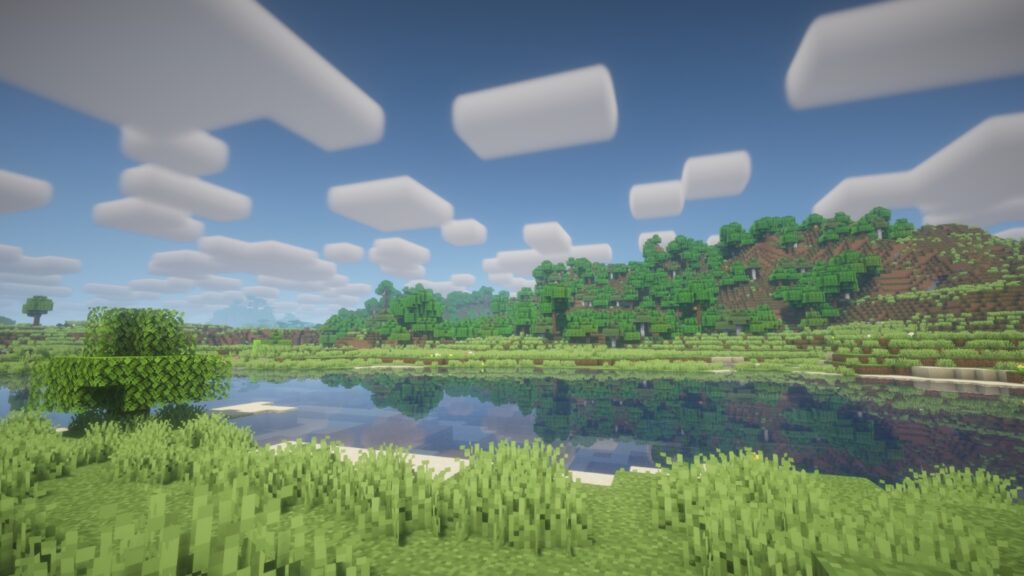
BSL Classic strips down the popular BSL look into something far more performance-friendly. You still get the signature soft lighting, pleasant colors, and atmospheric feel, but without the heavy effects that usually hurt FPS.
This shader works well on lower-end GPUs that cannot handle full BSL. It is best suited for players who love the BSL aesthetic but play on budget systems with limited GPU power. When paired with sensible render distance and shadow settings, it delivers a great visual-to-performance ratio.
Final Thoughts
Shaders are not about chasing realism at all costs. On low-end PCs, the best shader is the one that keeps your game smooth, stable, and enjoyable. A soft lighting upgrade at 60 FPS is always better than cinematic visuals at 20 FPS. Your hardware, from CPU to GPU to RAM, should guide your choice more than screenshots on the internet.
Whether you are playing on integrated graphics, a budget GPU, or an older system that has seen better days, there is a shader here that can work for you. Experiment, tweak settings, and choose what feels right for your setup. In Minecraft, performance and comfort matter just as much as visuals.
