
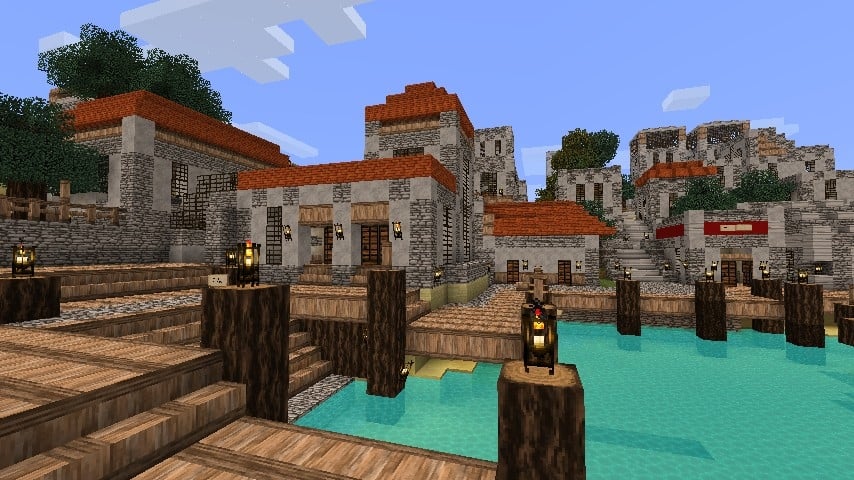
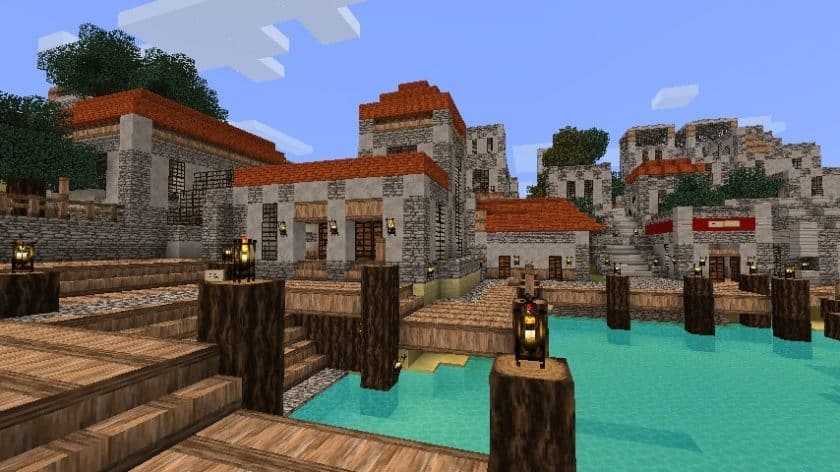
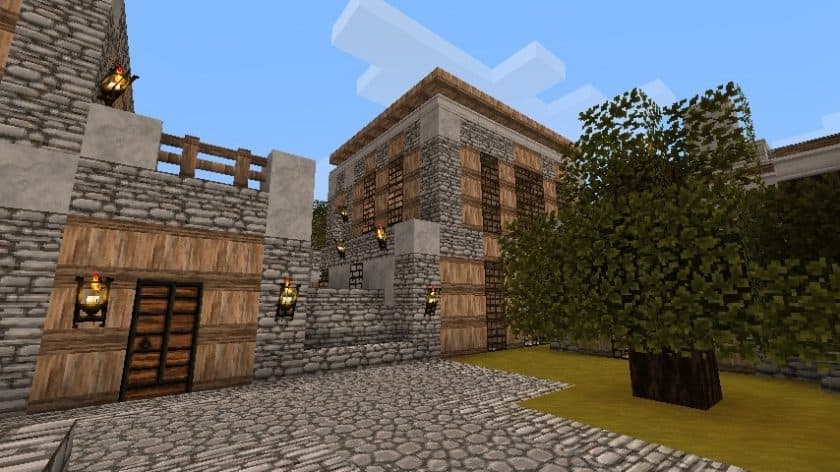
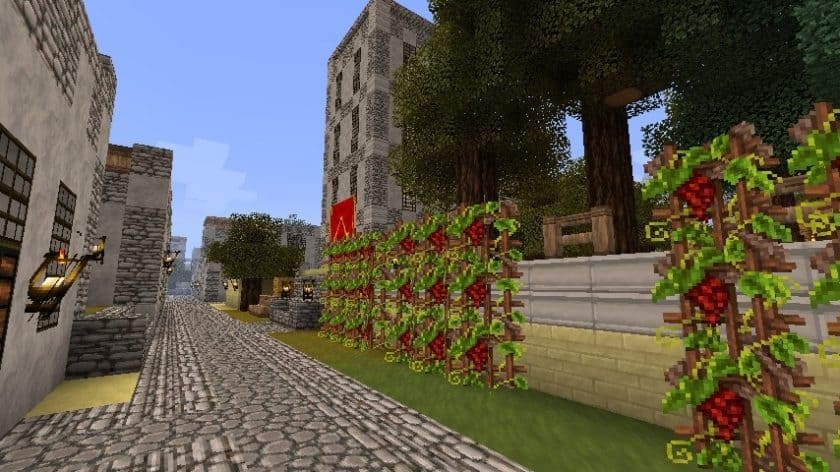
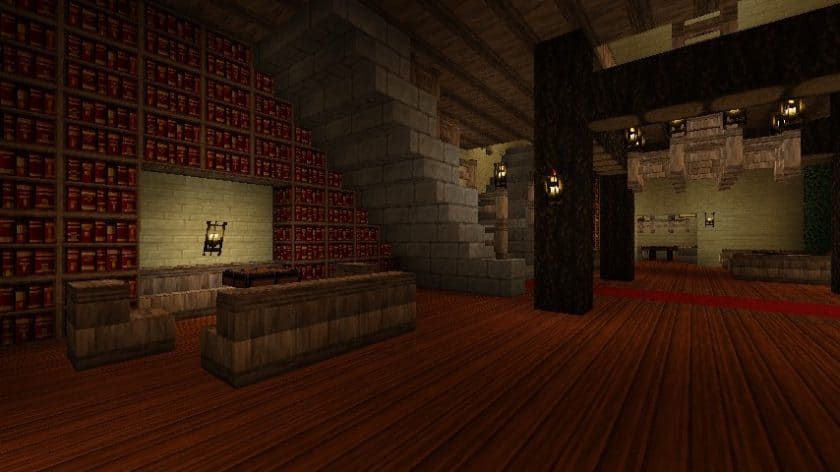
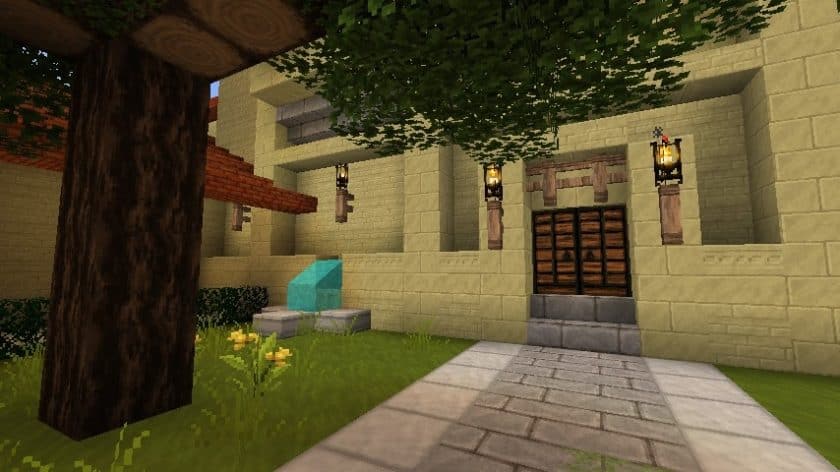
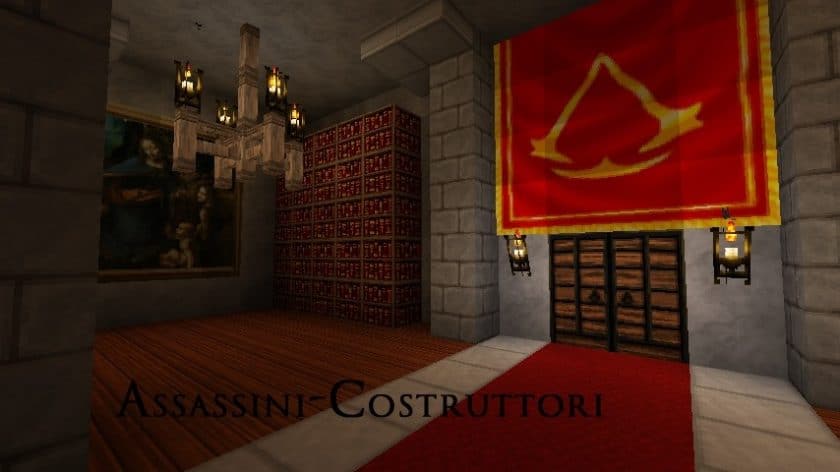
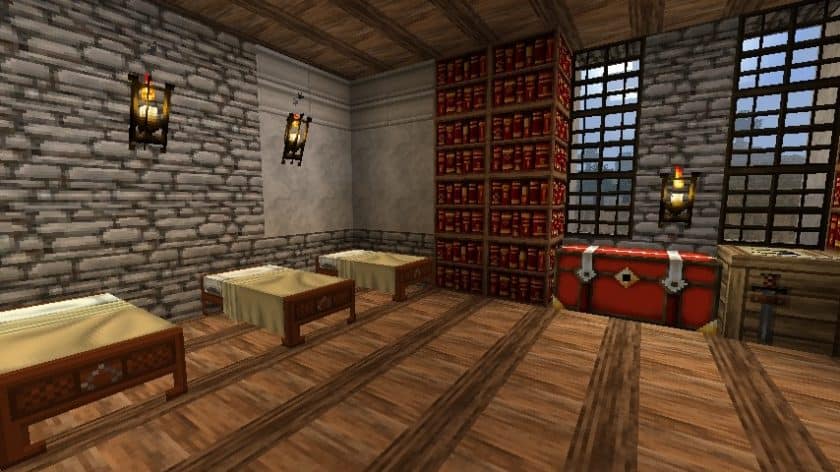
Loading into the Assassini Costruttori Resource Pack honestly feels like Minecraft just took a trip to Renaissance Italy. The vibe hits right away — warm stone, old streets, that classic Assassin’s Creed II atmosphere. You can almost picture rooftops in Florence or quiet canals in Venice while walking around. It’s not just a texture swap, it’s more like the world nudges you to build villas, ruins, and old marketplaces instead of the usual wooden boxes. Kinda cinematic, if that makes sense.
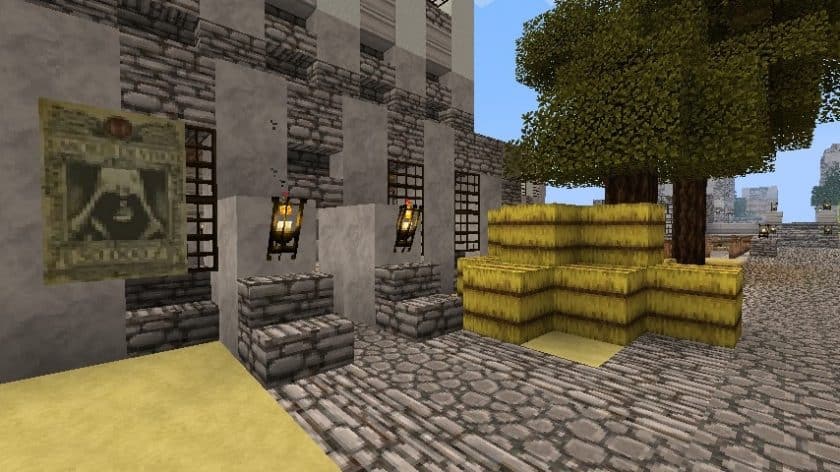
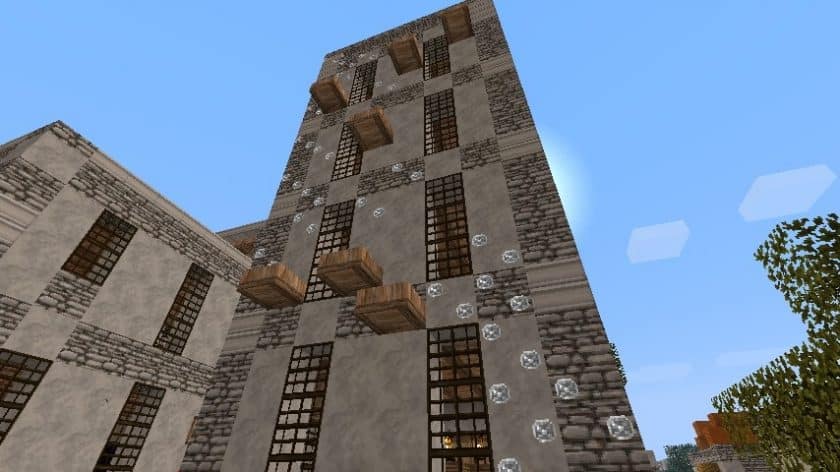
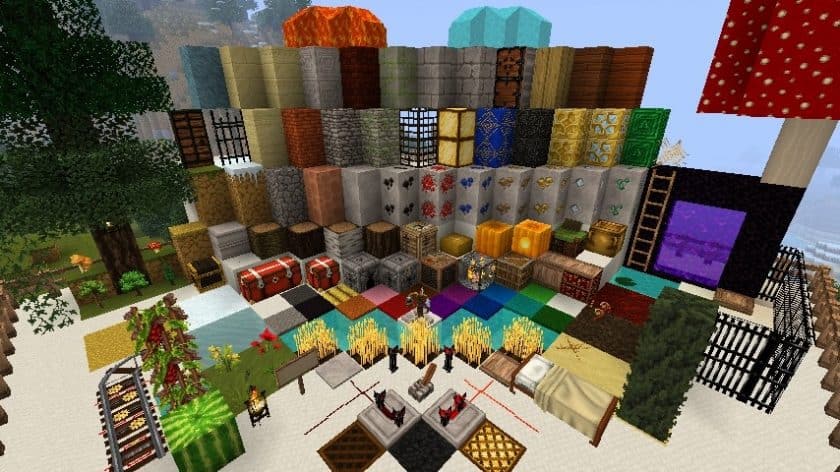
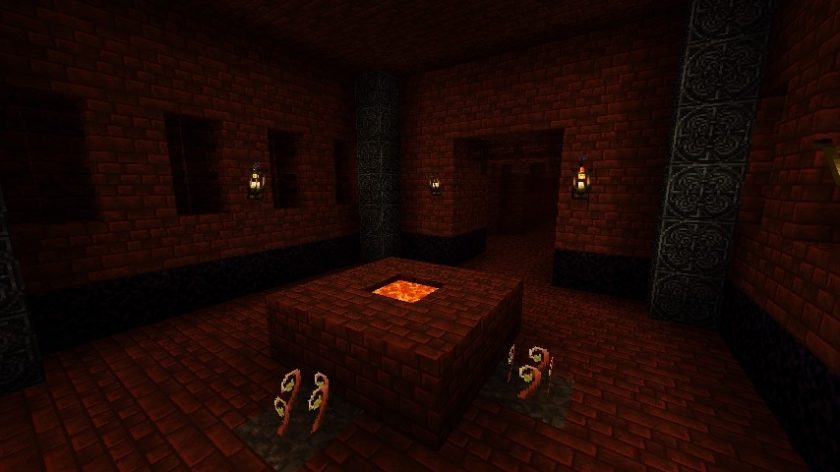
What’s wild is that the Assassini Costruttori Resource Pack was made back in 2011, and it still holds up surprisingly well. The jump to 32x resolution makes a real difference. Pavements have patterns, walls look worn in a believable way, and bricks finally feel like bricks instead of flat blocks. Marble and limestone textures are especially nice — perfect for palaces, cathedrals, or anything grand. The added plants, like grapevines and flowers, give everything a lived-in, historical feel. If you like building with strong architectural themes, packs like the Conquest Reforged Resource Pack give a similar sense of scale, though Assassini Costruttori keeps things lighter.
I also like how the Assassini Costruttori Resource Pack knows where to stop. The sky, sun, moon, and water stay classic Minecraft, which honestly helps performance a lot. No heavy effects, no unnecessary strain. Everything runs smooth, even on older systems. It reminds me a bit of how the John Smith Legacy Resource Pack balances detail with playability — grounded visuals without going overboard.
If you want to push things further, shaders can really boost the lighting and atmosphere, especially around stone and buildings. Just gotta test compatibility since the pack is older. And if you’re curious how different historical styles translate into Minecraft, something like the WesterosCraft Resource Pack is a fun comparison.
At the end of the day, the Assassini Costruttori Resource Pack is perfect for builders who love history, architecture, and that Assassin’s Creed mood. It brings elegance, detail, and a strong sense of place into Minecraft — without sacrificing performance or that familiar blocky charm.
| Minecraft Version | Compatibility |
|---|---|
| 1.7.10 | ✅ Supported |
| 1.7.9 | ✅ Supported |
| 1.7.4 | ✅ Supported |
| 1.7 | ✅ Supported |
| 1.6.4 | ✅ Supported |
| 1.6.2 | ✅ Supported |
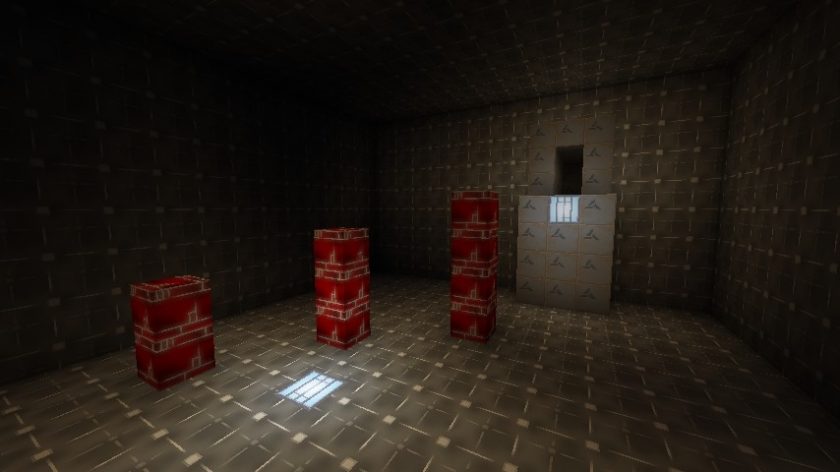
Assassini Costruttori – Screenshots
How to Install Texture Pack (Simple 10 Steps)
- Download Optifine: Most of the texture packs and shaders need Optifine. That’s why, first download and install Optifine for the version of Minecraft you want to play.
- Download the Texture Pack: Get the texture pack you want from the download section. Choose the version that works with your Minecraft and your PC’s performance.
- Open Minecraft Launcher: Start Minecraft using the official game launcher – or even TLauncher, if you use that.
- Go to Options: From the main menu, click on the “Options” button.
- Open Resource Packs: Inside Options, click on “Resource Packs…”.
- Open the Resource Pack Folder: Click on “Open Resource Pack Folder” – this will open a folder named “resourcepacks”.
- Move the Pack File: Copy or move the .zip file you downloaded into that “resourcepacks” folder. (Don’t unzip the file – Minecraft uses it as-is!)
- Go Back and Refresh: Close the folder and click “Done”, then go back into “Resource Packs…” again.
- Activate the Pack: You’ll see the pack on the left side. Hover over it and click the arrow to move it to the right (active side). Tip: If you get a message that the pack is for a different version, just click “Yes” – it usually works fine.
- Click Done and Enjoy: Click “Done” again. Now your pack is ready to use in-game. It’s that easy!
Download
(32x) (1.7.x – 1.6.x) Download Assassini Costruttori Resource Pack (Normal)
(32x) (1.7.x – 1.6.x) Download Assassini Costruttori Resource Pack (Animus)
Download Instructions
- CurseForge: If the pack is hosted on CurseForge, the download will begin automatically after a few seconds. If it does not start, use the “Download” button shown on the page.
- Modrinth: If the download is from Modrinth, click the file version that matches your Minecraft build, then press the Download button. Modrinth usually offers multiple releases, so make sure you pick the correct version before installing.
- Mediafire: On Mediafire, click the large blue Download button to start the file download. Avoid any extra pop-ups or buttons that are not related to the direct download.
- Google Drive: For Google Drive, click the small download icon at the top right corner of the page. It looks like a downward arrow. The file will be saved to your computer immediately.
Disclaimer We do not create or modify any of the texture packs or shader packs shared on this website. All credit goes to the original creators, and every download link we provide is the official link from their page, which keeps all downloads safe. Some links may stop working after updates, so if you find a broken one, let us know in the comments and we will update it quickly. If you like a pack, consider supporting the creator by visiting their official page or website that we have linked below, and feel free to leave a comment or vote to help their work reach more players.
