
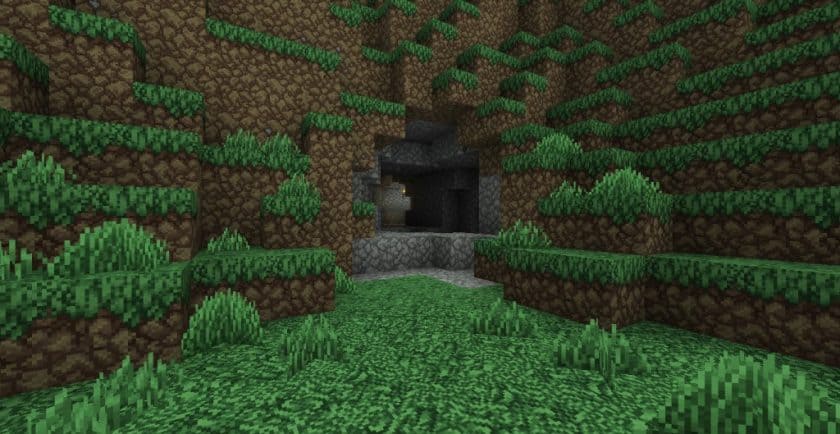
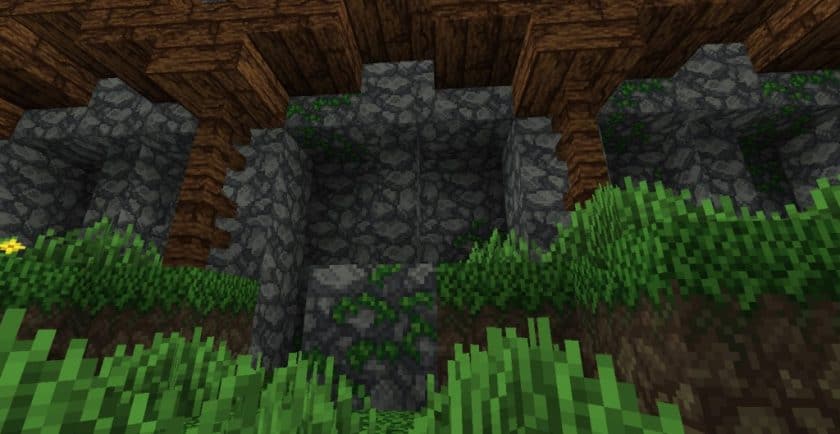
Stepping into a world powered by TheVoid’s AD Reforged resource pack instantly transports you to a realm steeped in the grandeur and grit of the medieval era. This pack is a masterful visual overhaul for vanilla Minecraft, offering a distinctive twist that makes the landscapes feel both darker and significantly more refined. As a spiritual successor to the much-loved Arestian’s Dawn, it carries a familiar torch, enhancing the game’s core aesthetics with a rich palette and intricately designed textures.
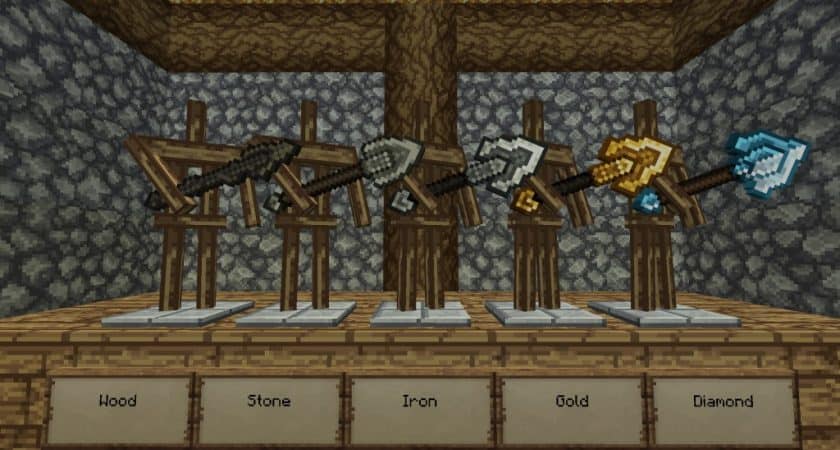
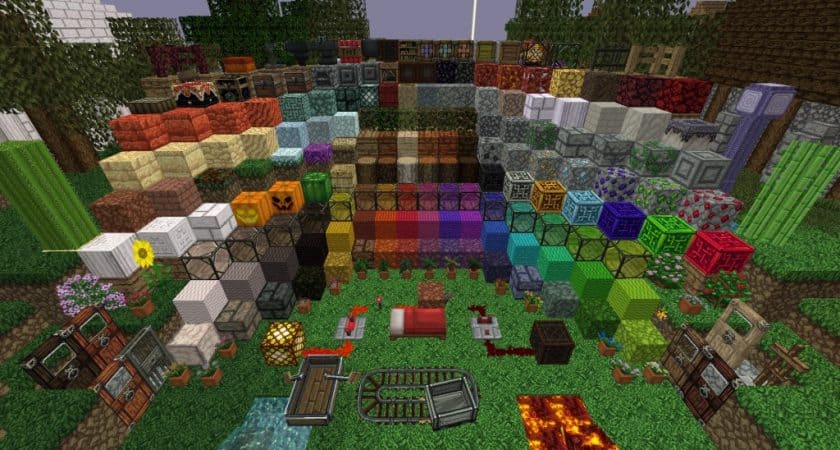
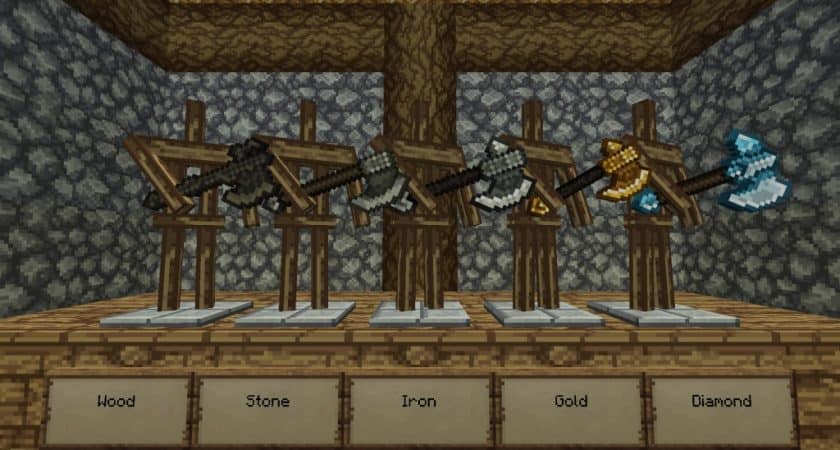
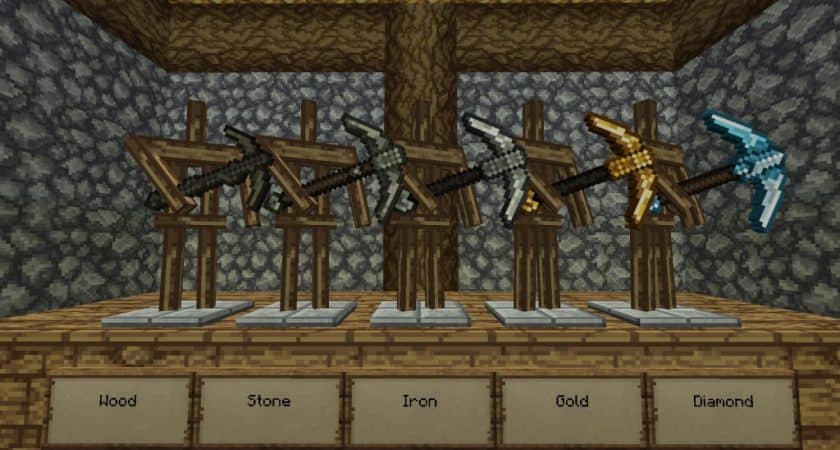
Exploring this world, you’ll immediately notice the transformation of essential blocks. Iron, Gold, Brick, and Redstone blocks now boast detailed textures and deeper color layers, harmonizing perfectly with the overarching medieval theme. The atmosphere feels heavier, more immersive, perfect for forging epic sagas. Beyond the static environment, the pack introduces revamped elements like a new mine cart, various fish types, and classic medieval doors that truly bring your architectural aspirations to life. Imagine constructing sprawling dungeons, imposing castles, or mysterious caves, each structure elevated by the pack’s cohesive vision.
Even the creatures of the night feel more integrated into this new world; expect to encounter unique spider variants and a redesigned Ender Dragon, contributing to a more cohesive, fantasy-driven experience. While still under development, TheVoid’s AD Reforged has already implemented a substantial number of changes, all rendered at a crisp 32x resolution. This higher detail, compared to the default 16x, significantly enhances visual clarity without being overly demanding on your system. Most players will find this resource pack runs smoothly, allowing for an uninterrupted journey through its beautifully reimagined landscapes.
| Minecraft Version | Compatibility |
|---|---|
| 1.17.1 | ✅ Supported |
| 1.17 | ✅ Supported |
| 1.11.2 | ✅ Supported |
| 1.11 | ✅ Supported |
| 1.10.2 | ✅ Supported |
| 1.10 | ✅ Supported |
| 1.9.4 | ✅ Supported |
| 1.9 | ✅ Supported |
| 1.8.9 | ✅ Supported |
| 1.8.8 | ✅ Supported |
| 1.8.1 | ✅ Supported |
| 1.8.6 | ✅ Supported |
| 1.8 | ✅ Supported |
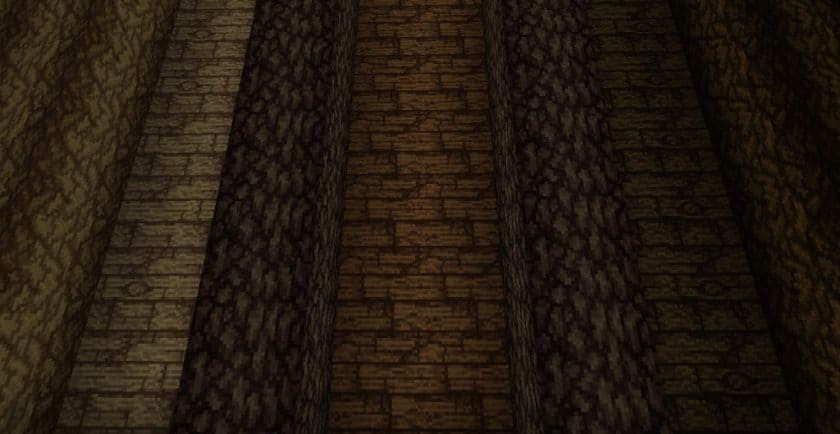
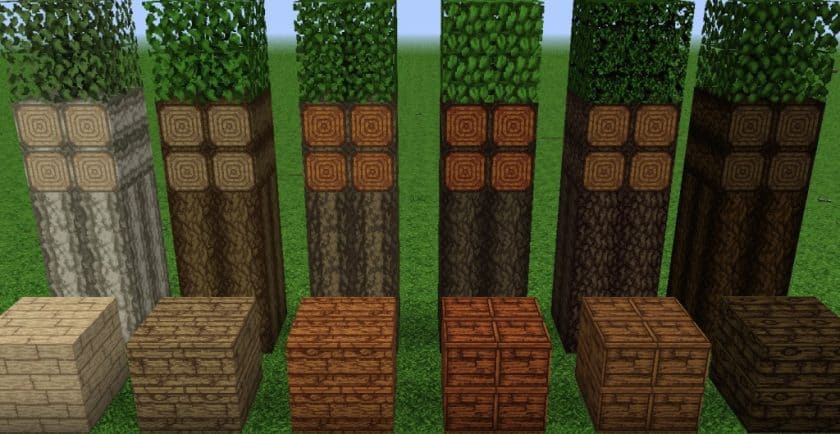
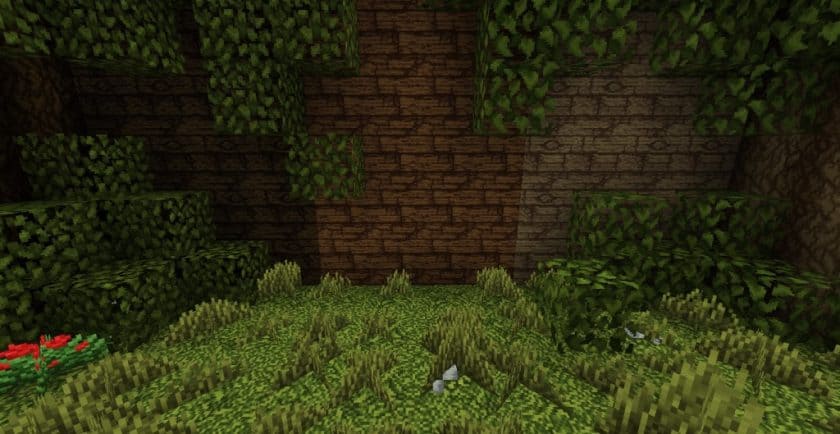
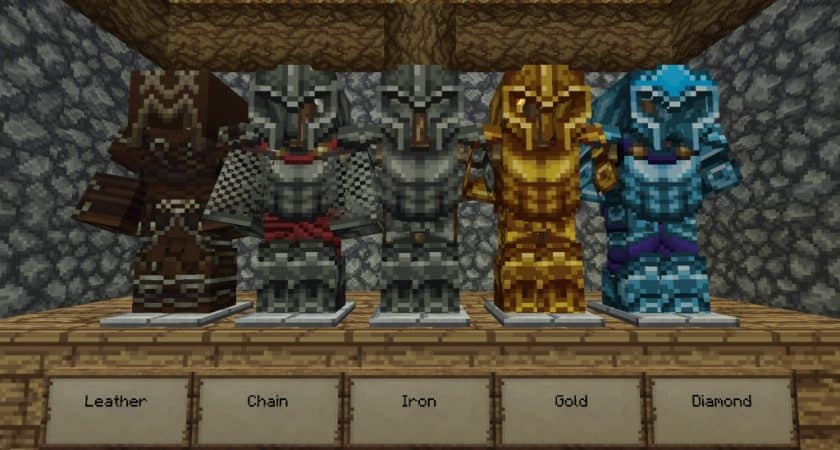
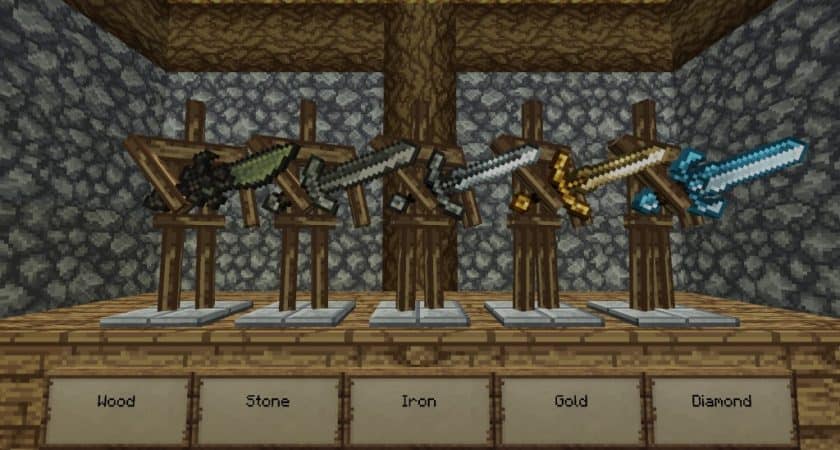
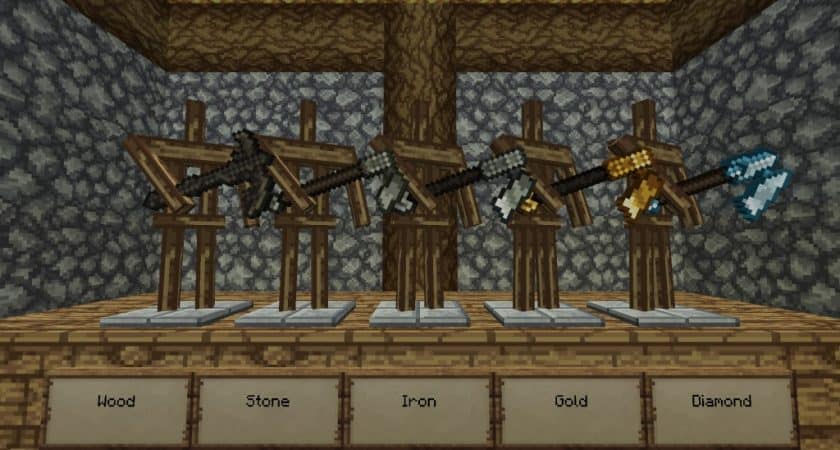
TheVoid’s AD Reforged – Screenshots & Videos
How to Install Texture Pack (Simple 10 Steps)
- Download Optifine: Most of the texture packs and shaders need Optifine. That’s why, first download and install Optifine for the version of Minecraft you want to play.
- Download the Texture Pack: Get the texture pack you want from the download section. Choose the version that works with your Minecraft and your PC’s performance.
- Open Minecraft Launcher: Start Minecraft using the official game launcher – or even TLauncher, if you use that.
- Go to Options: From the main menu, click on the “Options” button.
- Open Resource Packs: Inside Options, click on “Resource Packs…”.
- Open the Resource Pack Folder: Click on “Open Resource Pack Folder” – this will open a folder named “resourcepacks”.
- Move the Pack File: Copy or move the .zip file you downloaded into that “resourcepacks” folder. (Don’t unzip the file – Minecraft uses it as-is!)
- Go Back and Refresh: Close the folder and click “Done”, then go back into “Resource Packs…” again.
- Activate the Pack: You’ll see the pack on the left side. Hover over it and click the arrow to move it to the right (active side). Tip: If you get a message that the pack is for a different version, just click “Yes” – it usually works fine.
- Click Done and Enjoy: Click “Done” again. Now your pack is ready to use in-game. It’s that easy!
Download
(32x) (1.17.x) Download TheVoid’s AD Reforged Resource Pack
(32x) (1.11.x – 1.10.x) Download TheVoid’s AD Reforged Resource Pack
(32x) (1.9.x) Download TheVoid’s AD Reforged Resource Pack
(32x) (1.8.x) Download TheVoid’s AD Reforged Resource Pack
Official links:
Check out TheVoid’s AD-Reforged Resource Pack on the official source
Download Instructions
-
CurseForge: If the pack is hosted on CurseForge, the download will begin automatically after a few seconds. If it does not start, use the “Download” button shown on the page.
-
Modrinth: If the download is from Modrinth, click the file version that matches your Minecraft build, then press the Download button. Modrinth usually offers multiple releases, so make sure you pick the correct version before installing.
-
Mediafire: On Mediafire, click the large blue Download button to start the file download. Avoid any extra pop-ups or buttons that are not related to the direct download.
-
Google Drive: For Google Drive, click the small download icon at the top right corner of the page. It looks like a downward arrow. The file will be saved to your computer immediately.
Disclaimer We do not create or modify any of the texture packs or shader packs shared on this website. All credit goes to the original creators, and every download link we provide is the official link from their page, which keeps all downloads safe. Some links may stop working after updates, so if you find a broken one, let us know in the comments and we will update it quickly. If you like a pack, consider supporting the creator by visiting their official page or website that we have linked below, and feel free to leave a comment or vote to help their work reach more players.
