Stepping into a Minecraft world with the Hafen Resource Pack is like discovering a hidden haven, transforming familiar landscapes into something wonderfully fresh and inviting. Gone are the sometimes dull, muted tones of vanilla Minecraft; Hafen injects a cheerful, soft aesthetic that prioritizes visual clarity and an immersive atmosphere. Every 16×16 pixel feels deliberately placed, creating textures that are both detailed and easy on the eyes. The vibrant color palette immediately catches your attention, making the world feel brighter and more alive.
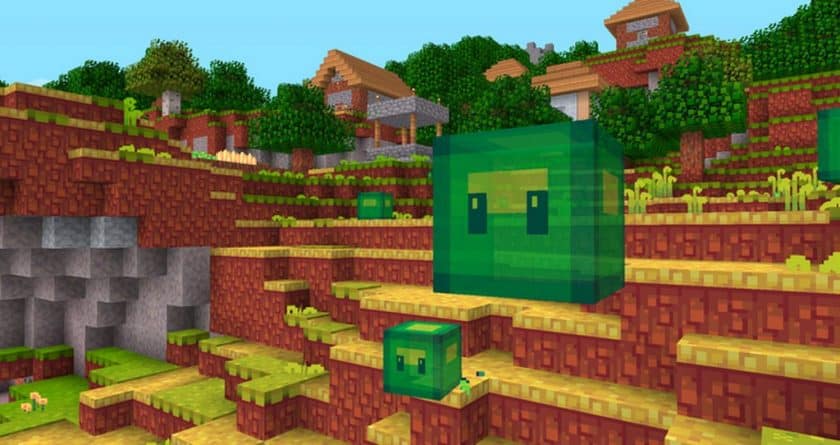
Exploring the overworld, you’ll notice how the most common blocks have been lovingly redesigned. Grass, usually a stark dark green, now boasts a gentler, softer shade that perfectly complements the newly textured sky, making vast plains a joy to traverse. Trees, particularly dark oak and spruce, become distinct entities, no longer blending into a uniform mass. This thoughtful retexturing not only enhances the natural beauty but also inspires new creative possibilities for your builds. Descending underground reveals a similar meticulousness: andesite, granite, and diorite are given unique colors and patterns, making cave exploration more visually engaging. Even ores, while retaining their iconic shapes, possess subtly altered hues that make them feel integrated into Hafen’s world.
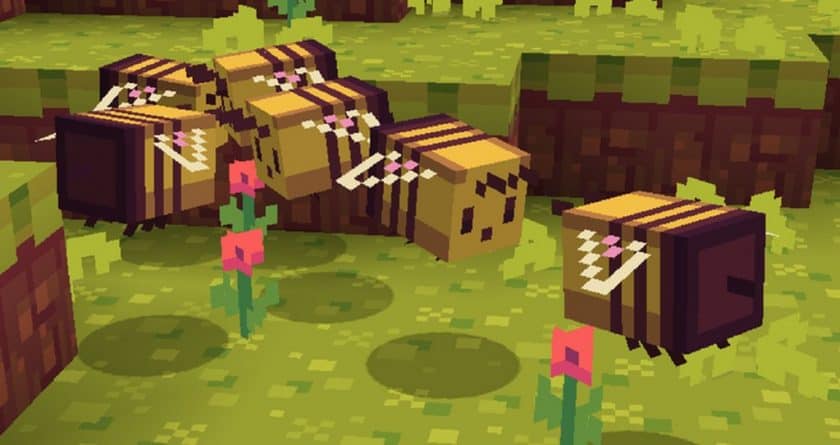
Perhaps the most striking transformation comes with the mobs. The pack embraces a delightfully cartoonish style, turning once-intimidating creatures into visually refreshing characters. Imagine encountering a blue, one-eyed Ghast – it’s a whimsical take that completely redefines the mob experience, even if it lessens the scare factor. Friendly creatures like cows, bees, and villagers also receive a fresh, more realistic yet still stylized makeover. Even your hotbar feels new, with steaks, apples, and fish boasting appealing retextures that make gathering resources more delightful.
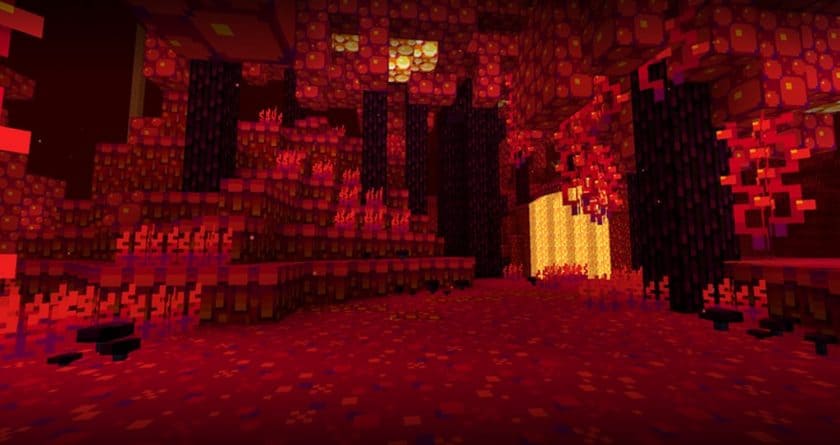
What truly sets Hafen apart is its innovative lightmap. This special feature provides higher quality shadows without requiring a separate shader pack, proving a significant boost to visual fidelity while maintaining excellent performance. The subtle dimmer lighting at night creates a cozy, atmospheric glow. While this lightmap has a distinct orange tint, the developers thoughtfully offer options to disable it or install an add-on to reduce the orange effect, catering to individual preferences. The GUI, too, is refreshed with a harmonious blend of blue shades and a custom, cartoon-themed font that enhances the overall cohesive design. For those who enjoy tailoring their experience, Hafen provides optional add-ons, including UI/chest fixes for older game versions and “classic plugins” that revert certain textures to earlier pack iterations. This level of dedication, especially offering a 16×16 resolution, ensures that Hafen remains accessible and performant even for players with older PCs, making it a fantastic choice for a wide range of Minecraft enthusiasts. The availability of a Bedrock edition, “Squishy Pixels,” further underscores the creators’ commitment to bringing this charming visual experience to as many players as possible.
Hafen: Simplistic should be compatible with all of these Minecraft versions: 26.2 – 26.1.2 – 26.1.1 – 26.1 – 1.21.11 – 1.21.10 – 1.21.9 – 1.21.8 – 1.21.7 – 1.21.6 – 1.21.5 – 1.21.4 – 1.21.3 – 1.21.2 – 1.21.1 – 1.21 – 1.20.6 – 1.20.5 – 1.20.4 – 1.20.3 – 1.20.2 – 1.20.1 – 1.20 – 1.19.4 – 1.19.3 – 1.19.2 – 1.19.1 – 1.19 – 1.18.2 – 1.18.1 – 1.18 – 1.17.1 – 1.17 – 1.16.5 – 1.16.4 – 1.16.3 – 1.16.2 – 1.16.1 – 1.16 – 1.15.2 – 1.15.1 – 1.15 – 1.14.4 – 1.14.3 – 1.14.2 – 1.14 – 1.13.2 – 1.13.1 – 1.13 – 1.12.2 – 1.12 – Bedrock Edition – PE
Hafen: Simplistic Resource Pack – Screenshots
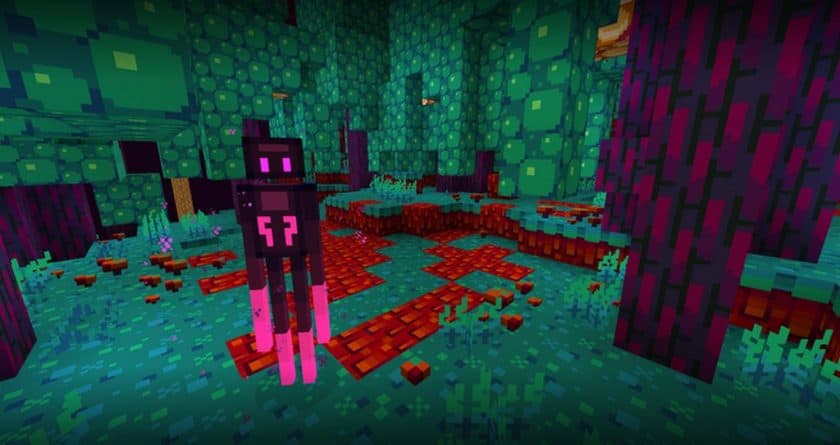
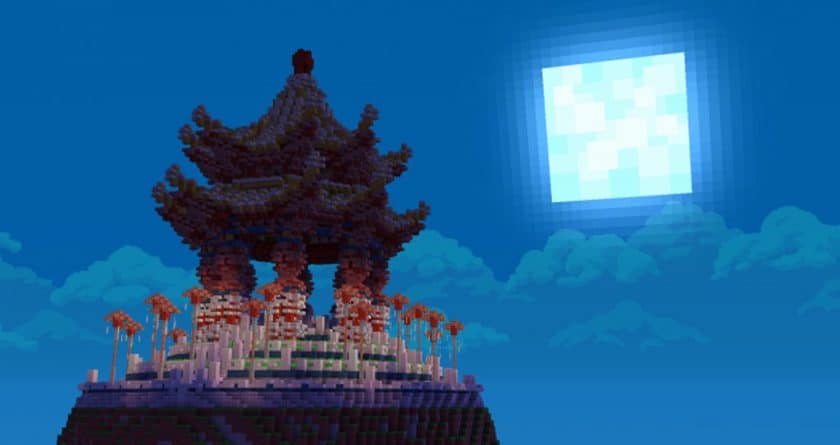
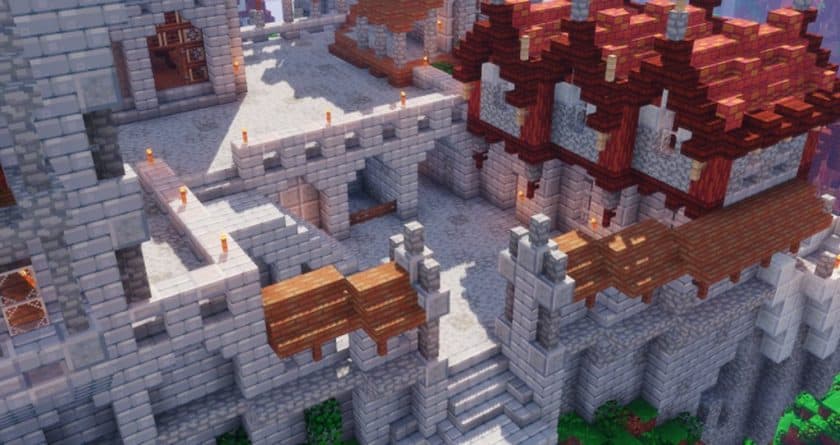
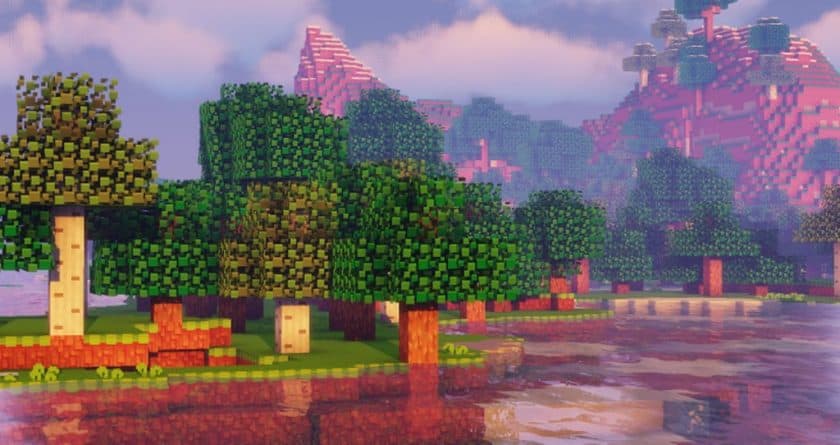
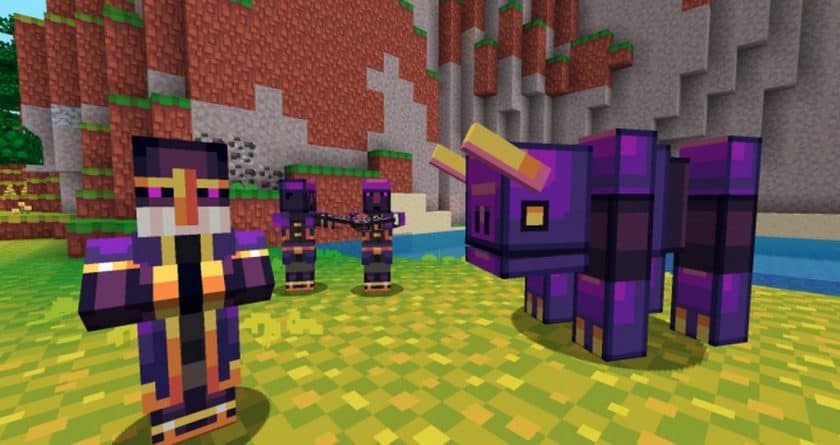
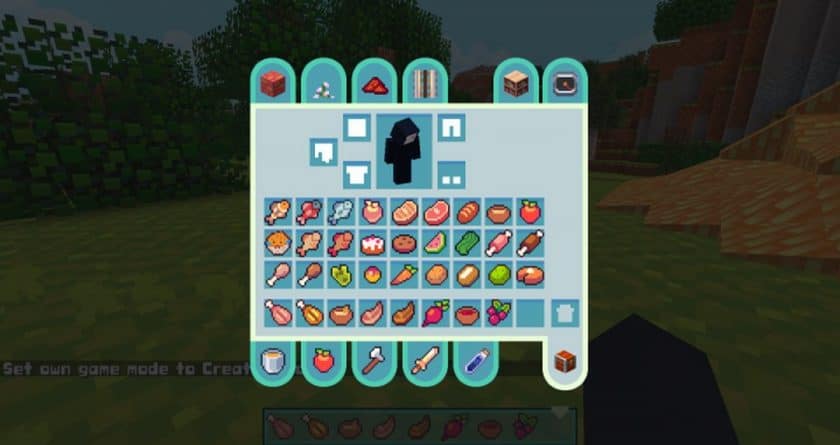
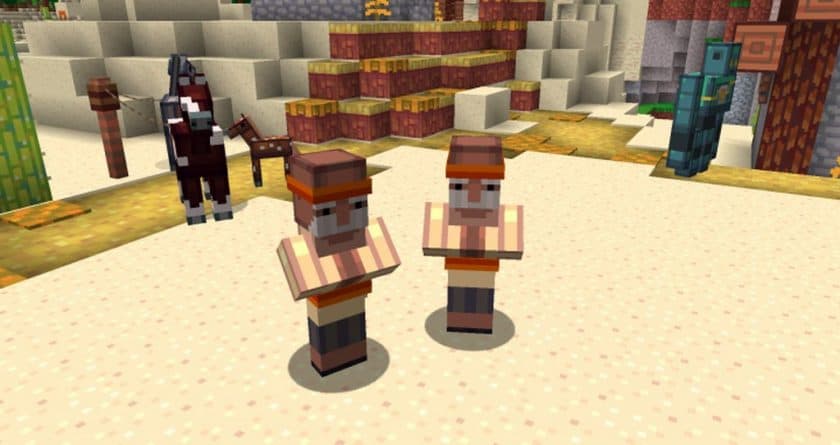
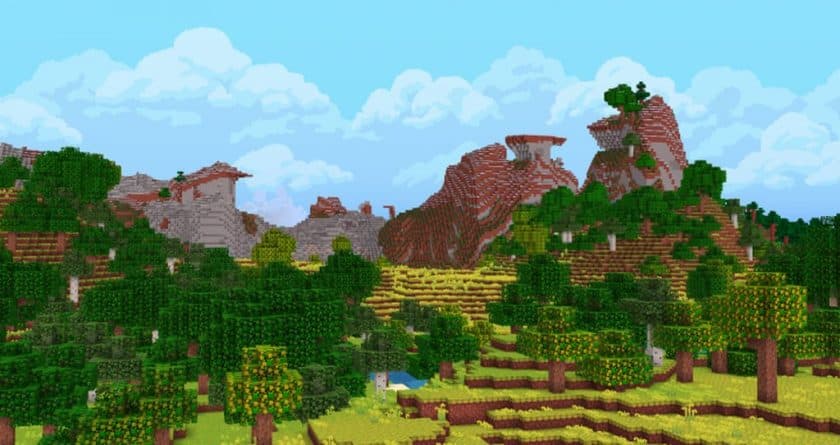
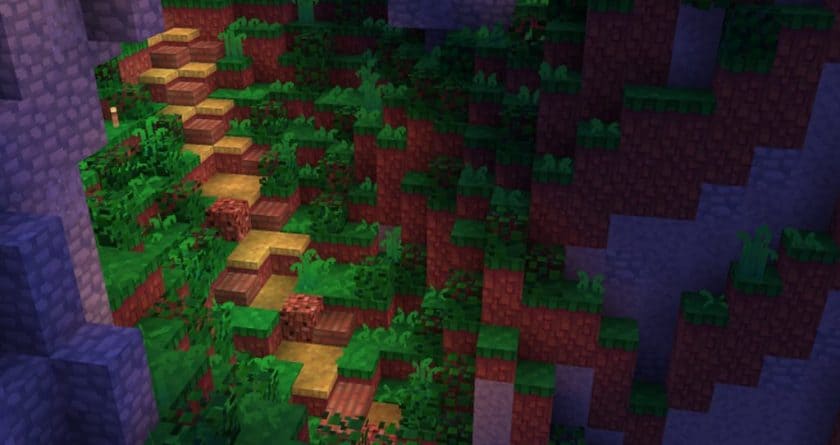
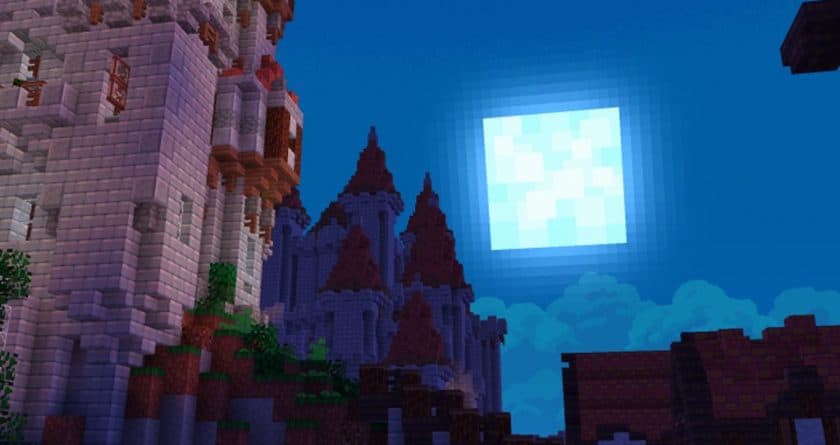
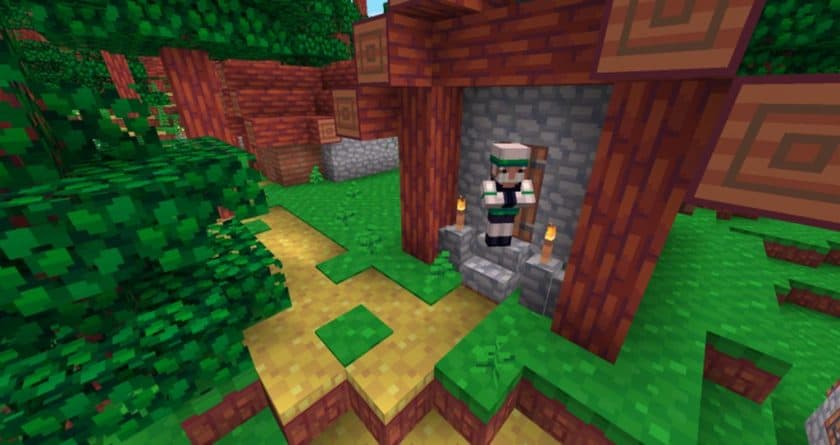
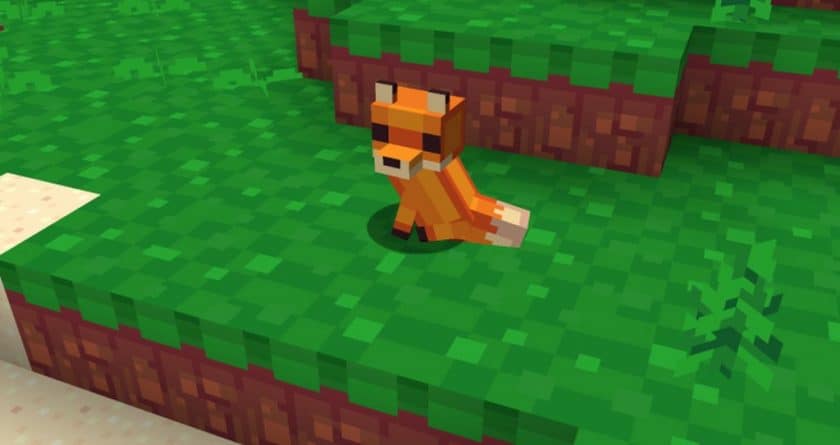
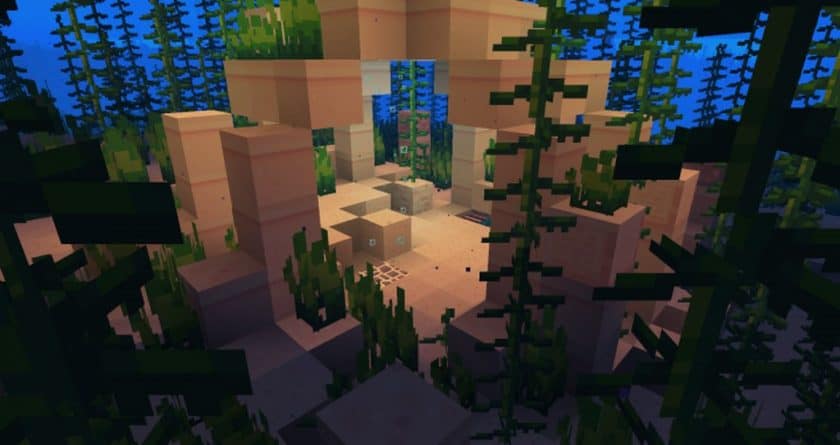
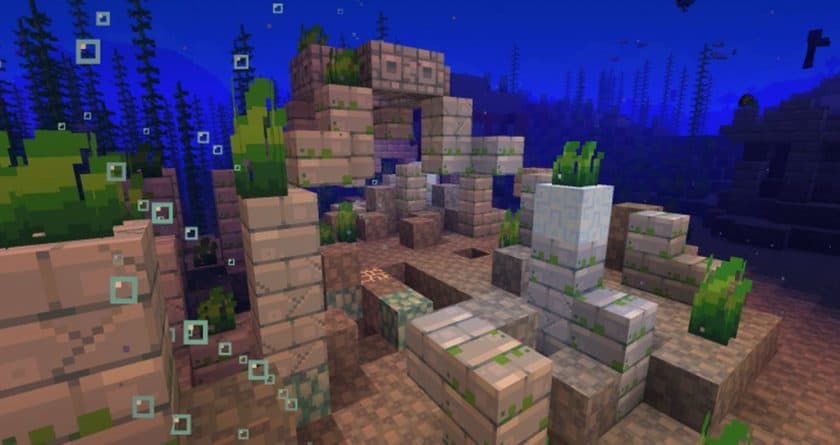
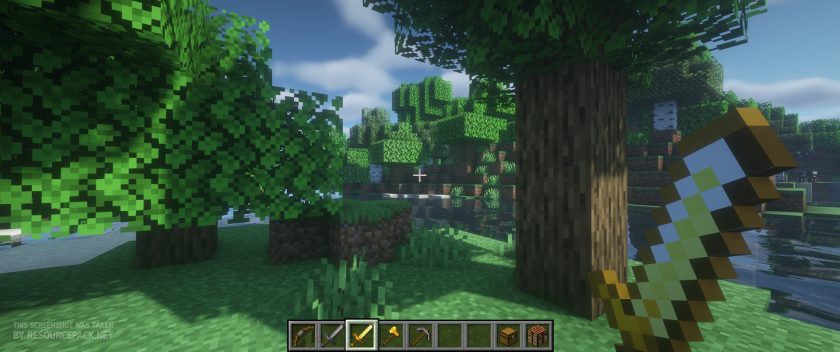
Vanilla (BSL Shaders)
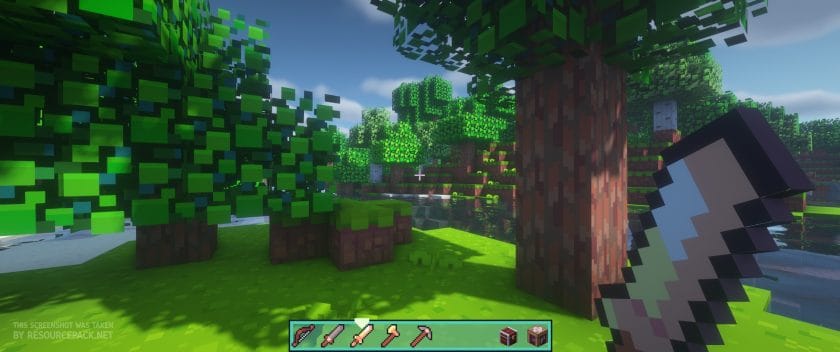
Harbor (BSL Shaders)
How to Install Texture Pack (Simple 10 Steps)
- Download Optifine: Most of the texture packs and shaders need Optifine. That’s why, first download and install Optifine for the version of Minecraft you want to play.
- Download the Texture Pack: Get the texture pack you want from the download section. Choose the version that works with your Minecraft and your PC’s performance.
- Open Minecraft Launcher: Start Minecraft using the official game launcher – or even TLauncher, if you use that.
- Go to Options: From the main menu, click on the “Options” button.
- Open Resource Packs: Inside Options, click on “Resource Packs…”.
- Open the Resource Pack Folder: Click on “Open Resource Pack Folder” – this will open a folder named “resourcepacks”.
- Move the Pack File: Copy or move the .zip file you downloaded into that “resourcepacks” folder. (Don’t unzip the file – Minecraft uses it as-is!)
- Go Back and Refresh: Close the folder and click “Done”, then go back into “Resource Packs…” again.
- Activate the Pack: You’ll see the pack on the left side. Hover over it and click the arrow to move it to the right (active side). Tip: If you get a message that the pack is for a different version, just click “Yes” – it usually works fine.
- Click Done and Enjoy: Click “Done” again. Now your pack is ready to use in-game. It’s that easy!
Download
Bedrock Edition
Get Hafen: Simplistic for Bedrock Edition here – Hafen is available on the Marketplace for 660 Minecoins.
Java Edition:
[16x] [26.2.x – 26.1.x] Download Hafen: Simplistic Resource Pack
[16x] [1.21.x] Download Hafen: Simplistic Resource Pack
[16x] [1.20.x] Download Hafen: Simplistic Resource Pack
[16x] [1.19.x – 1.17.x] Download Hafen: Simplistic Resource Pack
[16x] [1.16.x – 1.15.x] Download Hafen: Simplistic Resource Pack
[16x] [1.14.x – 1.13.x] Download Hafen: Simplistic Resource Pack
[16x] [1.12.x] Download Hafen: Simplistic Resource Pack
Add-ons (Java Edition):
Download Instructions
- CurseForge: If the pack is hosted on CurseForge, the download will begin automatically after a few seconds. If it does not start, use the “Download” button shown on the page.
- Modrinth: If the download is from Modrinth, click the file version that matches your Minecraft build, then press the Download button. Modrinth usually offers multiple releases, so make sure you pick the correct version before installing.
- Mediafire: On Mediafire, click the large blue Download button to start the file download. Avoid any extra pop-ups or buttons that are not related to the direct download.
- Google Drive: For Google Drive, click the small download icon at the top right corner of the page. It looks like a downward arrow. The file will be saved to your computer immediately.
Disclaimer We do not create or modify any of the texture packs or shader packs shared on this website. All credit goes to the original creators, and every download link we provide is the official link from their page, which keeps all downloads safe. Some links may stop working after updates, so if you find a broken one, let us know in the comments and we will update it quickly. If you like a pack, consider supporting the creator by visiting their official page or website that we have linked below, and feel free to leave a comment or vote to help their work reach more players.