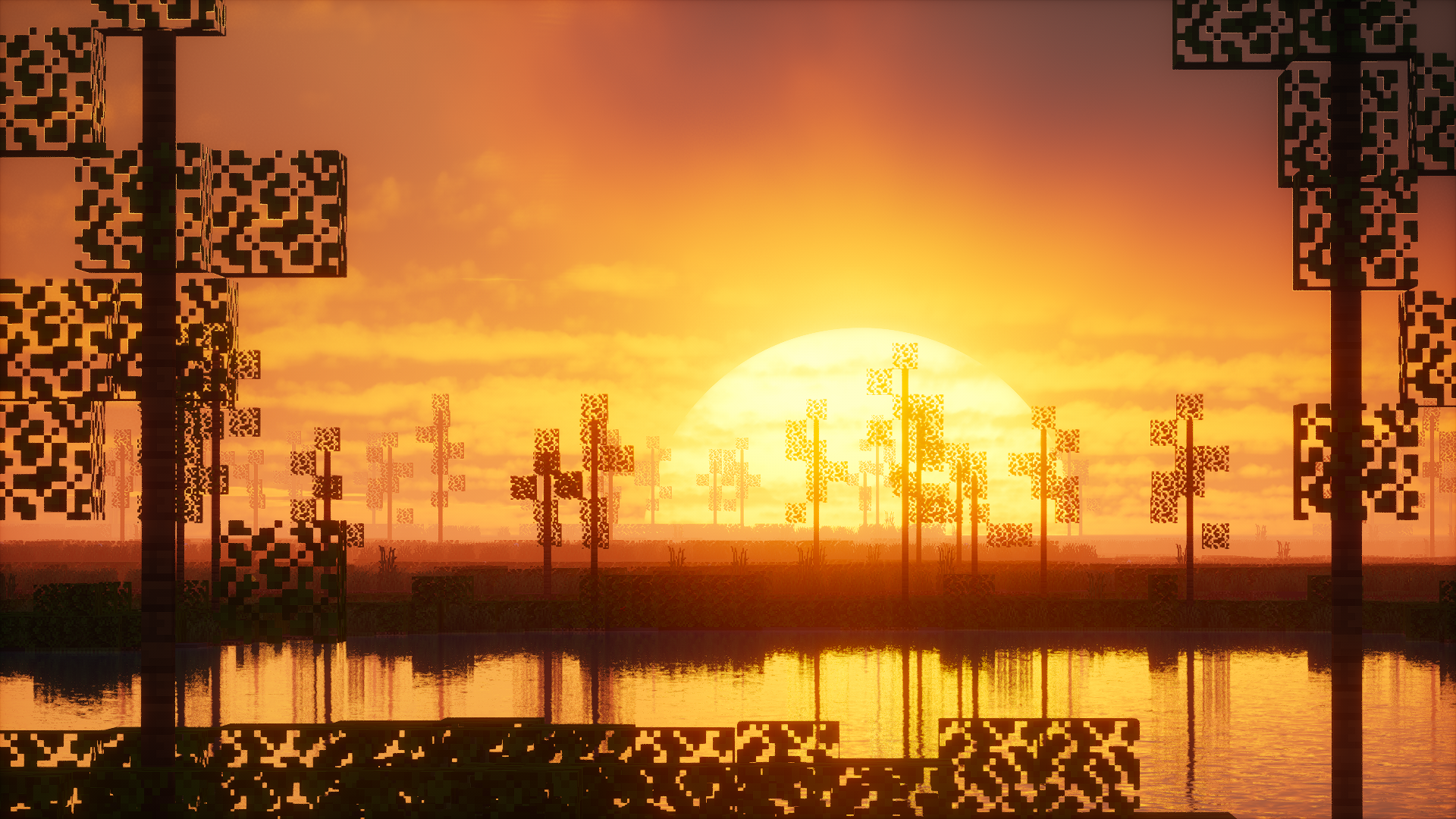
Minecraft shaders usually force you to choose between two extremes. Either you go all in on realism and sacrifice performance, or you stick close to vanilla and miss out on visual depth. Photon Shaders sits in an interesting middle ground. It does not try to turn Minecraft into a tech demo, and it does not pretend to be invisible either. Instead, it focuses on improving what is already there.
I like shaders that respect Minecraft’s original art style. Photon feels designed with that same mindset. It enhances lighting, colors, and atmosphere without making the game feel unfamiliar. After spending time with it, this shader feels less like a transformation and more like a refinement of vanilla visuals.
What Photon Shaders Is
Photon Shaders is a lightweight, vanilla friendly shader pack built for players who want cleaner visuals without heavy system requirements. The core idea is simple. Make Minecraft look better while keeping it smooth and readable.
The shader focuses on modern lighting, subtle shadows, and balanced color grading. It avoids extreme contrast, harsh bloom, or cinematic effects that distract from gameplay. Instead, everything feels controlled and intentional. Daylight is bright but not blinding. Nights are darker but still playable. Interiors benefit from soft lighting without becoming unrealistic.
Photon is designed to work especially well with performance focused mod setups, including Iris. That makes it a practical choice for players who care about FPS just as much as visuals.
Visual Style and Atmosphere
Photon’s visual style is best described as clean and vibrant, but grounded. Colors feel slightly richer than vanilla, yet they never cross into oversaturated territory. Grass looks alive. Skies are clear and bright. Water reflections are subtle instead of glossy.
Lighting is where this shader shines the most. Sunlight feels natural and evenly spread across the world. Shadows are present but soft, helping builds gain depth without making dark areas frustrating. There is no heavy fog or dramatic color grading forcing a specific mood. Instead, the atmosphere adapts well to different biomes, weather, and times of day.
What I appreciate most is consistency. Whether you are exploring, building, or recording gameplay, Photon keeps everything visually stable. Nothing suddenly looks too sharp or too cinematic. It still feels like Minecraft, just improved.
Performance and System Requirements
Photon Shaders is clearly built with performance in mind. Compared to heavier shader packs, it runs significantly smoother on most systems. You do not need a high end GPU to enjoy it, and that alone makes it appealing to a large part of the community.
On low to mid range setups, Photon can deliver solid FPS while keeping essential shader features active. It avoids expensive effects like complex volumetrics or advanced ray traced reflections. This makes it suitable for longer play sessions and even recording gameplay without constant frame drops.
If you are using a lightweight mod stack with Iris and performance mods, Photon fits perfectly into that setup. It is not meant to push your GPU to its limits. It is meant to stay efficient and reliable.
Who This Shader Is For
Photon Shaders is ideal for players who want better visuals without turning Minecraft into something else. If you enjoy vanilla gameplay but feel the default lighting is flat, this shader is worth trying.
It is also a strong option for content creators who need stable FPS and clean visuals. Because the colors and lighting are balanced, screenshots and recordings look consistent without extra tweaking.
However, if you are looking for ultra realistic lighting, dramatic skies, or cinematic depth of field effects, Photon might feel too subtle. This shader prioritizes usability and clarity over spectacle.
Photon Shaders is compatible with all of the following Minecraft versions: 26.3 – 26.2 – 26.1.2 – 26.1.1 – 26.1 – 1.21.11 – 1.21.10 – 1.21.9 – 1.21.8 – 1.21.7 – 1.21.6 – 1.21.5 – 1.21.4 – 1.21.3 – 1.21.2 – 1.21.1 – 1.21 – 1.20.6 – 1.20.5 – 1.20.4 – 1.20.3 – 1.20.2 – 1.20.1 – 1.20 – 1.19.4 – 1.19.3 – 1.19.2 – 1.19.1 – 1.19 – 1.18.2 – 1.18.1 – 1.18 – 1.17.1 – 1.17
Screenshots Section
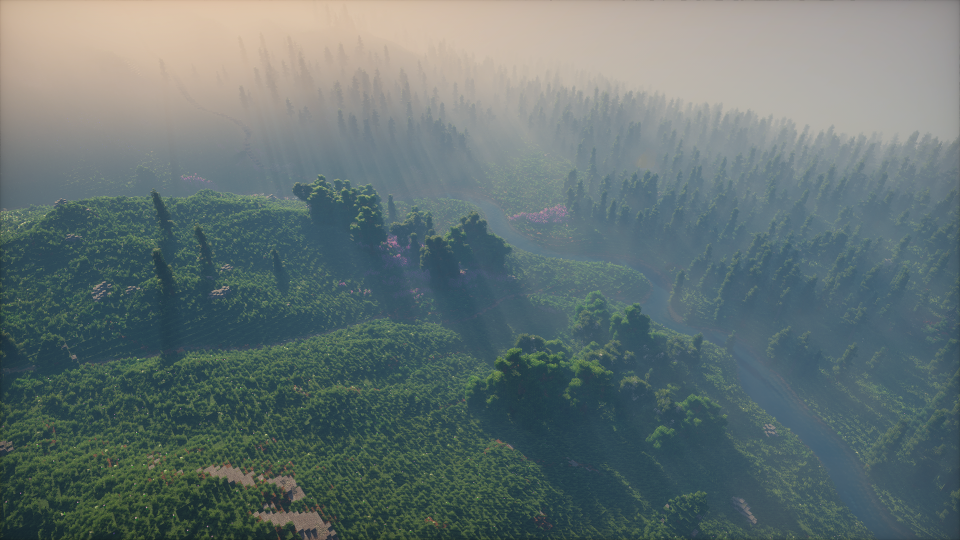
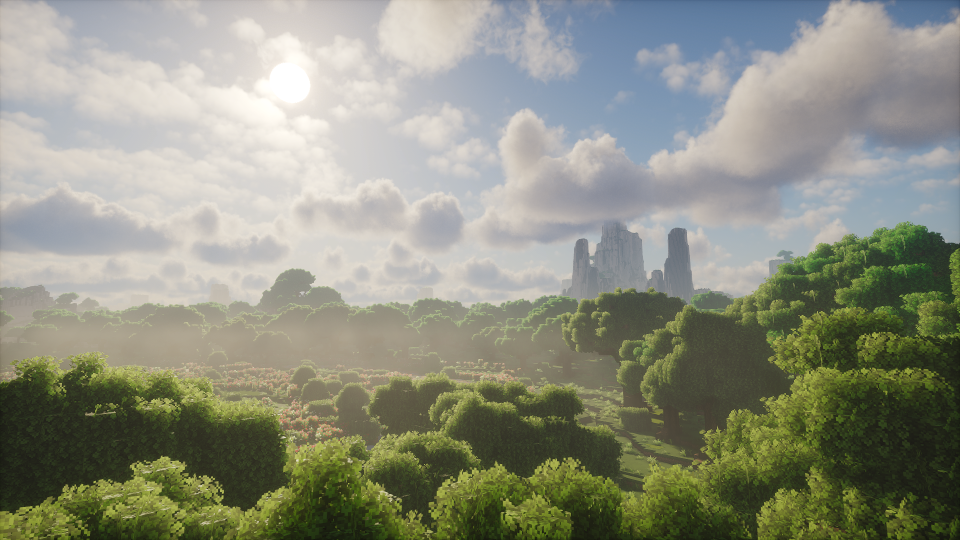
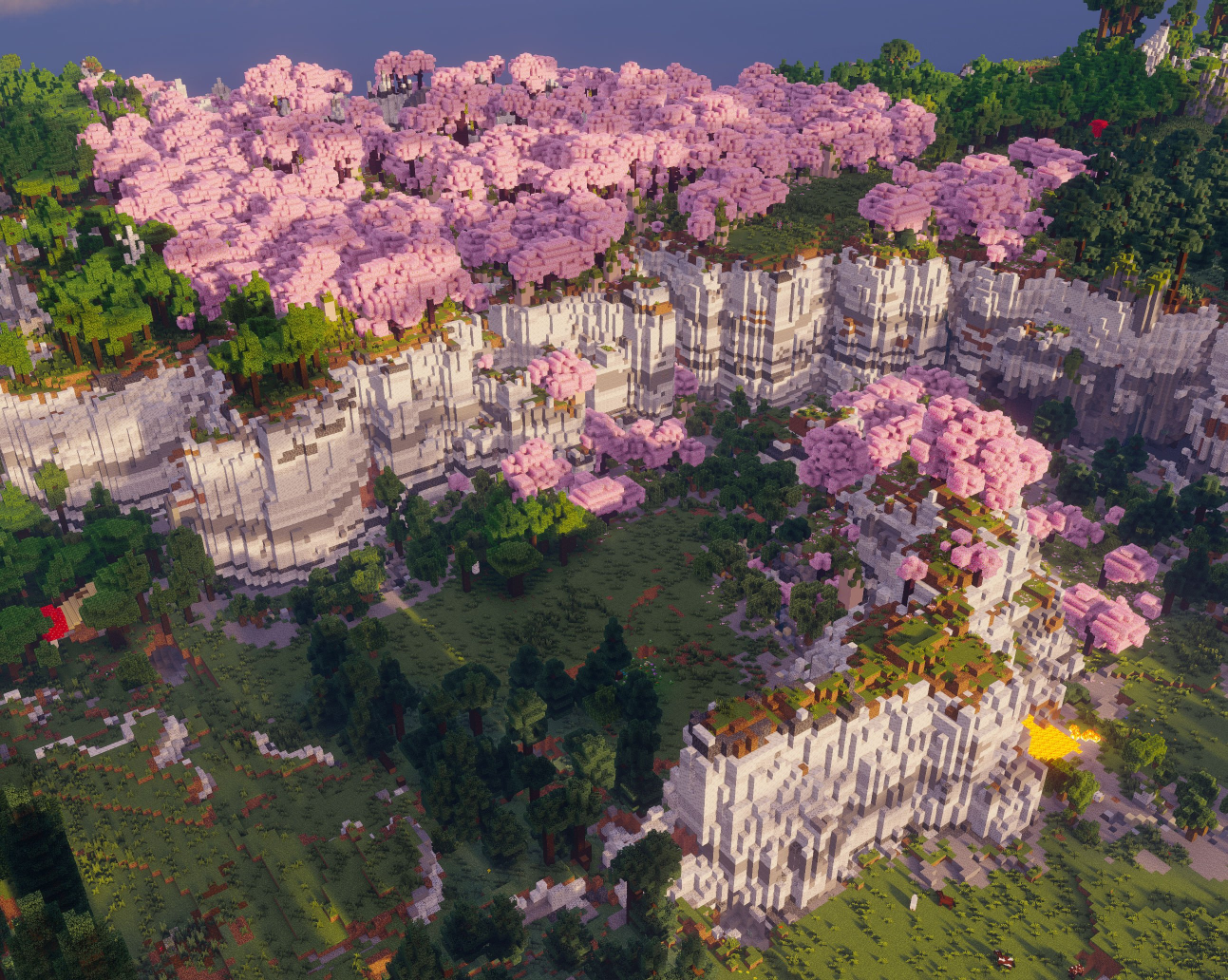
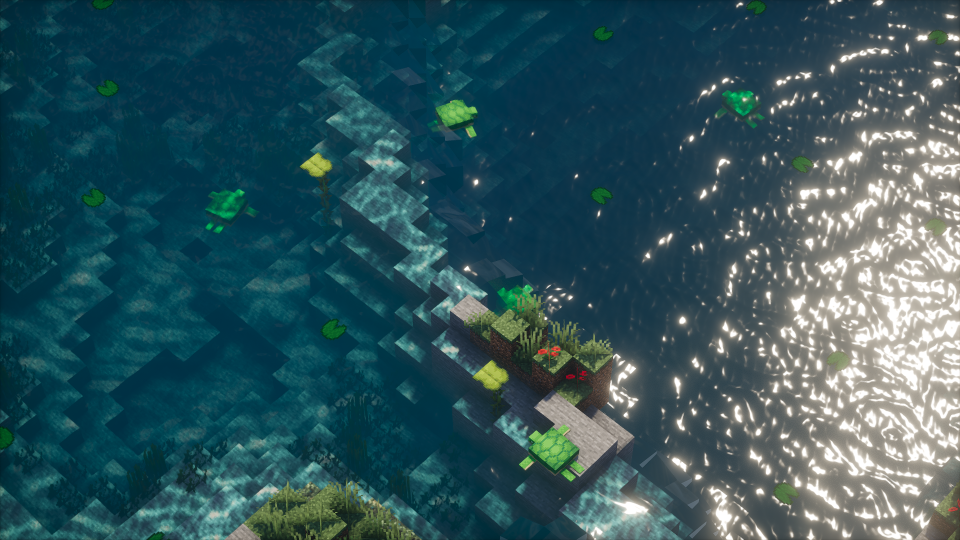
Screenshots of Photon Shaders would best highlight natural daylight scenes with clean shadows and bright skies. Forests and plains show how well the lighting spreads across terrain. Sunset shots capture the soft color transitions without heavy filters. Water scenes demonstrate subtle reflections rather than mirror like surfaces. Village builds benefit from gentle shadowing that adds depth without darkening interiors too much.
My Personal Take on Photon Shaders
Photon Shaders feels like a shader I can leave enabled all the time. That is probably the biggest compliment I can give it.
Some shaders impress you at first, but after an hour they start to feel heavy or distracting. Photon does the opposite. The longer you play with it, the more natural it feels. I like how it respects the vanilla color palette and avoids visual noise. It does not demand constant setting tweaks to look good.
Compared to heavier cinematic shaders, Photon is calmer and more practical. Compared to ultra minimal shaders, it still adds enough lighting depth to feel meaningful. It sits in a comfortable middle space that many players overlook.
I would recommend Photon to anyone who values smooth gameplay and clean visuals. If you want a shader that quietly improves everything without calling attention to itself, this one makes a lot of sense. But if you enjoy dramatic visuals and strong stylistic choices, you might find it too restrained.
Download and Credits
You can download Photon Shaders from the official Modrinth page here:
All credit goes to the original creator of Photon Shaders for developing and maintaining the project. Make sure to support the developer by downloading it only from official sources.
Photon Shaders is designed for use with modern shader loaders such as Iris and works best alongside performance focused mod setups.
Disclaimer
This website and article did not create Photon Shaders. We are not affiliated with the developer. All rights, assets, and ownership of the shader pack belong to its original creator. This article is based on personal experience and publicly available information, intended purely for informational purposes.