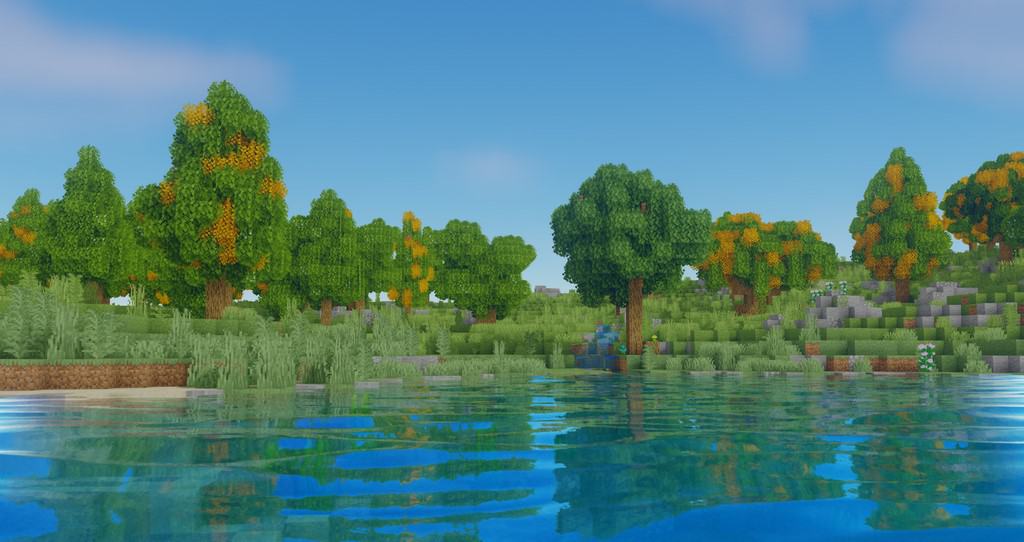
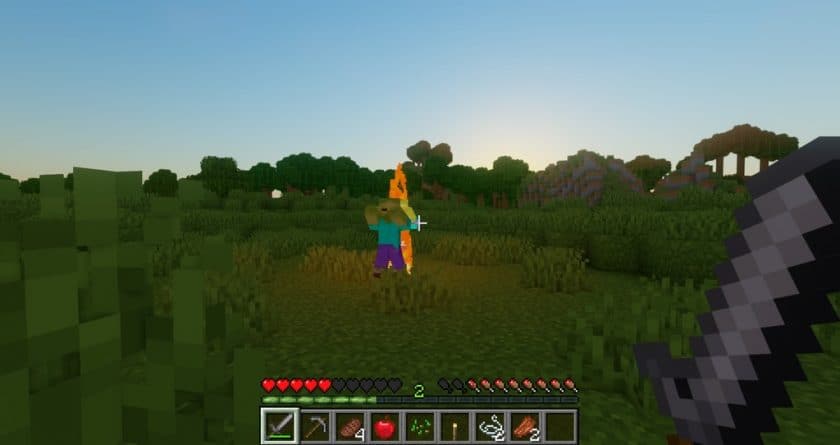
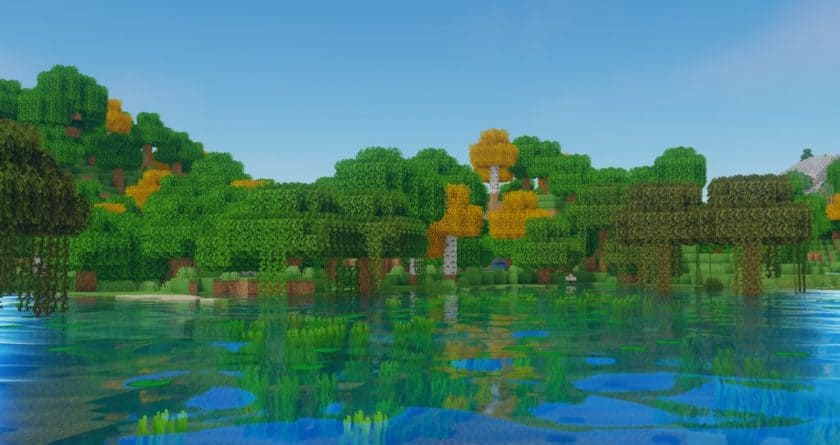
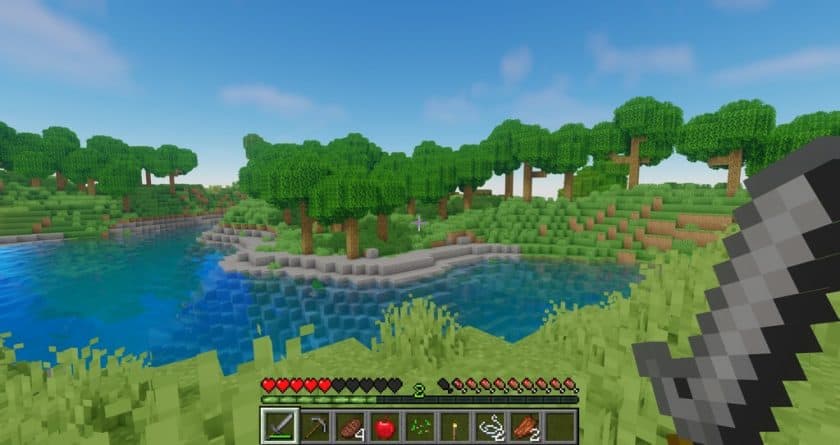
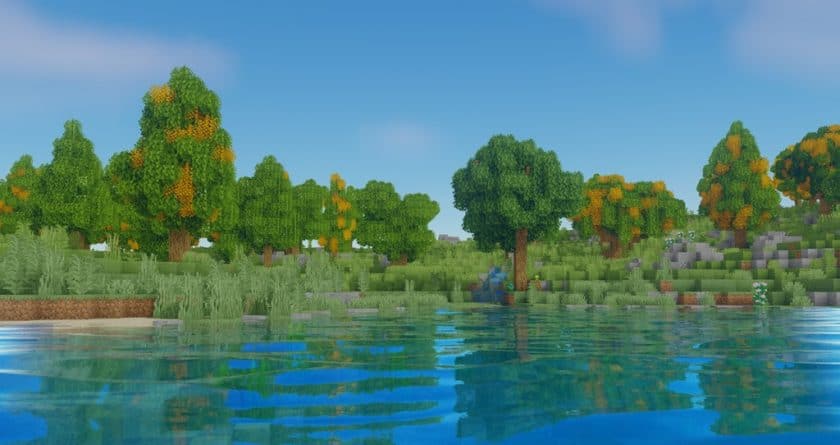
Stepping into a Minecraft world enhanced by Oceano Shaders feels like seeing the game reborn with a vivid, realistic touch. This shader pack isn’t about altering the familiar blocky textures we’ve come to love, but rather about revolutionizing how light interacts with everything around you, from the subtle shimmer of a torch to the vast expanse of an ocean. The immediate impact is noticeable in the game’s water bodies. Gone are the flat, static surfaces; in their place, you’ll discover dynamic reflections that create a truly mirror-like effect, bringing an incredible sense of depth and fluidity to lakes, rivers, and oceans. The visual transformation makes the water feel genuinely alive, reacting to the environment in a way that truly pulls you into the game.
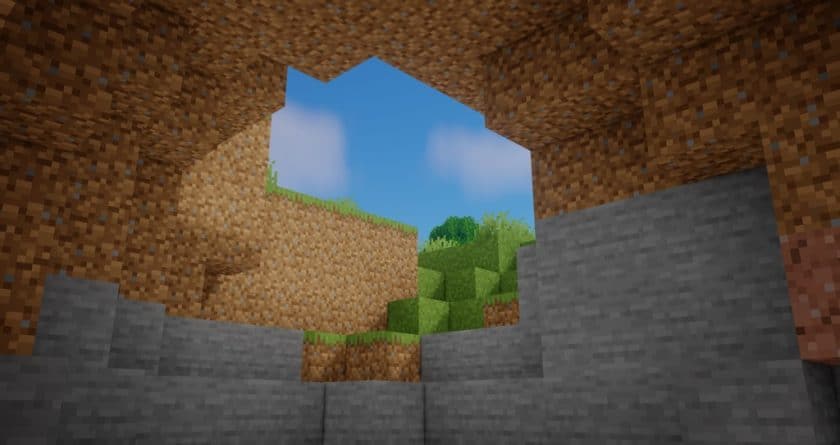
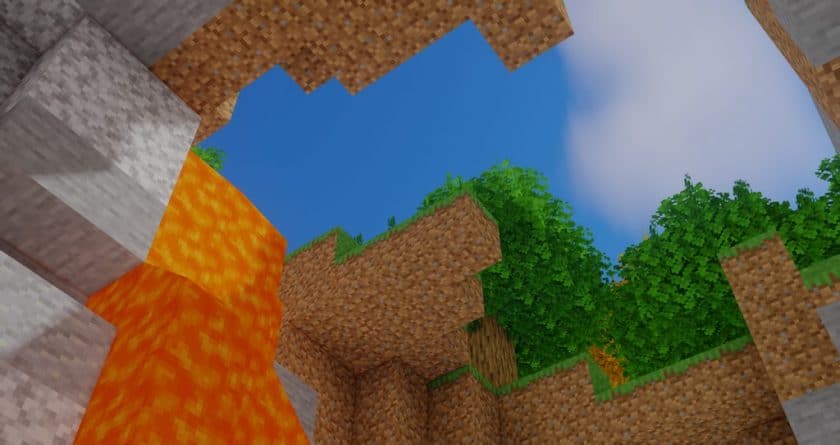
Beyond the aquatic marvels, Oceano Shaders meticulously refines the entire lighting system. Shadows are no longer harsh, pixelated blocks but boast a newfound softness and accurate projection that elegantly opposes light sources, whether it’s the radiant sun overhead or the flickering glow of a campfire. Objects, from towering trees to individual blades of grass, cast smoother, more defined shadows, adding a layer of realism that makes the world feel grounded and tangible. Even the ambient light from torches and bonfires takes on a warmer, more yellowish hue, subtly coloring interiors and creating a cozier, more inviting atmosphere. When light streams through a window, you can almost feel its warmth, and distant objects appear clearer, less obscured by haze, contributing to an overall more relaxed and natural visual experience. It’s crucial to remember that Oceano Shaders enhances the game’s core visual elements without touching textures, meaning it pairs beautifully with high-resolution resource packs to create a fully customized and breathtaking Minecraft aesthetic. While this immersion comes with a slight performance consideration, potentially lowering frame rates on older systems, the visual upgrade is a worthwhile trade-off for players seeking to infuse their Minecraft adventures with unparalleled beauty and atmosphere.
Oceano Shaders is compatible with all of the following Minecraft versions: 26.3 – 26.2 – 26.1.2 – 26.1.1 – 26.1 – 1.21.11 – 1.21.10 – 1.21.9 – 1.21.8 – 1.21.7 – 1.21.6 – 1.21.5 – 1.21.4 – 1.21.3 – 1.21.2 – 1.21.1 – 1.21 – 1.20.6 – 1.20.5 – 1.20.4 – 1.20.3 – 1.20.2 – 1.20.1 – 1.20 – 1.19.4 – 1.19.3 – 1.19.2 – 1.19.1 – 1.19 – 1.18.2 – 1.18.1 – 1.18 – 1.17.1 – 1.17 – 1.16.5 – 1.16.4 – 1.16.3 – 1.16.2 – 1.16.1 – 1.16 – 1.15.2 – 1.15.1 – 1.15 – 1.14.4 – 1.14.3 – 1.14.2 – 1.14
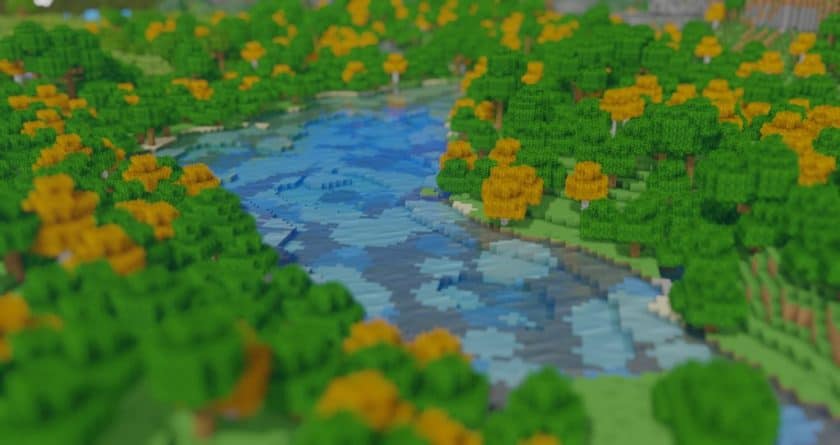
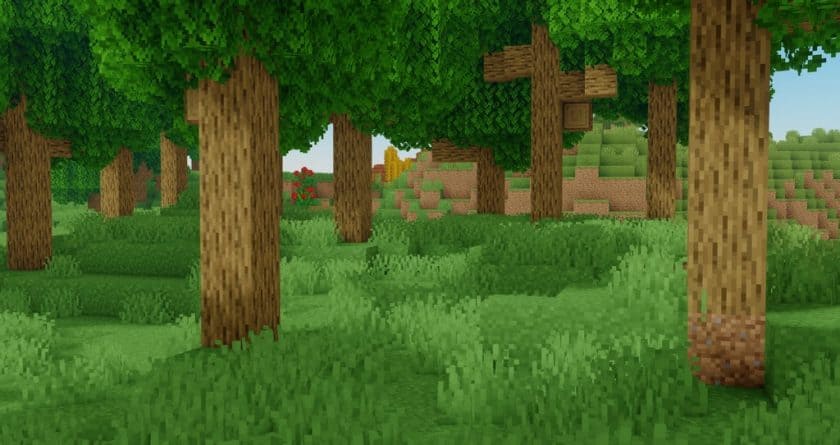
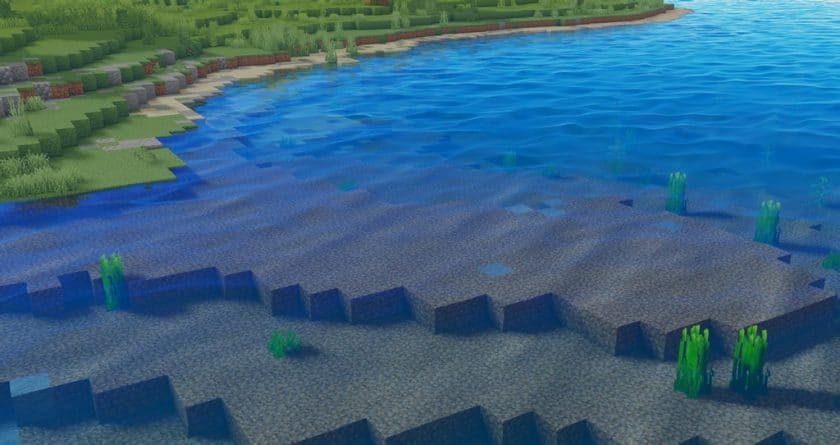
Oceano Shaders – Screenshots & Videos
How to Install Shader Pack (Simple and Easy 7 Steps)
- Install Minecraft: Make sure to have Minecraft on your PC.
- Set the Game Version: Open the Minecraft Launcher, go to the “Installations” tab, click “New Installation”, choose the version you want to play, and click “Create”.
- Install Optifine or Iris: Download and install Optifine or Iris (we recommend Iris for better performance).
- To download Iris, click here.
- To download Optifine, click here.
- Launch with the Shader Mod: Open the Minecraft Launcher again and select the Optifine or Iris profile you installed.
- Download the Shader Pack: Download the shader pack (.zip file) from the download section below. (Don’t unzip it!)
- Open the Shaderpacks Folder :
- For Optifine: Go to Options > Video Settings > Shaders > Shaders Folder
- For Iris: Go to Options > Video Settings > Shader Packs > Open Shader Pack Folder.
- Add and Activate the Shader Pack: Move the downloaded .zip file into the shaderpacks folder. Then go back to the game, select the shader pack from the list, and click “Done” to activate it.
Download Links
Java Edition:
(26.3.x – 1.15.x) Download Oceano Shaders
(1.14.x) Download Oceano Shaders
Download Instructions
- CurseForge: If the pack is hosted on CurseForge, the download will begin automatically after a few seconds. If it does not start, use the “Download” button shown on the page.
- Modrinth: If the download is from Modrinth, click the file version that matches your Minecraft build, then press the Download button. Modrinth usually offers multiple releases, so make sure you pick the correct version before installing.
- Mediafire: On Mediafire, click the large blue Download button to start the file download. Avoid any extra pop-ups or buttons that are not related to the direct download.
- Google Drive: For Google Drive, click the small download icon at the top right corner of the page. It looks like a downward arrow. The file will be saved to your computer immediately.
Disclaimer: We do not create or modify any of the texture packs or shader packs shared on this website. All credit goes to the original creators, and every download link we provide is the official link from their page, which keeps all downloads safe. Some links may stop working after updates, so if you find a broken one, let us know in the comments and we will update it quickly. If you like a pack, consider supporting the creator by visiting their official page or website that we have linked below, and feel free to leave a comment or vote to help their work reach more players.