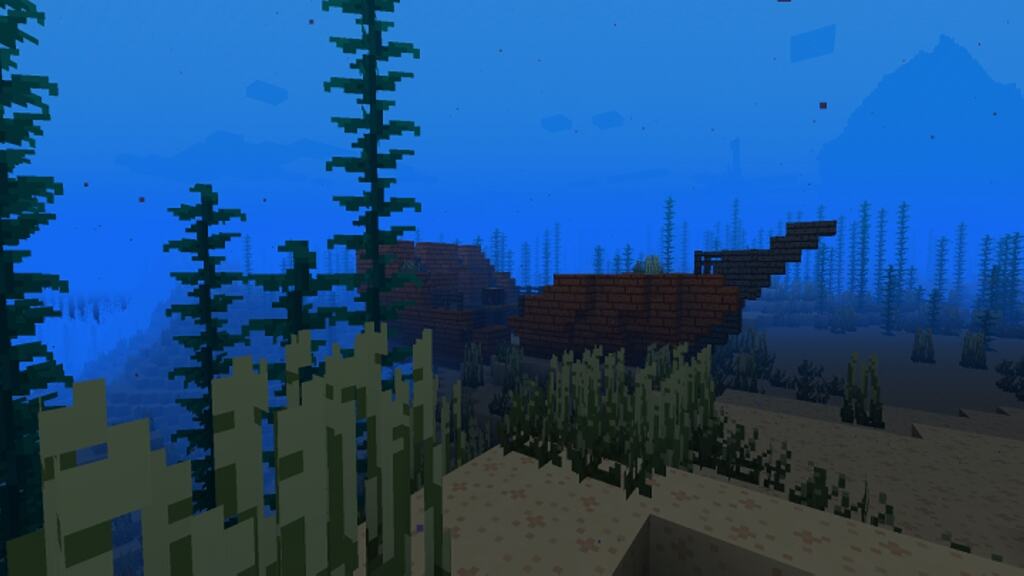
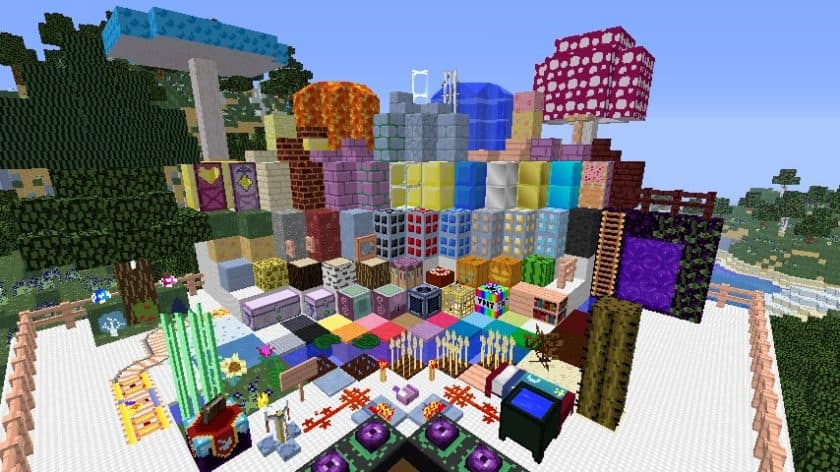
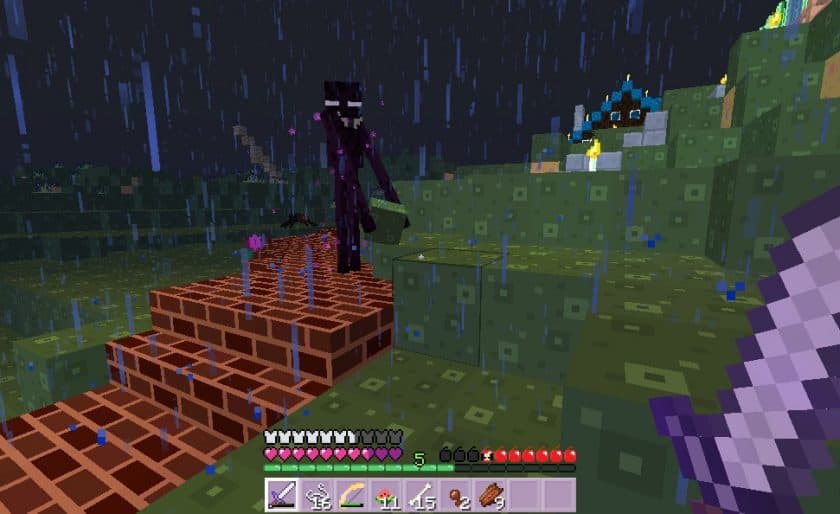
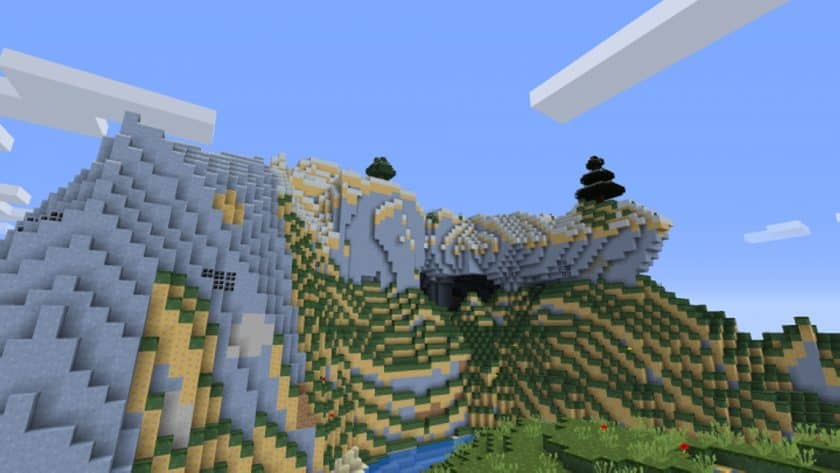
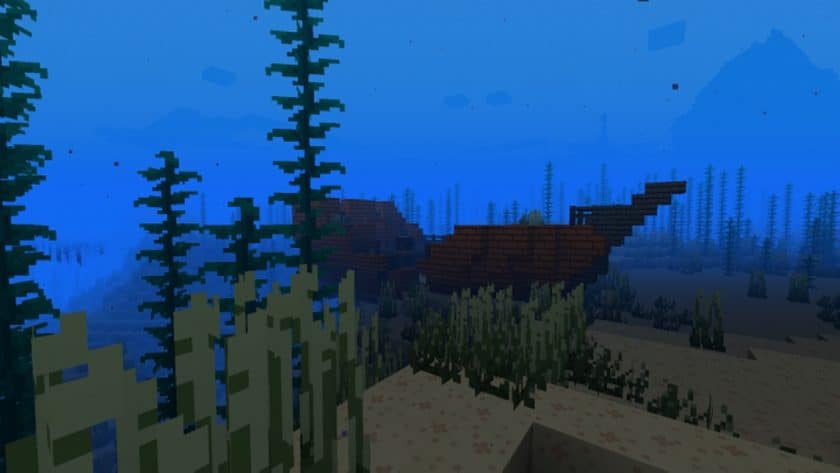
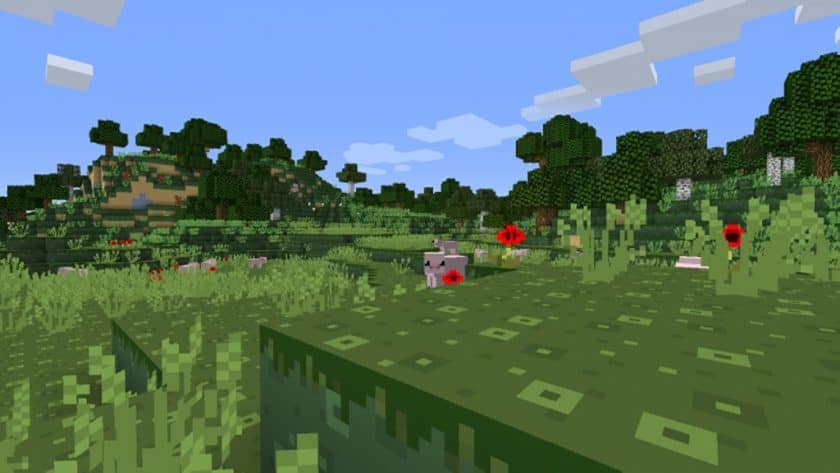
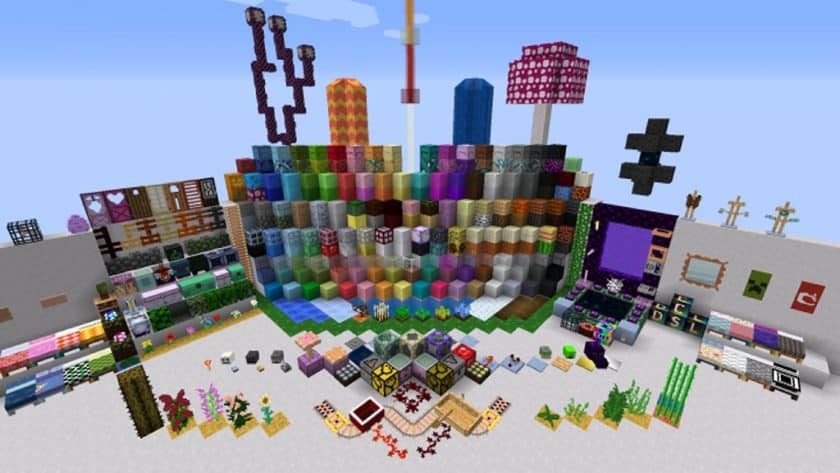
Stepping into a world transformed by the CanterlotCraft Resource Pack feels like venturing straight into the heart of Equestria. This delightful pack draws its entire essence from the beloved animated series, My Little Pony: Friendship is Magic, immediately immersing you in its charming and colorful universe. From the moment you load it up, vanilla Minecraft bursts with an unprecedented vibrancy, presenting a breathtaking palette of vivid, intense, and unequivocally cheerful colors that sweep across every block and object. The atmosphere is instantly uplifting, making every corner of your Minecraft world feel alive and brimming with a playful energy.
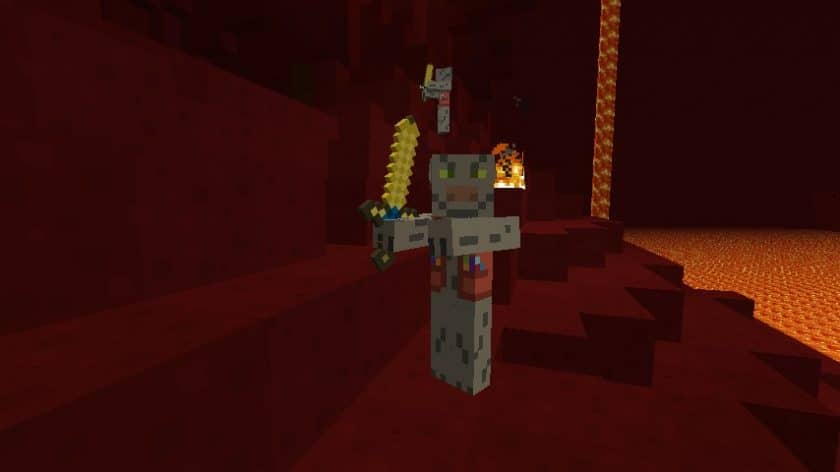
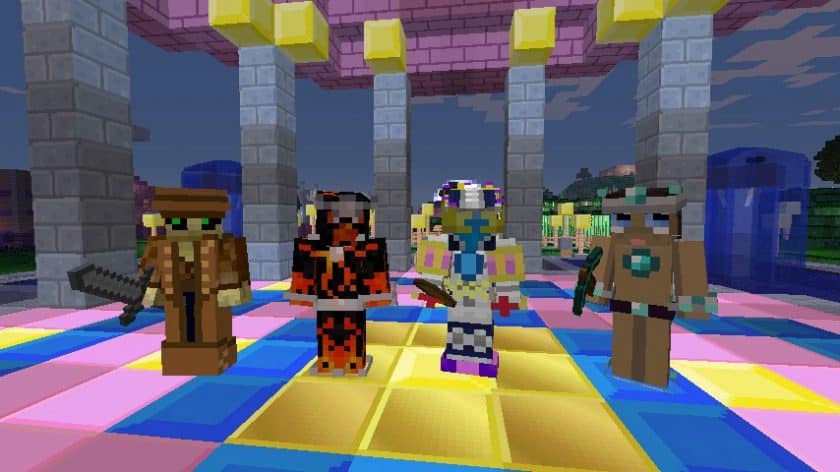
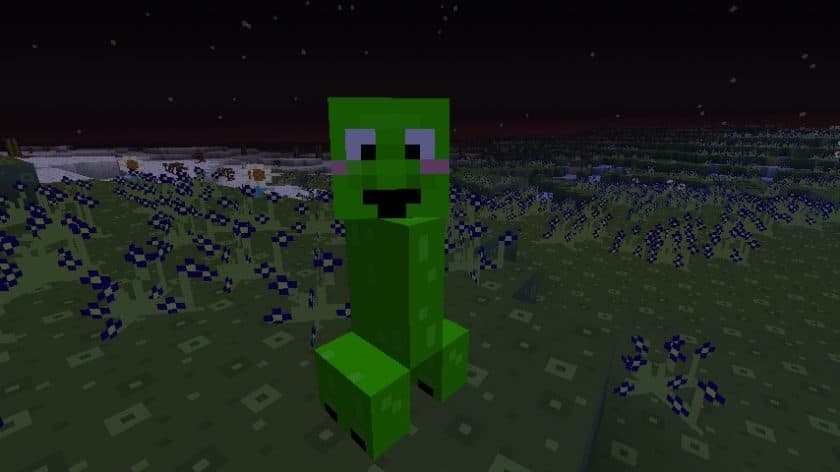
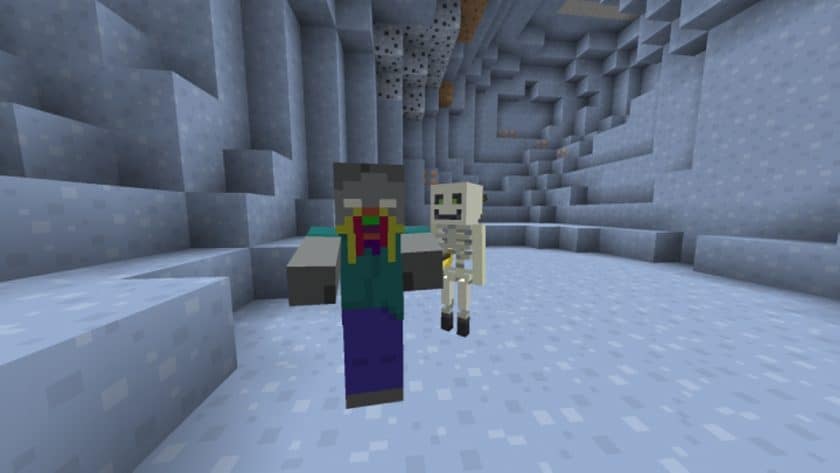
What truly sets CanterlotCraft apart is its comprehensive transformation, extending beyond just environmental textures. While many packs might focus solely on blocks, this resource pack thoughtfully introduces new colors and delightful textures for various mobs and animals. It’s a wonderful touch that enhances the cheerful mood without straying too far from familiarity, as it cleverly retains the default Minecraft models, ensuring creatures like pigs and cows still feel like their blocky selves, just with a touch of Pony magic. Exploring your newly styled biomes reveals enchanting details, from charming paintings inspired by the TV show adorning walls to uniquely colorful trees that add a whimsical touch to forests. Even the user interface receives a sweet makeover, embracing a lovely shade of pink that perfectly complements the overall aesthetic.
The vision behind CanterlotCraft is to make Minecraft an even more cartoony and inviting experience, a goal it achieves beautifully. Players who cherish the adventures of Twilight Sparkle and her friends will undoubtedly find themselves right at home in this reimagined world. Despite being released in 2016, the pack maintains a strong presence, though it’s important to note its compatibility scope. It gracefully supports a wide range of Minecraft versions from 1.6.x up to 1.13.x, ensuring many players can still enjoy its unique charm, even if newer versions (1.14.x and above) are not supported. Performance-wise, CanterlotCraft is incredibly accessible, offering its complete transformation in a comfortable 16x resolution. This choice ensures that the pack runs smoothly, even on older PCs, without impacting framerates, allowing everyone to enjoy its brilliant and lively visuals without compromise. It’s a truly immersive experience that brings a beloved animated world into your blocky adventures.
| Minecraft Version | Compatibility |
|---|---|
| 1.13.2 | ✅ Supported |
| 1.13.1 | ✅ Supported |
| 1.13 | ✅ Supported |
| 1.12.2 | ✅ Supported |
| 1.12 | ✅ Supported |
| 1.11.2 | ✅ Supported |
| 1.11 | ✅ Supported |
| 1.10.2 | ✅ Supported |
| 1.10 | ✅ Supported |
| 1.9.4 | ✅ Supported |
| 1.9 | ✅ Supported |
| 1.8.9 | ✅ Supported |
| 1.8.8 | ✅ Supported |
| 1.8.1 | ✅ Supported |
| 1.8.6 | ✅ Supported |
| 1.8 | ✅ Supported |
| 1.7.10 | ✅ Supported |
| 1.7.9 | ✅ Supported |
| 1.7.4 | ✅ Supported |
| 1.7 | ✅ Supported |
| 1.6.4 | ✅ Supported |
| 1.6.2 | ✅ Supported |
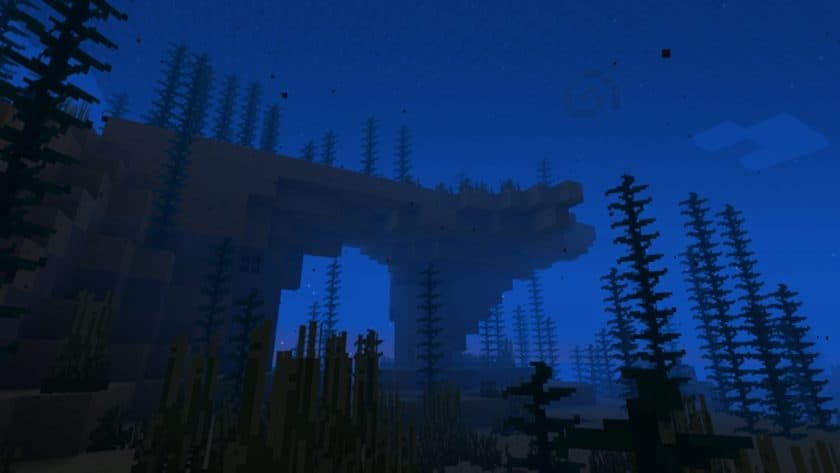
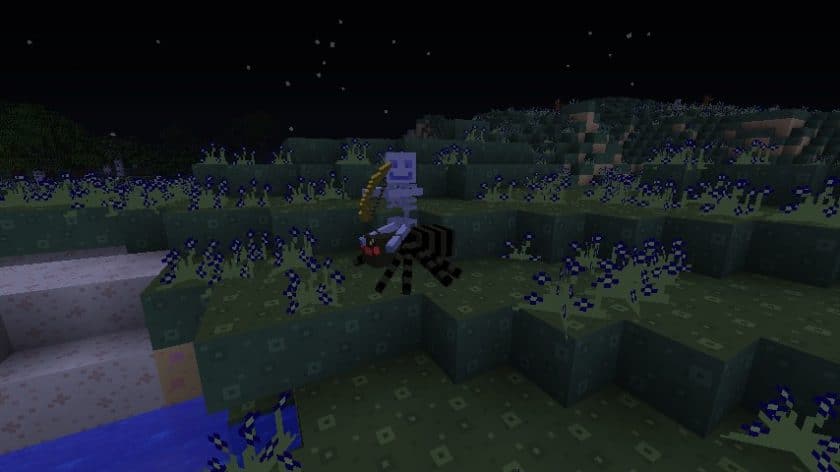
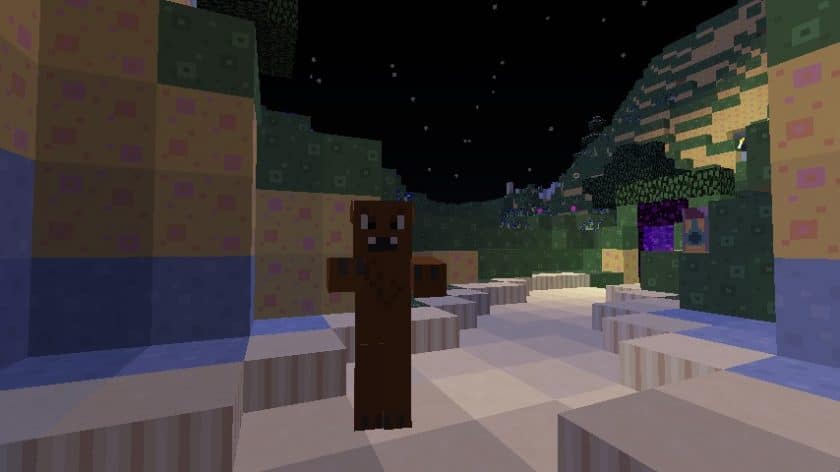
CanterlotCraft Resource Pack – Screenshots
How to Install Texture Pack (Simple 10 Steps)
- Download Optifine: Most of the texture packs and shaders need Optifine. That’s why, first download and install Optifine for the version of Minecraft you want to play.
- Download the Texture Pack: Get the texture pack you want from the download section. Choose the version that works with your Minecraft and your PC’s performance.
- Open Minecraft Launcher: Start Minecraft using the official game launcher – or even TLauncher, if you use that.
- Go to Options: From the main menu, click on the “Options” button.
- Open Resource Packs: Inside Options, click on “Resource Packs…”.
- Open the Resource Pack Folder: Click on “Open Resource Pack Folder” – this will open a folder named “resourcepacks”.
- Move the Pack File: Copy or move the .zip file you downloaded into that “resourcepacks” folder. (Don’t unzip the file – Minecraft uses it as-is!)
- Go Back and Refresh: Close the folder and click “Done”, then go back into “Resource Packs…” again.
- Activate the Pack: You’ll see the pack on the left side. Hover over it and click the arrow to move it to the right (active side). Tip: If you get a message that the pack is for a different version, just click “Yes” – it usually works fine.
- Click Done and Enjoy: Click “Done” again. Now your pack is ready to use in-game. It’s that easy!
Download
(16x) (1.13.x – 1.10.x) Download CanterlotCraft Resource Pack
(16x) (1.9.x) Download CanterlotCraft Resource Pack
(16x) (1.8.x) Download CanterlotCraft Resource Pack
(16x) (1.7.x) Download CanterlotCraft Resource Pack
(16x) (1.6.x) Download CanterlotCraft Resource Pack
Official links:
Check out the CanterlotCraft Resource Pack on the official resource
Download Instructions
-
CurseForge: If the pack is hosted on CurseForge, the download will begin automatically after a few seconds. If it does not start, use the “Download” button shown on the page.
-
Modrinth: If the download is from Modrinth, click the file version that matches your Minecraft build, then press the Download button. Modrinth usually offers multiple releases, so make sure you pick the correct version before installing.
-
Mediafire: On Mediafire, click the large blue Download button to start the file download. Avoid any extra pop-ups or buttons that are not related to the direct download.
-
Google Drive: For Google Drive, click the small download icon at the top right corner of the page. It looks like a downward arrow. The file will be saved to your computer immediately.
Disclaimer We do not create or modify any of the texture packs or shader packs shared on this website. All credit goes to the original creators, and every download link we provide is the official link from their page, which keeps all downloads safe. Some links may stop working after updates, so if you find a broken one, let us know in the comments and we will update it quickly. If you like a pack, consider supporting the creator by visiting their official page or website that we have linked below, and feel free to leave a comment or vote to help their work reach more players.