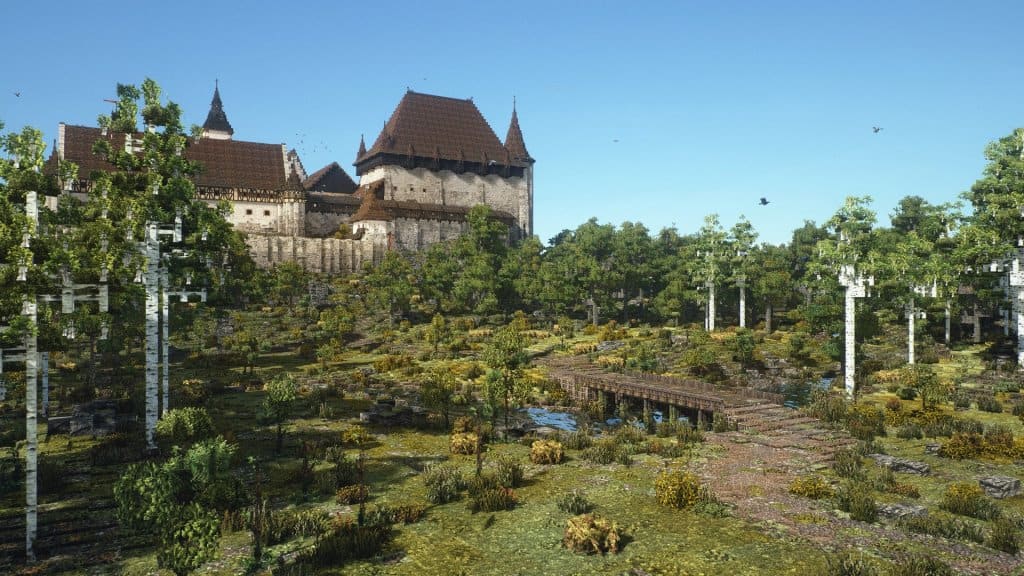
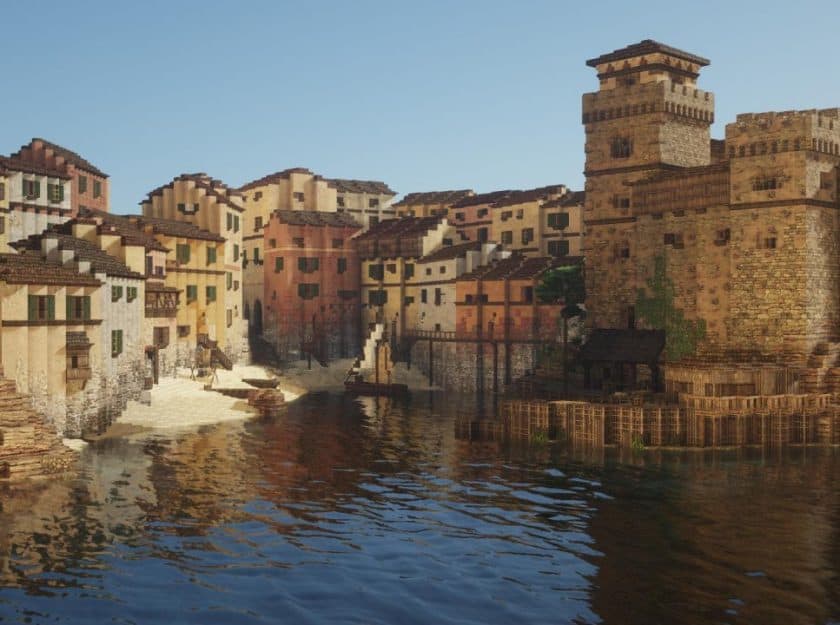
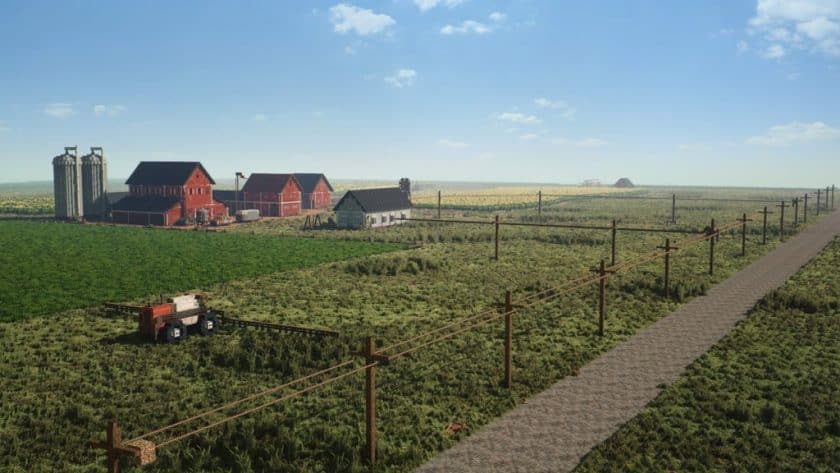
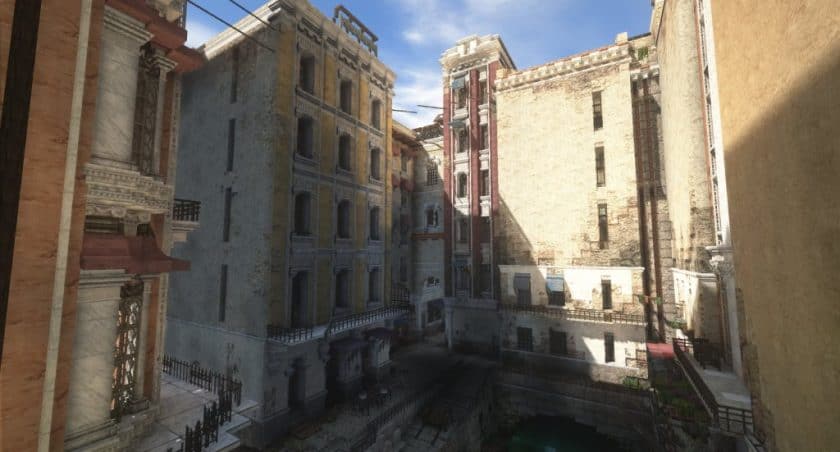
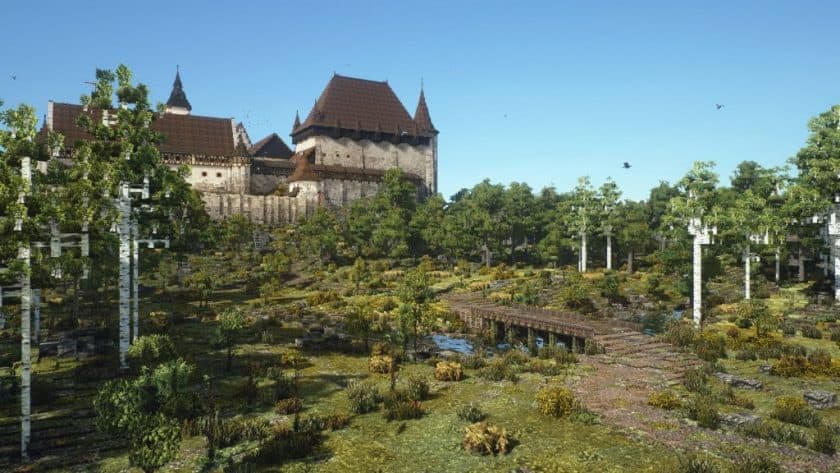
The Conquest Reforged resource pack isn’t just another texture set; it’s a complete visual overhaul for Minecraft, designed to elevate your building and exploration experience to unprecedented heights. From the moment you load into a world with Conquest Reforged, you’ll feel a profound shift in atmosphere. Gone are the familiar, often simplistic, default textures, replaced by a rich, intricate tapestry of detailed blocks and vibrant effects that breathe new life into every landscape. This pack transforms Minecraft into a visually stunning realm, perfect for those who crave a more realistic and immersive building adventure. Its greatest strength lies in the sheer variety of new blocks it introduces. Imagine crafting ancient ruins with finely chiseled stone, constructing sprawling medieval towns with unique timber frames, or sculpting breathtaking natural vistas with custom terrain elements. The possibilities for creative expression are vastly expanded, encouraging builders to push the boundaries of their imagination. Beyond static textures, Conquest Reforged integrates “attached textures,” a feature that creates seamless transitions and greater visual depth, making structures and environments appear more cohesive and organic. This attention to detail extends to its impressive array of animations. Picture gold coins twinkling with an alluring glitter, or the gentle flutter of animated bird blocks adding a dynamic touch to your skies. These subtle yet impactful animations infuse the game with a lively, magical quality that truly immerses you in its world. While the pack boasts a 32x resolution, striking a balance between detail and performance, it’s important to note that to fully unlock its potential, you’ll need the dedicated Conquest Reforged Mod, which adds hundreds of new blocks, and Optifine for optimal performance and visual fidelity. Together, they transform Minecraft into an extraordinary canvas for your architectural dreams.
| Minecraft Version | Compatibility |
|---|---|
| 1.19.4 | ✅ Supported |
| 1.19.3 | ✅ Supported |
| 1.19.2 | ✅ Supported |
| 1.19.1 | ✅ Supported |
| 1.19 | ✅ Supported |
| 1.16.5 | ✅ Supported |
| 1.16.4 | ✅ Supported |
| 1.16.3 | ✅ Supported |
| 1.16.2 | ✅ Supported |
| 1.16.1 | ✅ Supported |
| 1.16 | ✅ Supported |
| 1.15.2 | ✅ Supported |
| 1.15.1 | ✅ Supported |
| 1.15 | ✅ Supported |
| 1.12.2 | ✅ Supported |
| 1.12 | ✅ Supported |
| 1.11.2 | ✅ Supported |
| 1.11 | ✅ Supported |
| 1.10.2 | ✅ Supported |
| 1.10 | ✅ Supported |
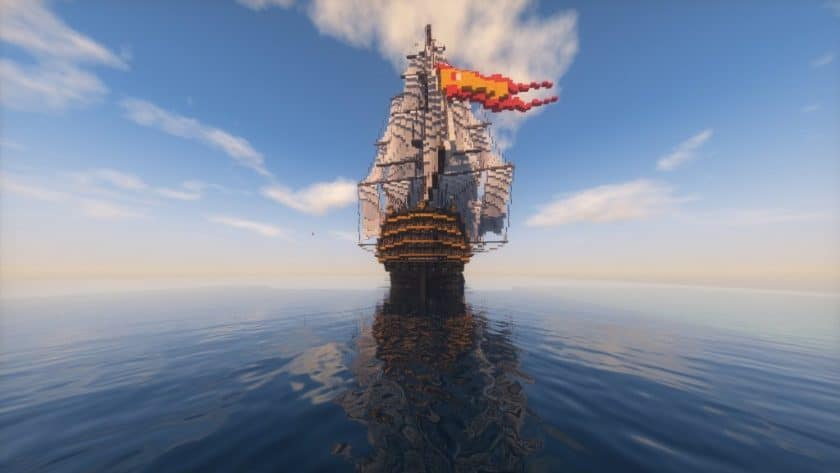
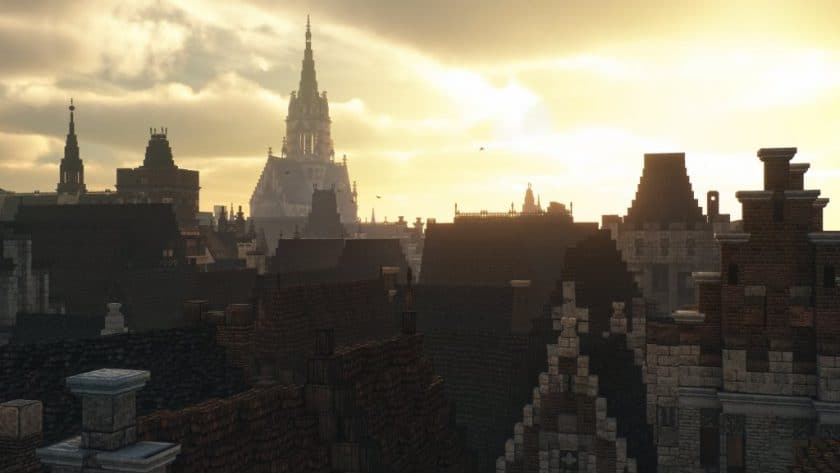
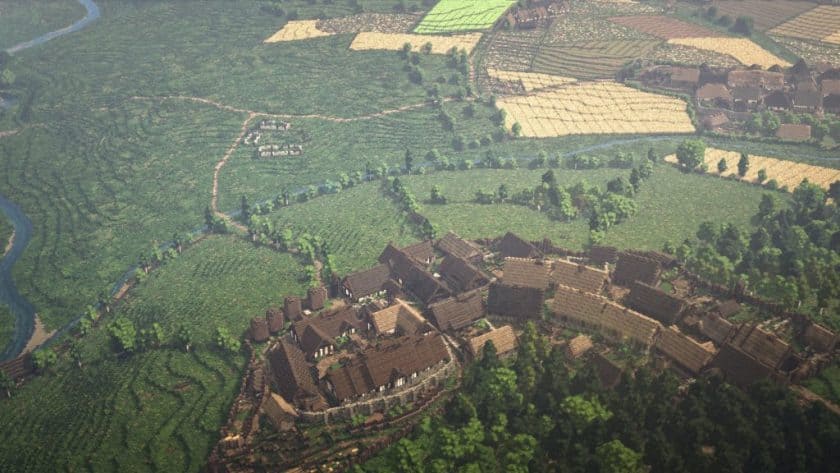
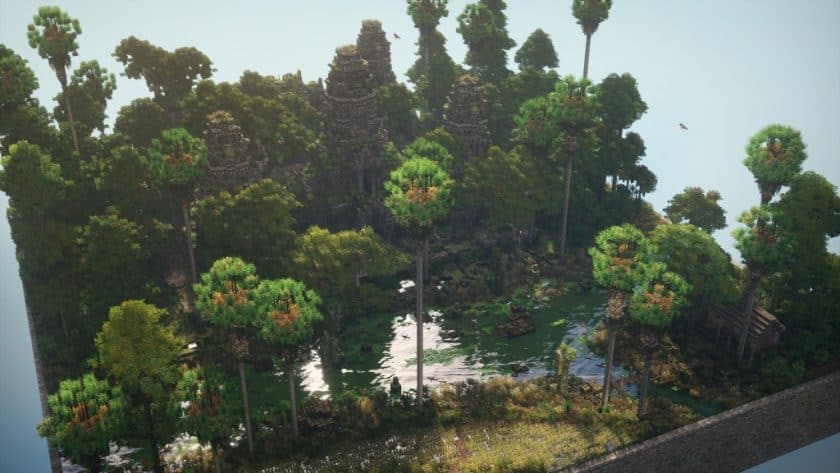
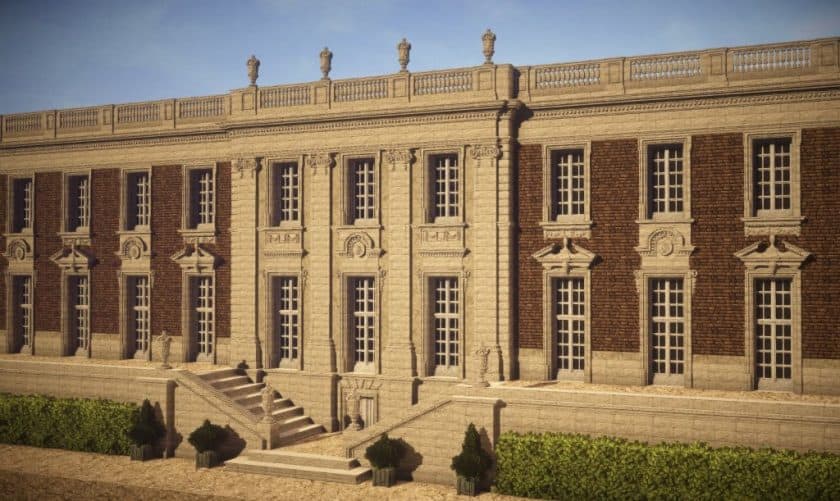
Conquest Reforged – Screenshots & Videos

How to Install Texture Pack (Simple 10 Steps)
- Download Optifine: Most of the texture packs and shaders need Optifine. That’s why, first download and install Optifine for the version of Minecraft you want to play.
- Download the Texture Pack: Get the texture pack you want from the download section. Choose the version that works with your Minecraft and your PC’s performance.
- Open Minecraft Launcher: Start Minecraft using the official game launcher – or even TLauncher, if you use that.
- Go to Options: From the main menu, click on the “Options” button.
- Open Resource Packs: Inside Options, click on “Resource Packs…”.
- Open the Resource Pack Folder: Click on “Open Resource Pack Folder” – this will open a folder named “resourcepacks”.
- Move the Pack File: Copy or move the .zip file you downloaded into that “resourcepacks” folder. (Don’t unzip the file – Minecraft uses it as-is!)
- Go Back and Refresh: Close the folder and click “Done”, then go back into “Resource Packs…” again.
- Activate the Pack: You’ll see the pack on the left side. Hover over it and click the arrow to move it to the right (active side). Tip: If you get a message that the pack is for a different version, just click “Yes” – it usually works fine.
- Click Done and Enjoy: Click “Done” again. Now your pack is ready to use in-game. It’s that easy!
Download
The Conquest Reforged resource pack is not standalone and is intended to be used with Mod Conquest Reforged. The Java Edition of this package requires Optifine to work and will not work without it! Get optifine here.
Java Edition:
(32x) (1.19.x) Download Conquest Reforged Resource Pack – FABRIC;
(32x) (1.16.x) Download Conquest Reforged Resource Pack
(32x) (1.15.x) Download Conquest Reforged Resource Pack
(32x) (1.12.x – 1.11.x) Download Conquest Reforged Resource Pack
(32x) (1.10.x) Download Conquest Reforged Resource Pack
Conquest Reforged – Mod (Java Edition):
(1.19.x – 1.10.x) Download Conquest Reforged Mod – needed for the resource pack to work, adds hundreds of new blocks to the game;
Download Instructions
- CurseForge: If the pack is hosted on CurseForge, the download will begin automatically after a few seconds. If it does not start, use the “Download” button shown on the page.
- Modrinth: If the download is from Modrinth, click the file version that matches your Minecraft build, then press the Download button. Modrinth usually offers multiple releases, so make sure you pick the correct version before installing.
- Mediafire: On Mediafire, click the large blue Download button to start the file download. Avoid any extra pop-ups or buttons that are not related to the direct download.
- Google Drive: For Google Drive, click the small download icon at the top right corner of the page. It looks like a downward arrow. The file will be saved to your computer immediately.
Disclaimer We do not create or modify any of the texture packs or shader packs shared on this website. All credit goes to the original creators, and every download link we provide is the official link from their page, which keeps all downloads safe. Some links may stop working after updates, so if you find a broken one, let us know in the comments and we will update it quickly. If you like a pack, consider supporting the creator by visiting their official page or website that we have linked below, and feel free to leave a comment or vote to help their work reach more players.