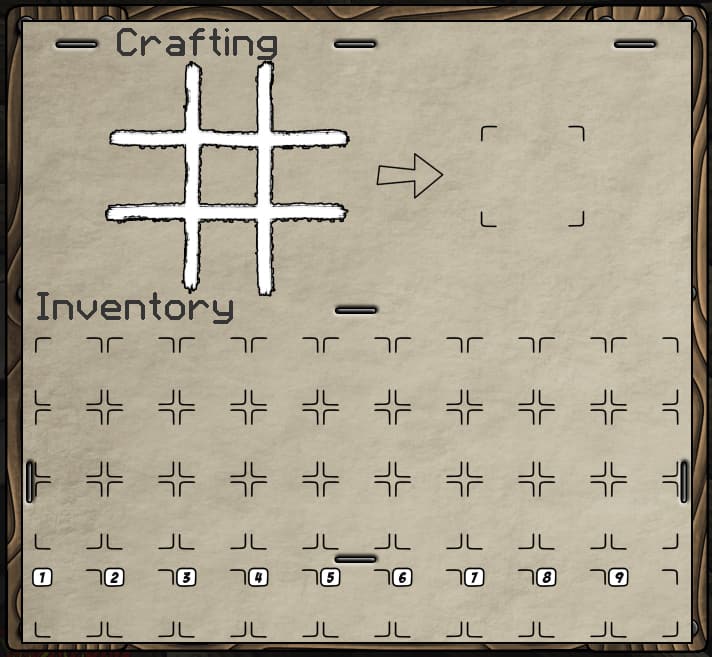
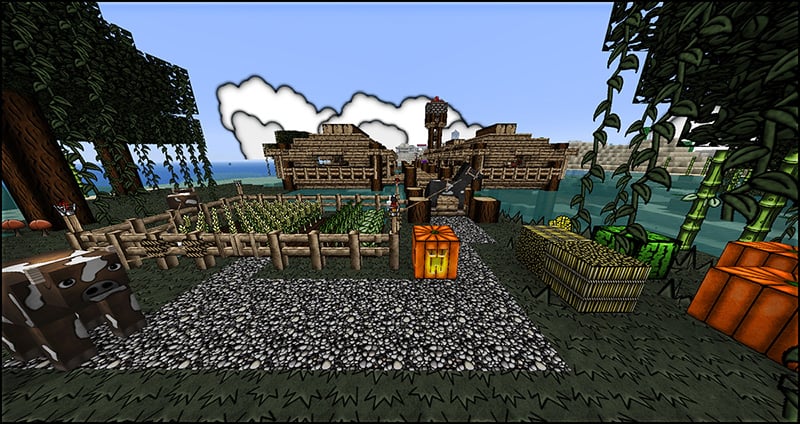
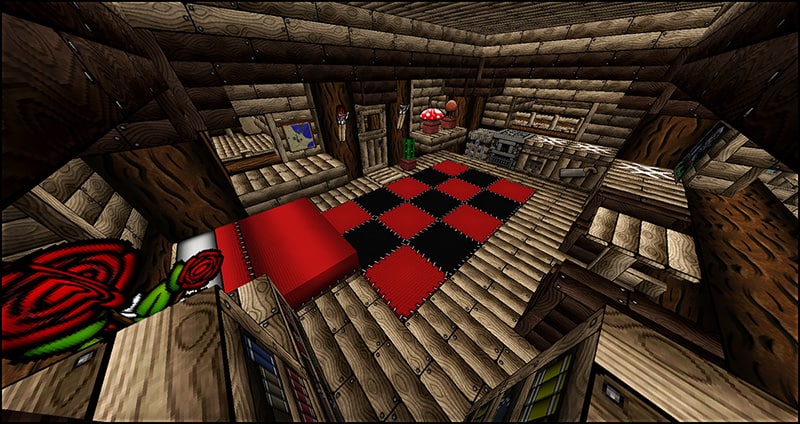
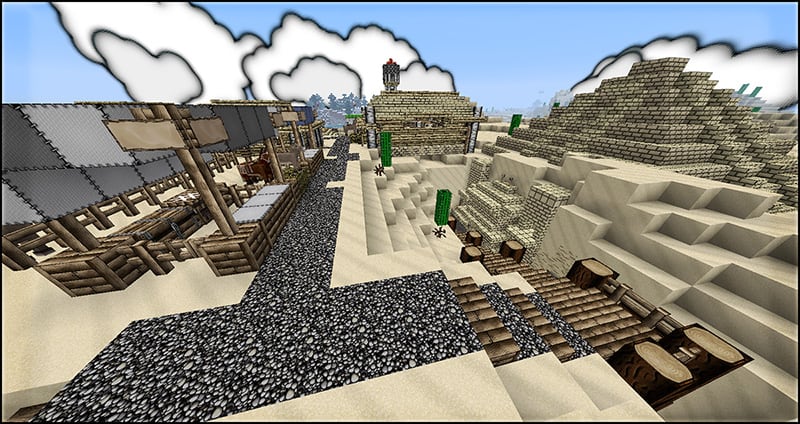
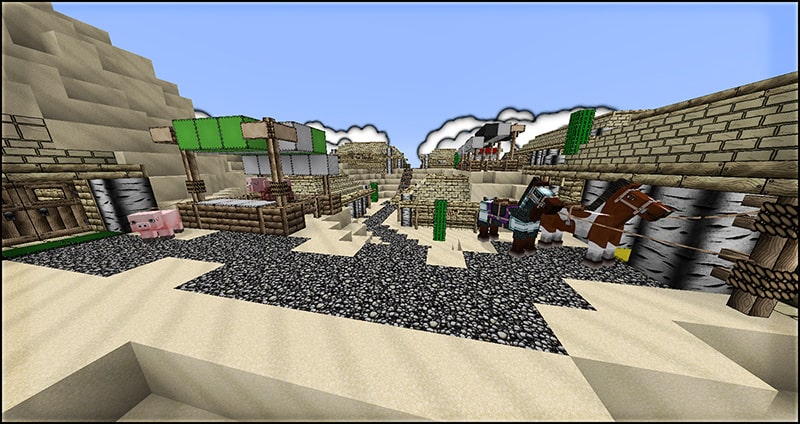
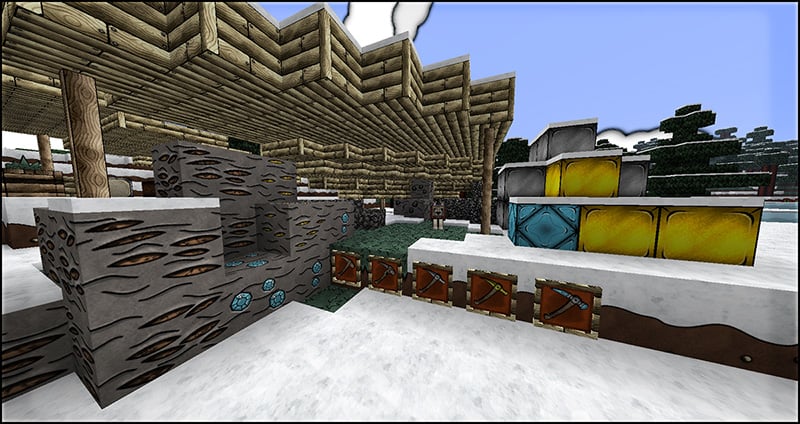
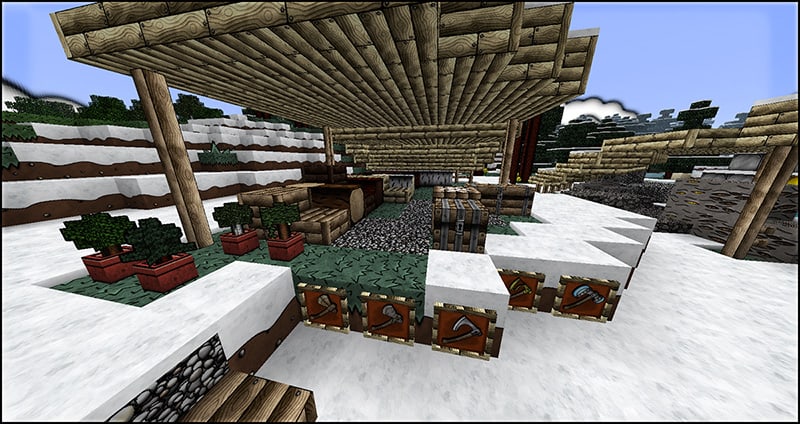
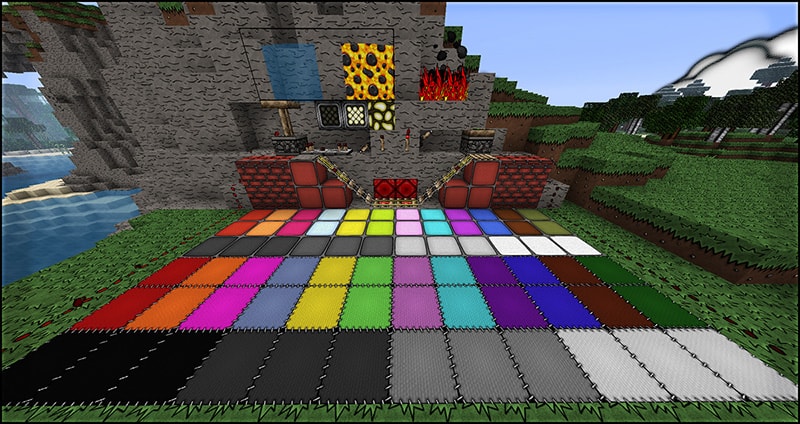
The KayneCraft Resource Pack plunges players into a uniquely vibrant and stylized Minecraft world, masterfully transforming the blocky landscape into a captivating cardboard realm. From the moment you load it, the pack’s distinct cartoon textures immediately stand out, presenting a playful yet cohesive visual experience. Every block, item, and creature is reimagined with bold lines and a remarkably contrasting color palette that breathes new life into familiar scenes. Exploring with KayneCraft feels like stepping into a carefully crafted diorama, where the simplistic beauty of cardboard art meets the boundless creativity of Minecraft. The pack successfully strikes a balance, offering a fresh aesthetic that is both charming and easy on the eyes, making long play sessions a joy. It’s designed to provide an immersive experience without sacrificing performance, available across popular resolutions like 32x, 64x, and 128x, ensuring that players can enjoy its distinctive style regardless of their system’s capabilities. Whether you’re building grand structures or venturing into unexplored biomes, KayneCraft infuses the game with an unparalleled sense of whimsy and artistic flair, making it a favorite for those seeking a cheerful and visually engaging adventure. The consistent art direction creates an inviting atmosphere, encouraging players to rediscover the world through a new, imaginative lens.
| Minecraft Version | Compatibility |
|---|---|
| 1.8.1 | ✅ Supported |
| 1.8.6 | ✅ Supported |
| 1.8 | ✅ Supported |
| 1.7.10 | ✅ Supported |
| 1.7.9 | ✅ Supported |
| 1.7.4 | ✅ Supported |
| 1.7 | ✅ Supported |
| 1.6.4 | ✅ Supported |
| 1.6.2 | ✅ Supported |
KayneCraft Resource Pack – Screenshots
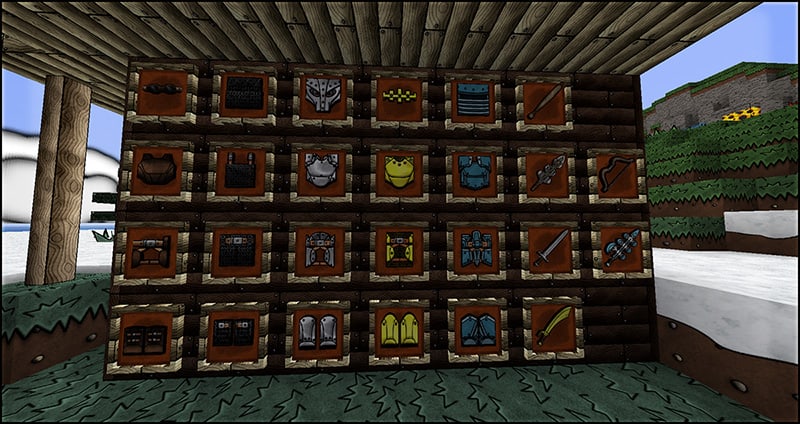
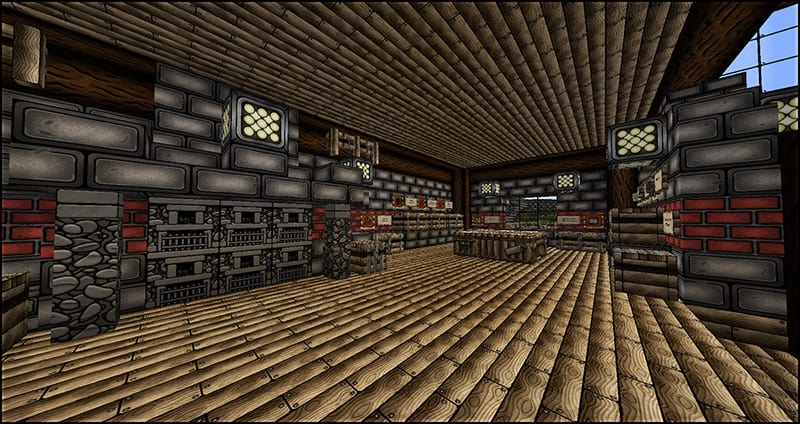
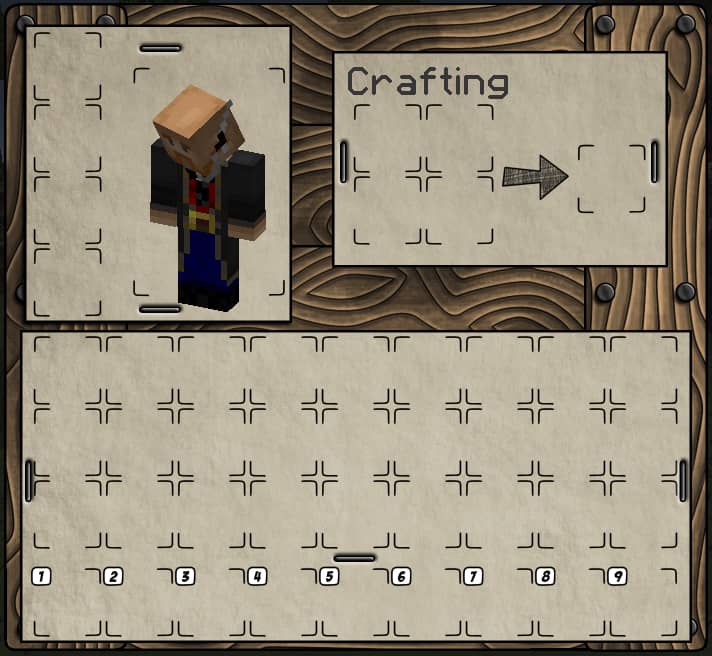
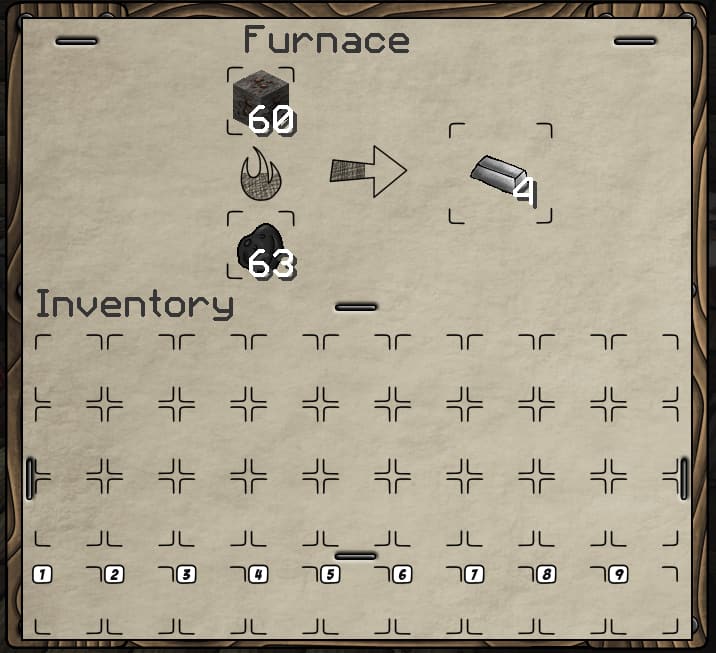
How to Install Texture Pack (Simple 10 Steps)
- Download Optifine: Most of the texture packs and shaders need Optifine. That’s why, first download and install Optifine for the version of Minecraft you want to play.
- Download the Texture Pack: Get the texture pack you want from the download section. Choose the version that works with your Minecraft and your PC’s performance.
- Open Minecraft Launcher: Start Minecraft using the official game launcher – or even TLauncher, if you use that.
- Go to Options: From the main menu, click on the “Options” button.
- Open Resource Packs: Inside Options, click on “Resource Packs…”.
- Open the Resource Pack Folder: Click on “Open Resource Pack Folder” – this will open a folder named “resourcepacks”.
- Move the Pack File: Copy or move the .zip file you downloaded into that “resourcepacks” folder. (Don’t unzip the file – Minecraft uses it as-is!)
- Go Back and Refresh: Close the folder and click “Done”, then go back into “Resource Packs…” again.
- Activate the Pack: You’ll see the pack on the left side. Hover over it and click the arrow to move it to the right (active side). Tip: If you get a message that the pack is for a different version, just click “Yes” – it usually works fine.
- Click Done and Enjoy: Click “Done” again. Now your pack is ready to use in-game. It’s that easy!
Download
Download KayneCraft Resource Pack from official site
Download Instructions
-
CurseForge: If the pack is hosted on CurseForge, the download will begin automatically after a few seconds. If it does not start, use the “Download” button shown on the page.
-
Modrinth: If the download is from Modrinth, click the file version that matches your Minecraft build, then press the Download button. Modrinth usually offers multiple releases, so make sure you pick the correct version before installing.
-
Mediafire: On Mediafire, click the large blue Download button to start the file download. Avoid any extra pop-ups or buttons that are not related to the direct download.
-
Google Drive: For Google Drive, click the small download icon at the top right corner of the page. It looks like a downward arrow. The file will be saved to your computer immediately.
Disclaimer We do not create or modify any of the texture packs or shader packs shared on this website. All credit goes to the original creators, and every download link we provide is the official link from their page, which keeps all downloads safe. Some links may stop working after updates, so if you find a broken one, let us know in the comments and we will update it quickly. If you like a pack, consider supporting the creator by visiting their official page or website that we have linked below, and feel free to leave a comment or vote to help their work reach more players.