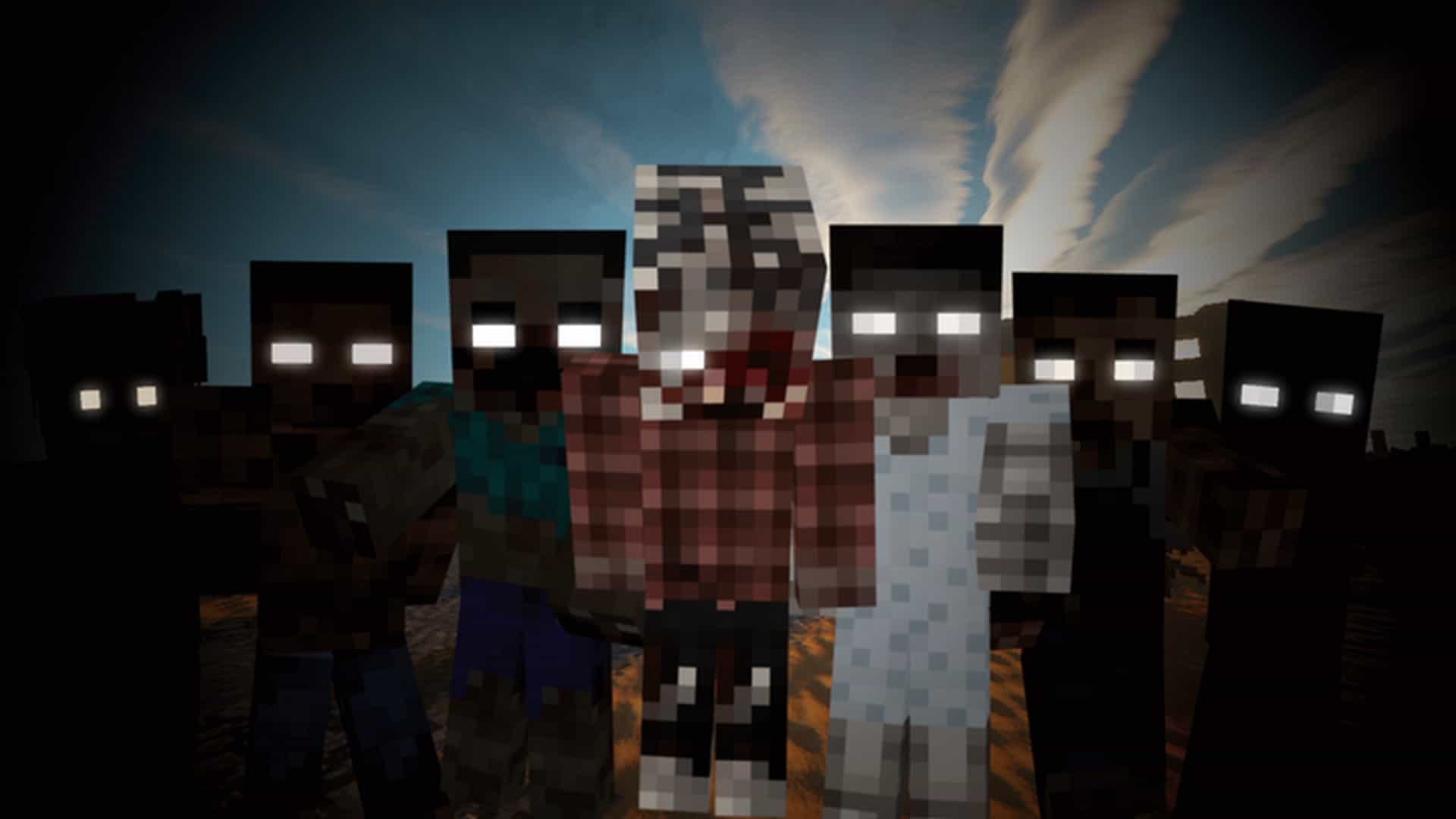
Imagine stepping into a Minecraft world where the night takes on an entirely new level of dread, not because of altered landscapes or rewritten physics, but due to the sheer diversity and horror of its most iconic nocturnal menace: the zombies. Tissou’s Zombie Pack isn’t your average resource pack; it’s a highly specialized artistic endeavor designed to completely transform your encounters with the undead. Instead of broadly repainting the entire game, this pack zeroes in on one specific, terrifying detail, creating an incredibly immersive experience for players who crave a more dynamic and frightening zombie apocalypse.
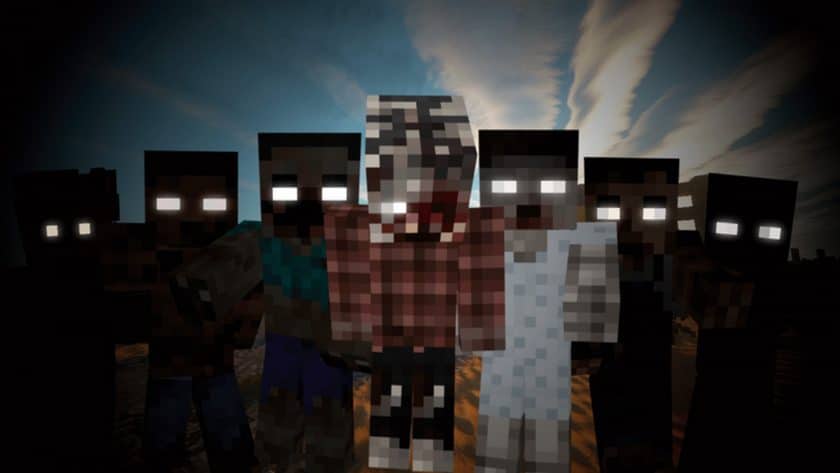
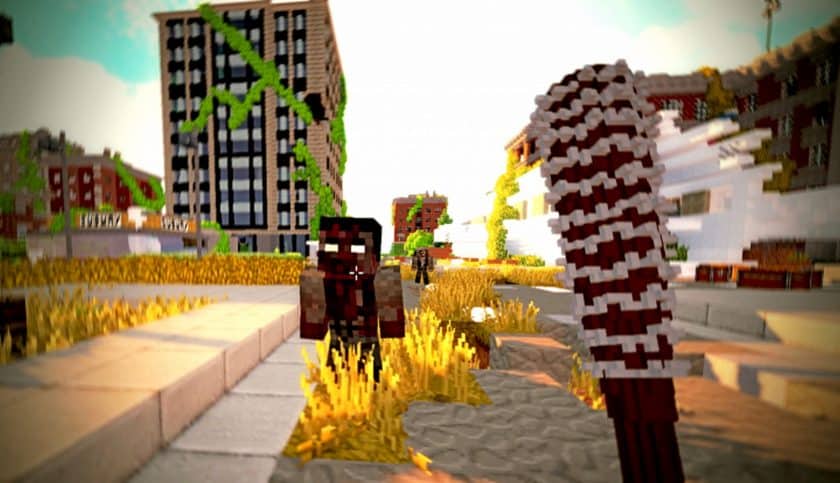
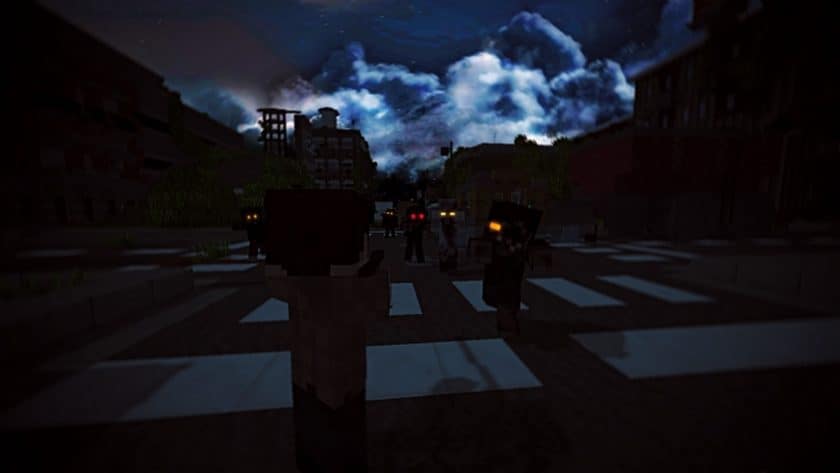
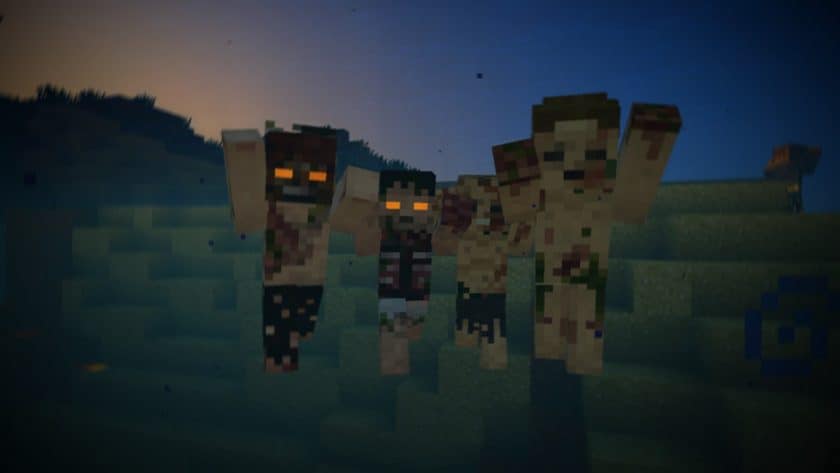
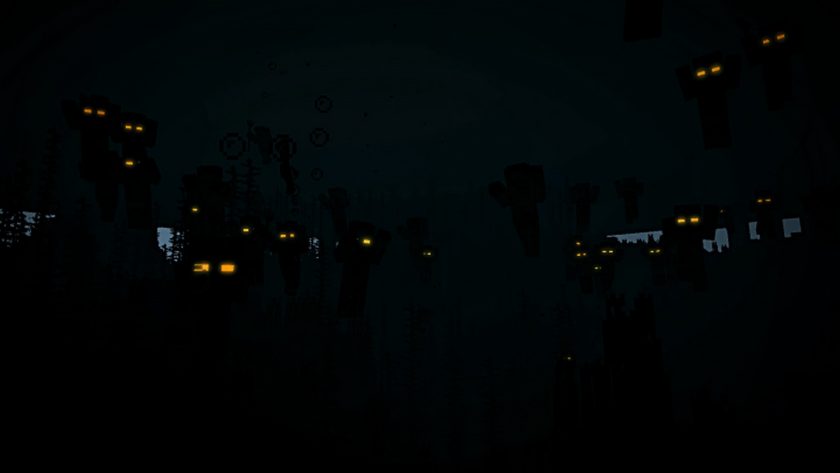
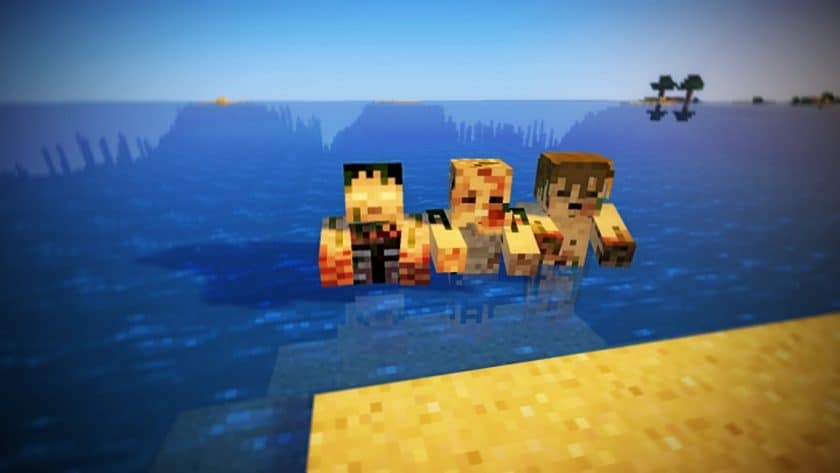
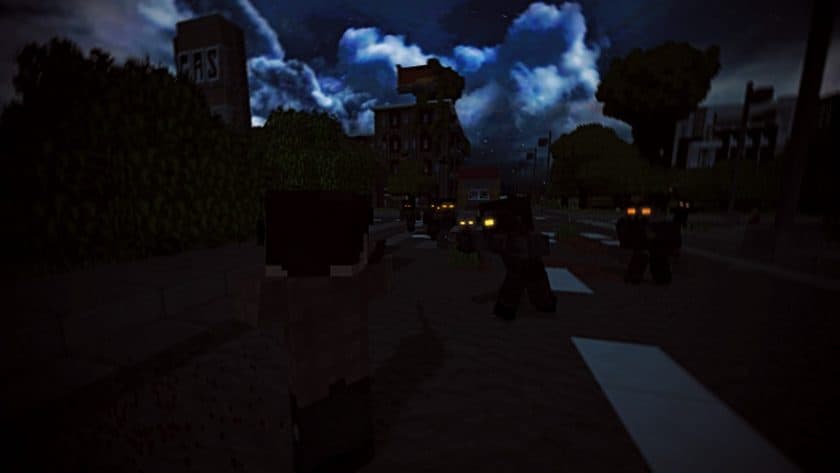
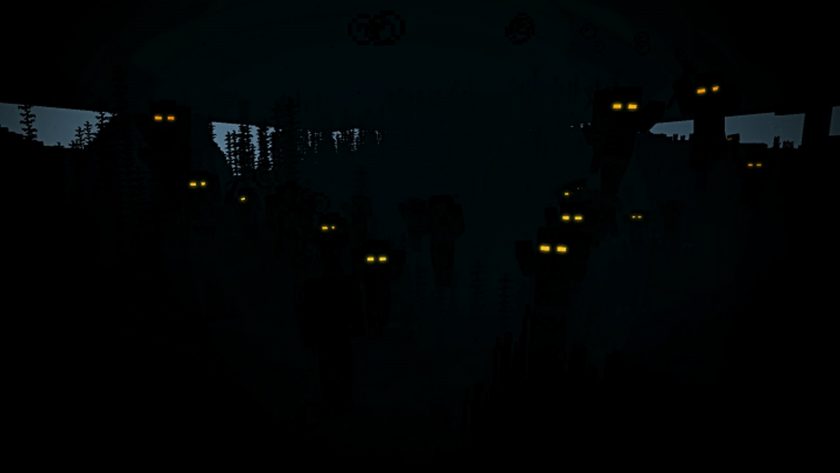
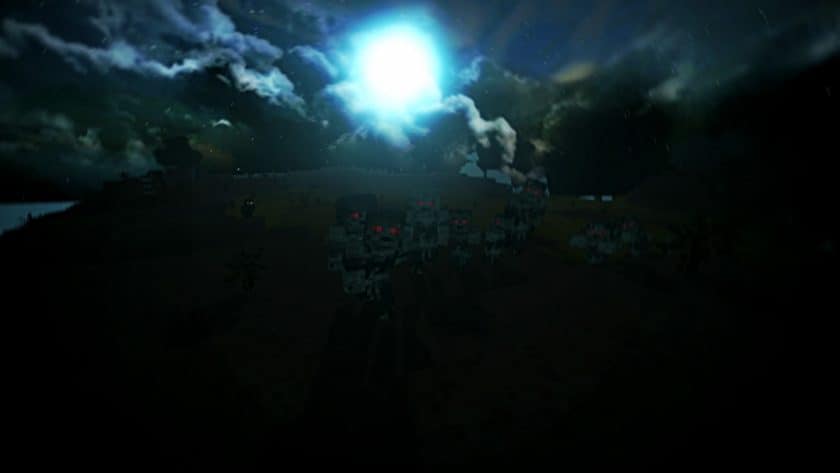
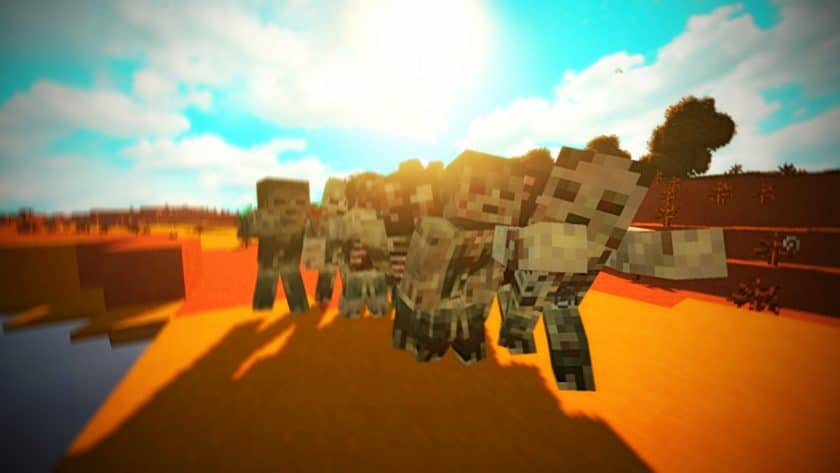
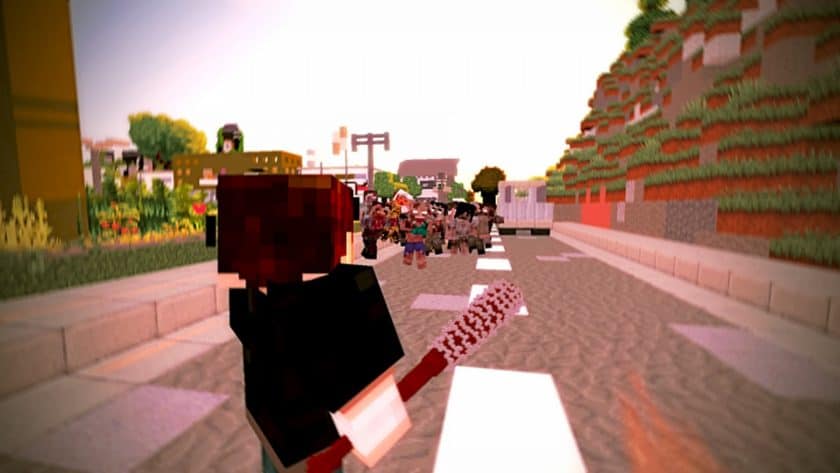
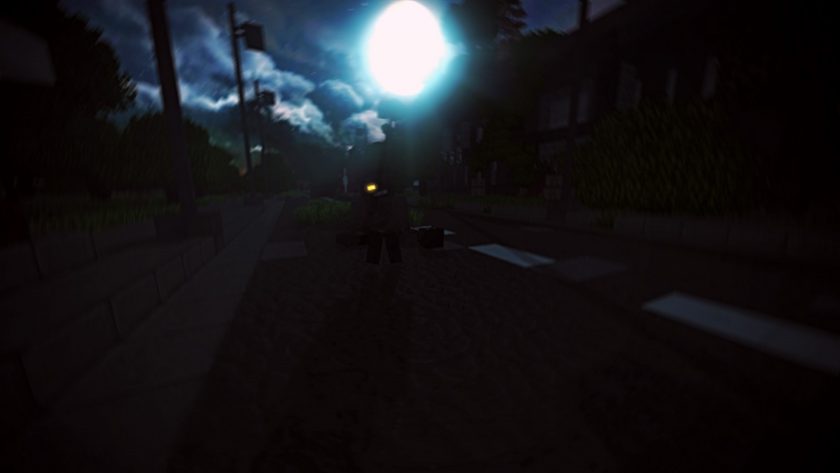
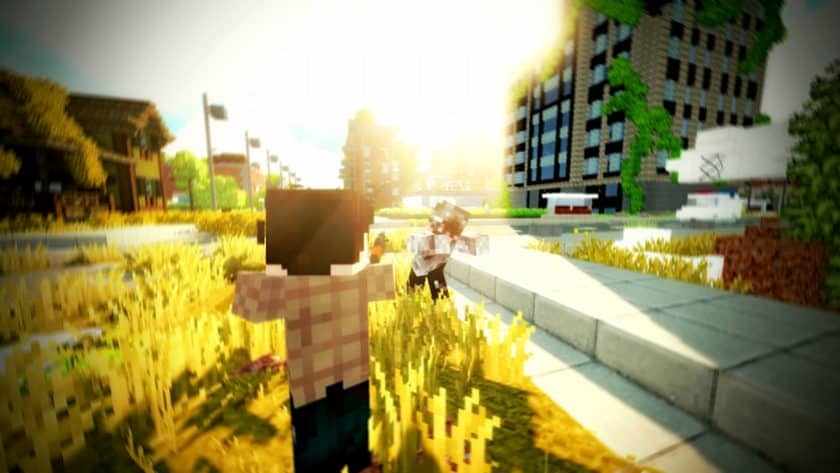
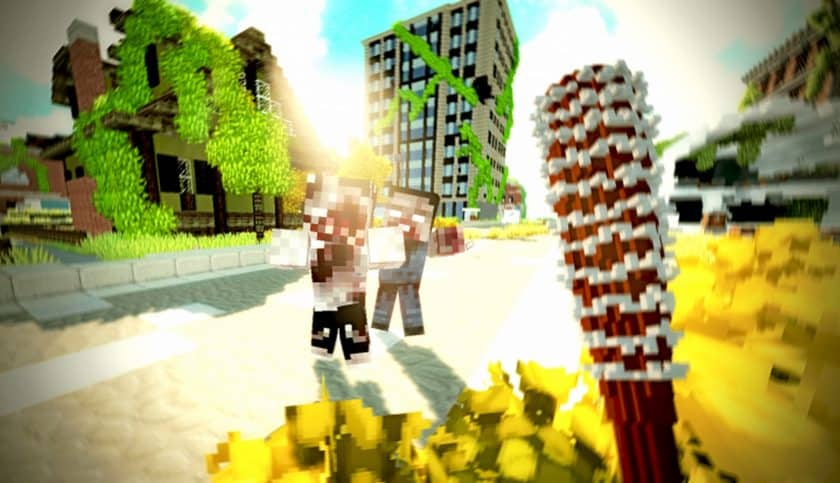
From the moment the first groan echoes through the blocky forests, you’ll notice a startling difference. This pack introduces not just a handful, but literally hundreds of distinct zombie textures. Each one feels uniquely crafted, boasting intricate details that make every encounter feel fresh and unpredictable. No two zombies look quite the same, preventing the monotony often associated with endless hordes. This visual variety deeply enhances the atmosphere, making each survival run or night hunt feel genuinely suspenseful. You might spot a shambling corpse in tattered clothing, another with grotesque mutations, or one that seems to have just risen from a murky swamp. The attention to detail in their appearance truly makes them pop, even at the standard 16x resolution, which means it shouldn’t be a heavy burden on your system.
Beyond their unsettling appearances, Tissou’s Zombie Pack elevates the experience with perfectly matched sound effects. Each unique zombie skin is complemented by tailored audio cues, transforming a simple encounter into a sensory event. Hearing a distinct gurgle or a different kind of decaying moan as a new zombie approaches adds an extra layer of tension, making you react differently to each threat. This synergy between sight and sound is a testament to the pack’s dedication to immersion. However, to truly unlock the full potential of these diverse undead and their chilling symphony, it’s crucial to have Optifine installed. Without it, the hundreds of unique textures and their associated functionalities simply won’t manifest, leaving you with a much less impactful experience. With Optifine, prepare to face a zombie horde that is not only visually diverse but also acoustically distinct, pushing your Minecraft survival skills to their limits.
Tissou’s Zombie Pack should be compatible with all of these Minecraft versions: 1.20.4 – 1.20.3 – 1.20.2 – 1.20.1 – 1.20 – 1.19.4 – 1.19.3 – 1.19.2 – 1.19.1 – 1.19 – 1.18.2 – 1.18.1 – 1.18 – 1.17.1 – 1.17 – 1.16.5 – 1.16.4 – 1.16.3 – 1.16.2 – 1.16.1 – 1.16 – 1.15.2 – 1.15.1 – 1.15 – 1.14.4 – 1.14.3 – 1.14.2 – 1.14 – 1.13.2 – 1.13.1 – 1.13 – 1.12.2 – 1.12 – 1.7.10 – 1.7.9 – 1.7.4 – 1.7
Tissou’s Zombie Pack – Screenshots
How to Install Texture Pack (Simple 10 Steps)
- Download Optifine: Most of the texture packs and shaders need Optifine. That’s why, first download and install Optifine for the version of Minecraft you want to play.
- Download the Texture Pack: Get the texture pack you want from the download section. Choose the version that works with your Minecraft and your PC’s performance.
- Open Minecraft Launcher: Start Minecraft using the official game launcher – or even TLauncher, if you use that.
- Go to Options: From the main menu, click on the “Options” button.
- Open Resource Packs: Inside Options, click on “Resource Packs…”.
- Open the Resource Pack Folder: Click on “Open Resource Pack Folder” – this will open a folder named “resourcepacks”.
- Move the Pack File: Copy or move the .zip file you downloaded into that “resourcepacks” folder. (Don’t unzip the file – Minecraft uses it as-is!)
- Go Back and Refresh: Close the folder and click “Done”, then go back into “Resource Packs…” again.
- Activate the Pack: You’ll see the pack on the left side. Hover over it and click the arrow to move it to the right (active side). Tip: If you get a message that the pack is for a different version, just click “Yes” – it usually works fine.
- Click Done and Enjoy: Click “Done” again. Now your pack is ready to use in-game. It’s that easy!
Download
The Java Edition of this package requires Optifine to work and will not work without it! Get optifine here.
Java Edition:
(16x) (1.20.x) Download Tissou’s Zombie Pack
(16x) (1.19.x) Download Tissou’s Zombie Pack
(16x) (1.18.x) Download Tissou’s Zombie Pack
(16x) (1.17.x) Download Tissou’s Zombie Pack
(16x) (1.16.x) Download Tissou’s Zombie Pack
(16x) (1.15.x) Download Tissou’s Zombie Pack
(16x) (1.14.x) Download Tissou’s Zombie Pack
(16x) (1.13.x) Download Tissou’s Zombie Pack
Download Instructions
- CurseForge: If the pack is hosted on CurseForge, the download will begin automatically after a few seconds. If it does not start, use the “Download” button shown on the page.
- Modrinth: If the download is from Modrinth, click the file version that matches your Minecraft build, then press the Download button. Modrinth usually offers multiple releases, so make sure you pick the correct version before installing.
- Mediafire: On Mediafire, click the large blue Download button to start the file download. Avoid any extra pop-ups or buttons that are not related to the direct download.
- Google Drive: For Google Drive, click the small download icon at the top right corner of the page. It looks like a downward arrow. The file will be saved to your computer immediately.
Disclaimer We do not create or modify any of the texture packs or shader packs shared on this website. All credit goes to the original creators, and every download link we provide is the official link from their page, which keeps all downloads safe. Some links may stop working after updates, so if you find a broken one, let us know in the comments and we will update it quickly. If you like a pack, consider supporting the creator by visiting their official page or website that we have linked below, and feel free to leave a comment or vote to help their work reach more players.